Taking something back out of a DTM
Taking an Allocation out puts a term or a Path Completion back to counting toward no Pursuit. Nothing is deleted, and you can put it toward a different Requirement straight afterwards.
5 steps
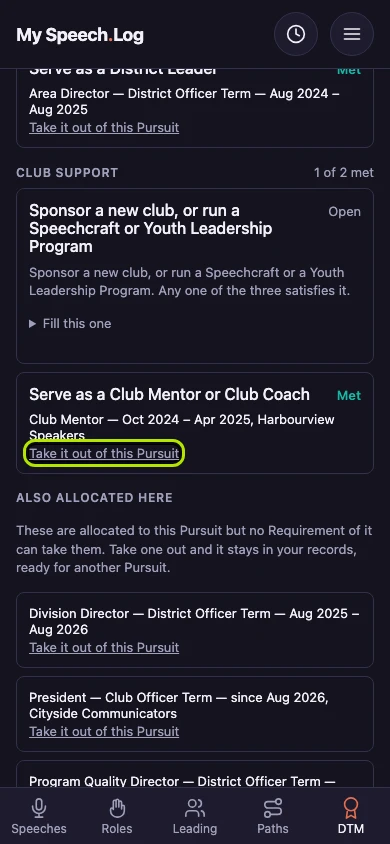
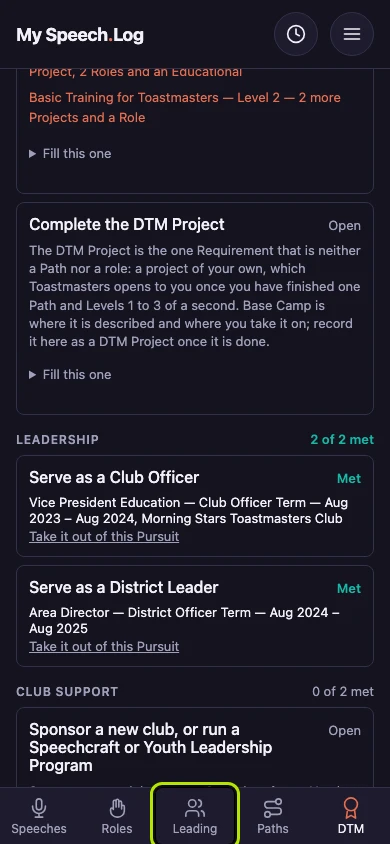
Press Take it out of this Pursuit under the Requirement it counts toward. Allocating means saying which DTM Requirement something counts toward, and anything you allocated comes back out this way.
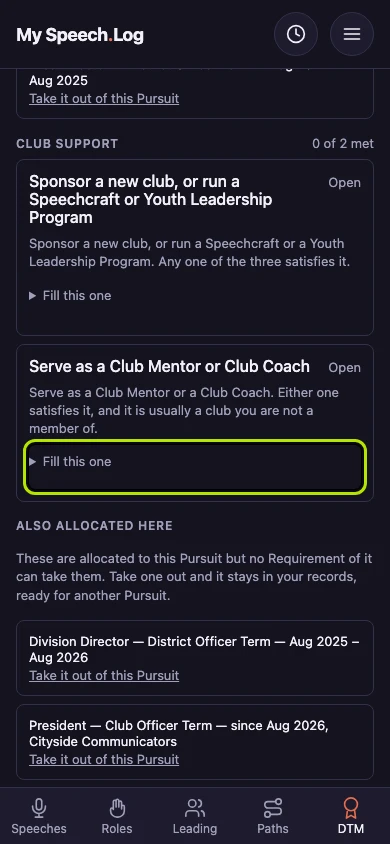
The Requirement reads Open again and offers to take something else. The count beside its group's heading has moved down by one.
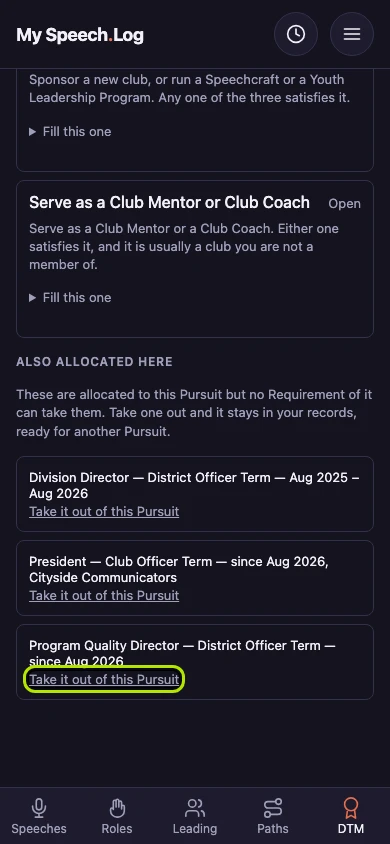
Also allocated here holds what you put toward this Pursuit that none of its six Requirements can use. Those come out the same way, and they can stay there as long as you like.
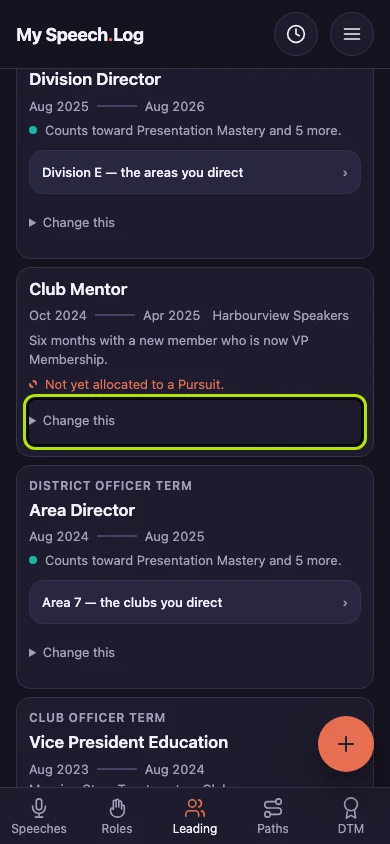
Press Leading to open your Leader Log, where the term itself lives. Taking it out of a Pursuit leaves it exactly as you recorded it.
The term is still in your Leader Log and now reads Not yet allocated to a Pursuit. That is ordinary, and you can leave it that way as long as you like.