Making a term count toward a DTM
Allocating tells the app which DTM Requirement a term counts toward. A term is a stretch of leadership or service, and you can put one toward a Pursuit any time after recording it.
6 steps
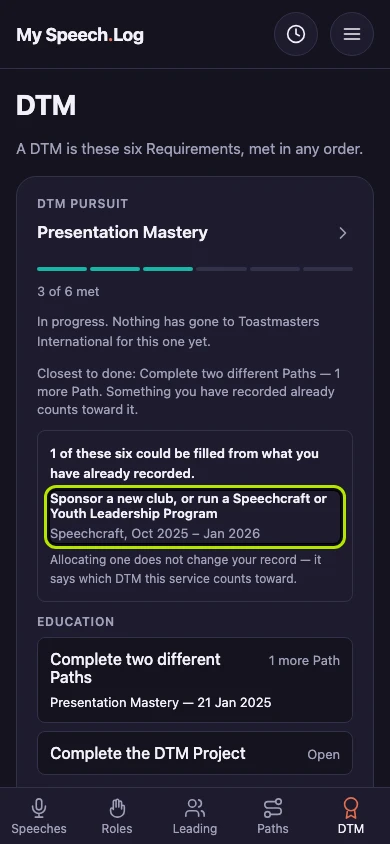
Press a row under what your own record could already fill, such as Sponsor a new club. The Pursuit opens with that Requirement ready to take it.
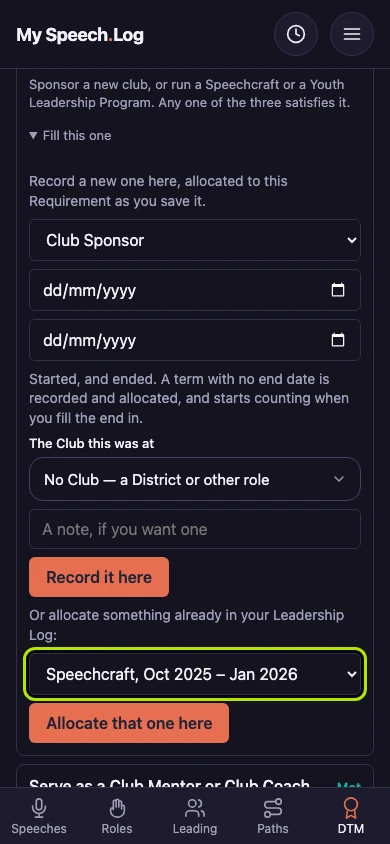
Choose what to put toward the Requirement under Something already logged. It offers only what this Requirement can use, so everything in the list is a real answer to it.
Press Allocate that one here. Allocating means saying which DTM Requirement this counts toward, and it leaves the record itself exactly as you logged it.
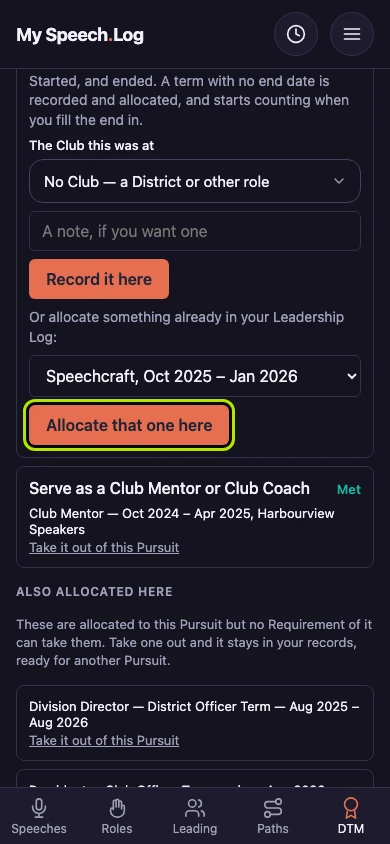
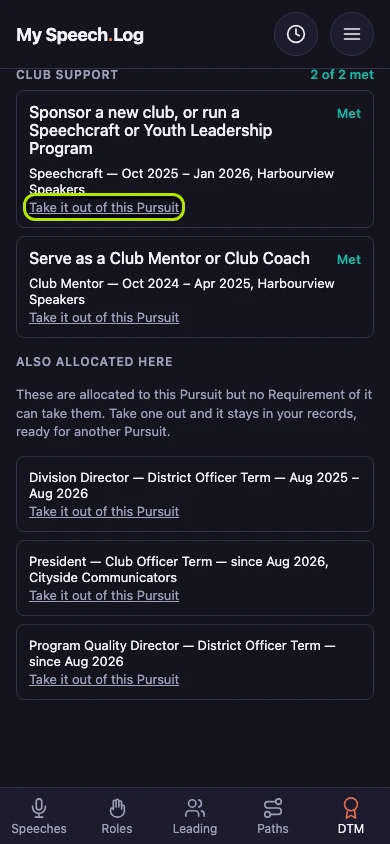
The Requirement now reads Met and names the term. Met means your record has everything this Requirement asks for, so this one is finished.
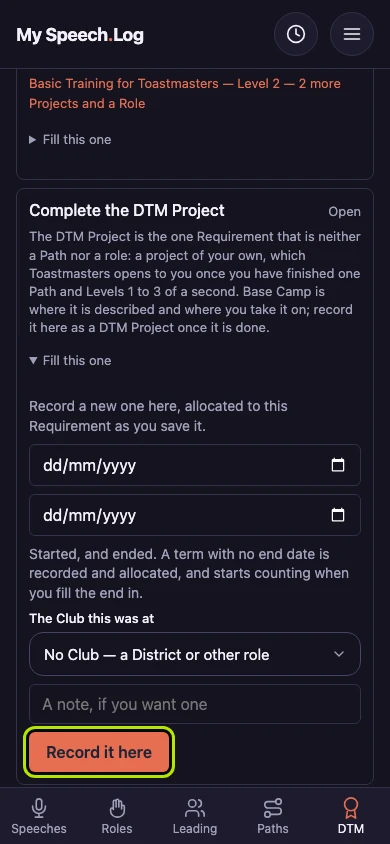
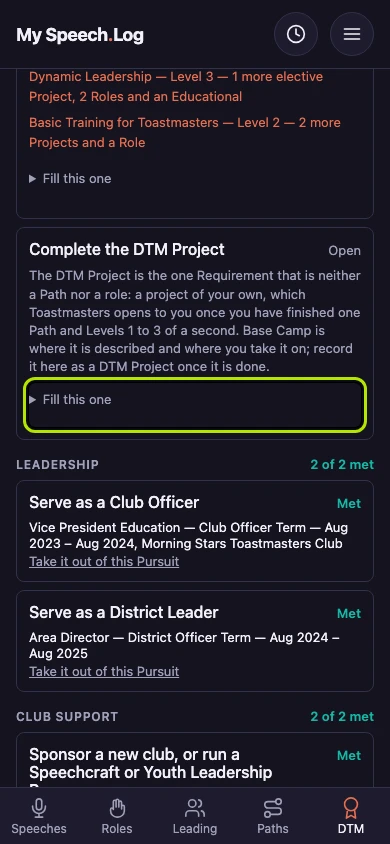
Press Fill this one on a Requirement you have nothing logged for. It opens a small form for recording something new straight into it.
Fill in the dates, the Club and a note if you want one, then press Record it here. It is recorded and counted toward this Requirement in one go.