Taking an Allocation off a role
Taking an Allocation off puts a role back to counting toward nothing. Nothing is deleted, and you can allocate it somewhere else straight afterwards.
4 steps
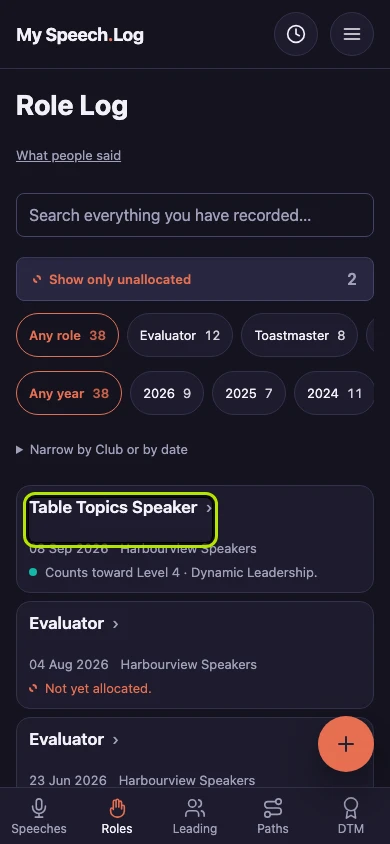
Press Roles to open your Role Log. Then press the title of the role you want to stop counting toward a Level.
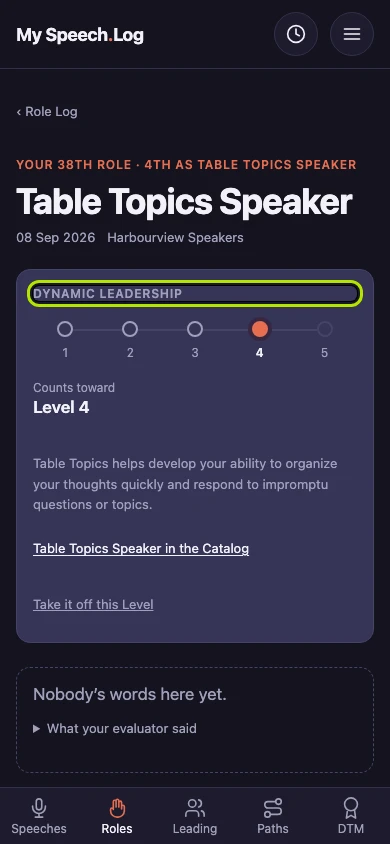
The box under the title shows where this role counts: the Path, and the Level (the filled circle). Under them is what Toastmasters says about the role.
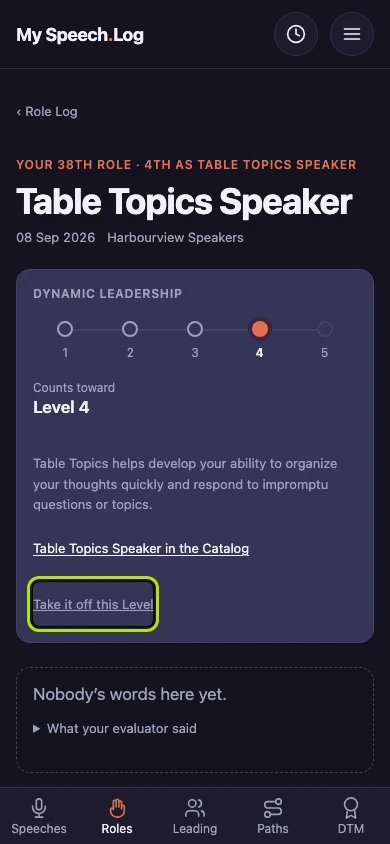
Press Take it off this Level. This only changes where the role counts. The role itself stays in your Role Log.
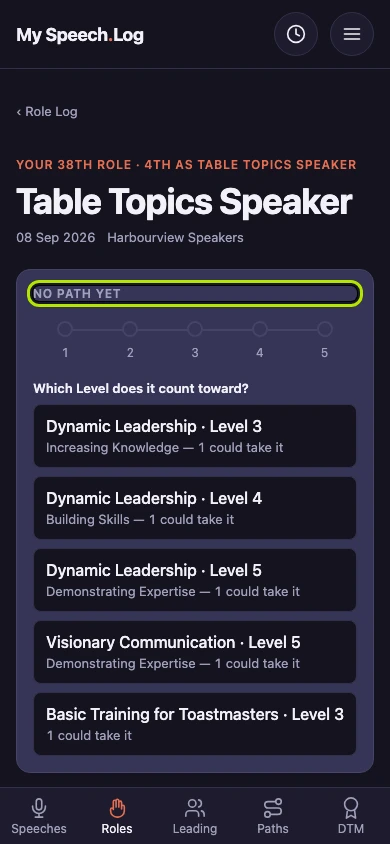
The role now shows No Path yet, and that spot on the Level is free again. You can allocate the role again whenever you like, to this Level or a different one.