Seeing your Before Pathways awards
Before Pathways gathers the awards you earned under the older program, with a Distinguished Toastmaster award holding the ones that led to it. Open one to read what Toastmasters asked for it, and what in your record met it.
6 steps
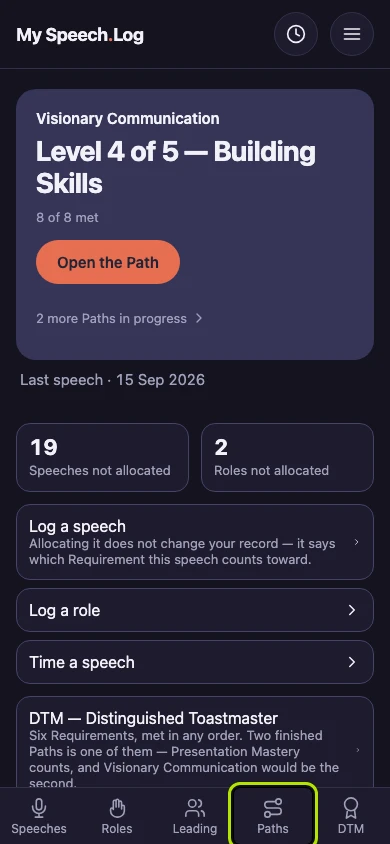
Press Paths to open My Paths.
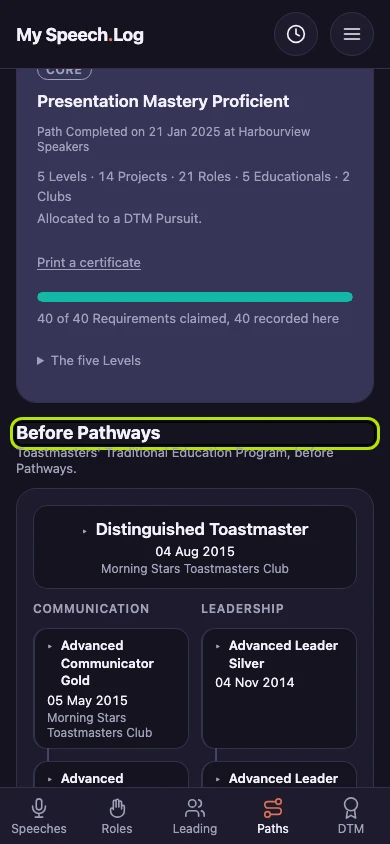
Scroll down past your Paths to Before Pathways. It holds your awards from Toastmasters' Traditional Education Program. The section appears once you have recorded at least one award.
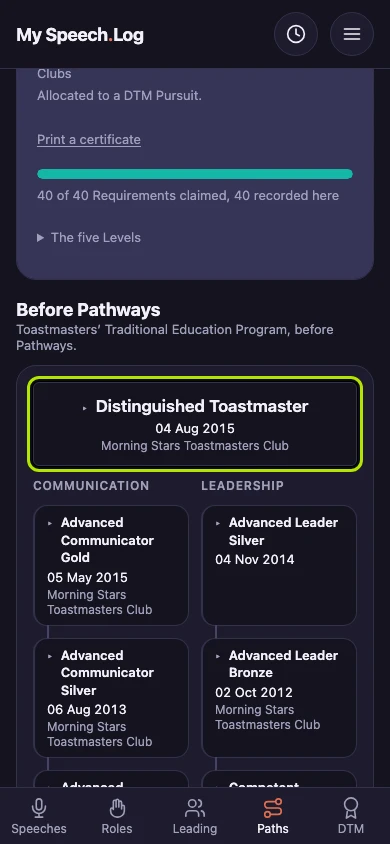
Look at a Distinguished Toastmaster award first, if you have one. The Communication and Leadership awards that led to it are listed under it.
Press an award to open it. It shows the date, the Club and what Toastmasters asked for. Opening another award closes this one.
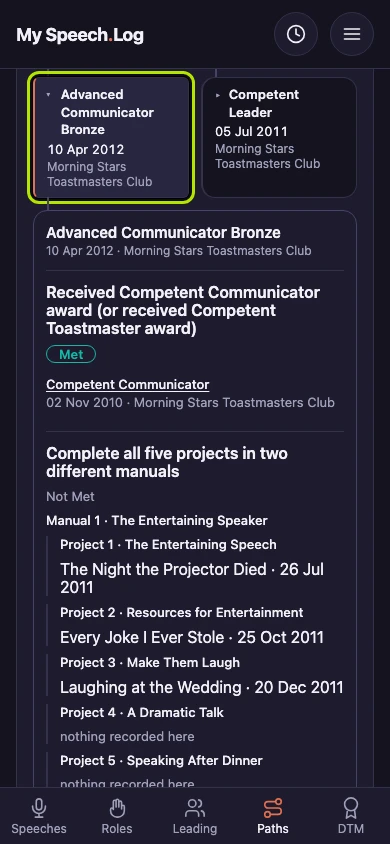
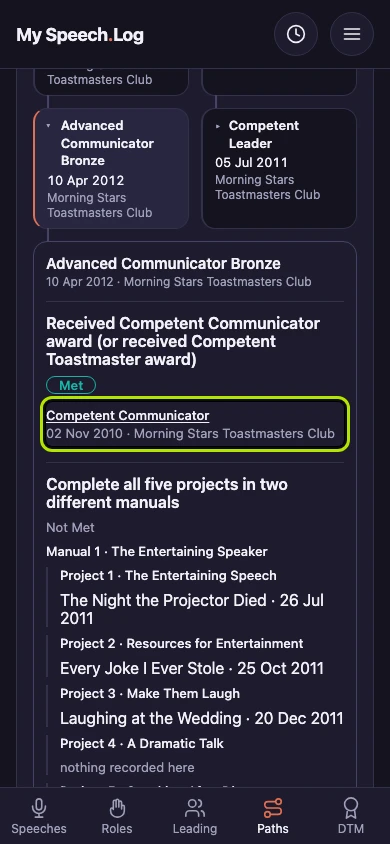
Read each Requirement Toastmasters set for the award. Each one says Met or Not Met, with what met it listed under it. Where an earlier award met it, press that award's name to go to it.
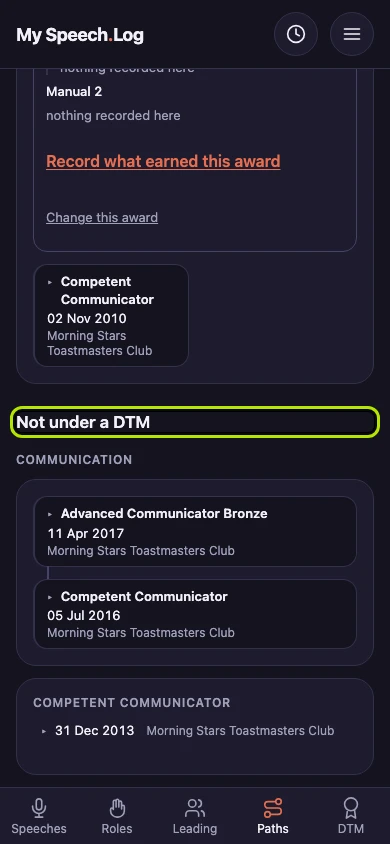
Awards that did not lead to a DTM are under Not under a DTM. They are grouped as Communication or Leadership. Awards that led to each other are joined together.