Recording what earned a Before Pathways award
Here you say which of your speeches and roles went into an award from before Pathways, manual by manual. The award itself stays as Toastmasters granted it, whatever you record.
8 steps
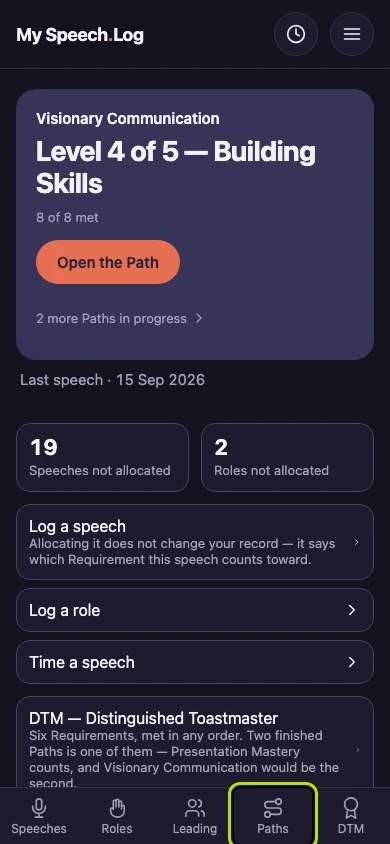
Press Paths to open My Paths, then scroll down to Before Pathways.
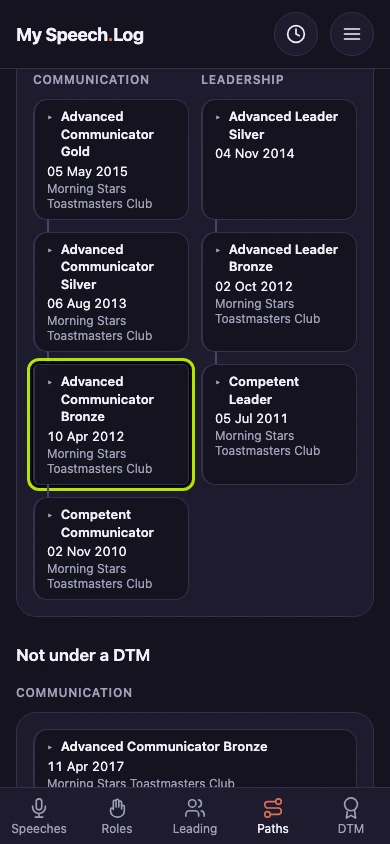
Press the award to open it.
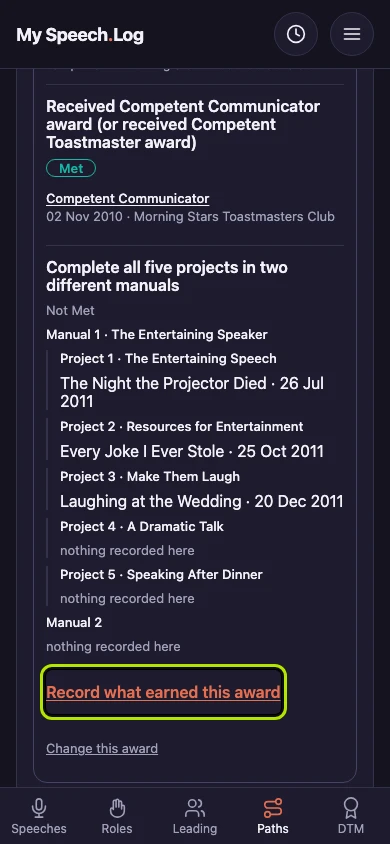
Press Record what earned this award. Here you say which of your speeches and roles went into the award. The award itself stays as Toastmasters granted it.
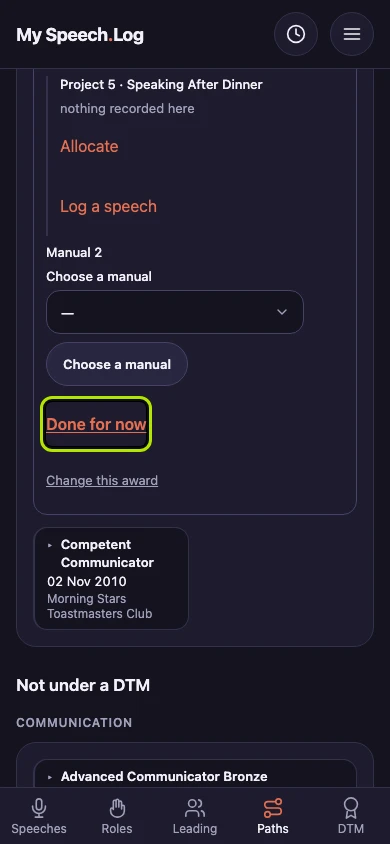
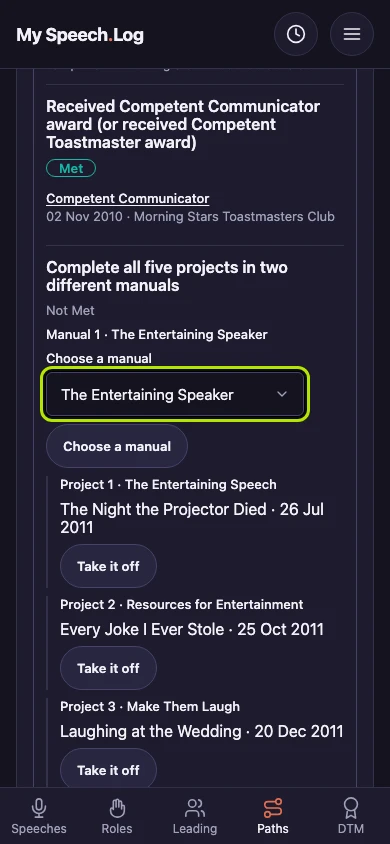
Choose a manual from the list, then press the Choose a manual button. An Advanced Communicator award asks for two manuals. The manual's five projects appear, ready to fill.
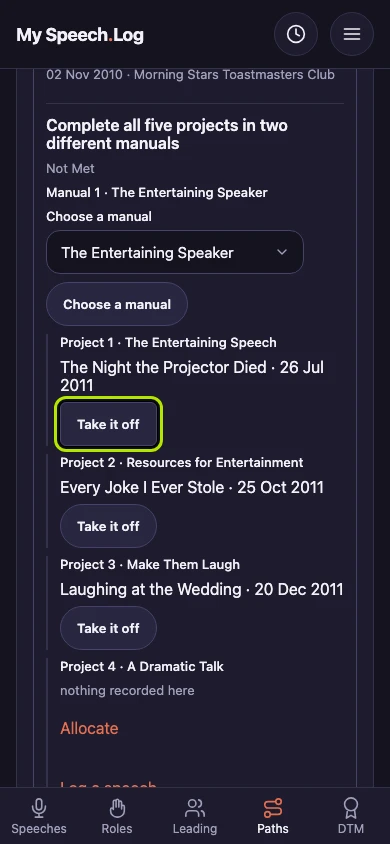
Press Take it off to remove a speech from a project it does not belong to. The speech stays in your Speech Log, and it no longer counts toward this award.
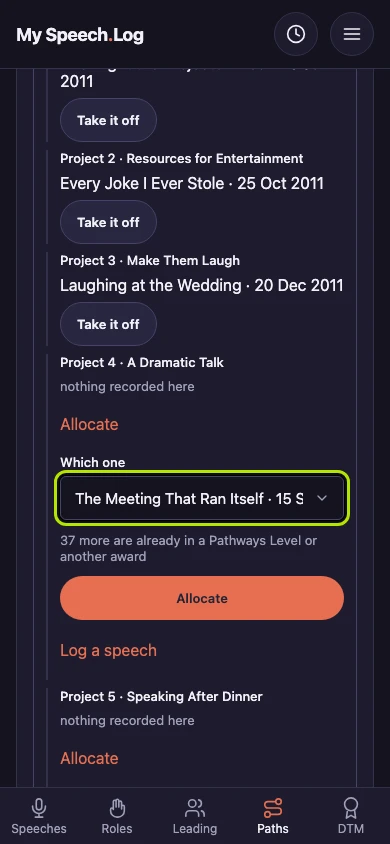
Press Allocate under an empty project. Choose the speech under Which one, then press the Allocate button. The line under the list says how many more are already used somewhere else.
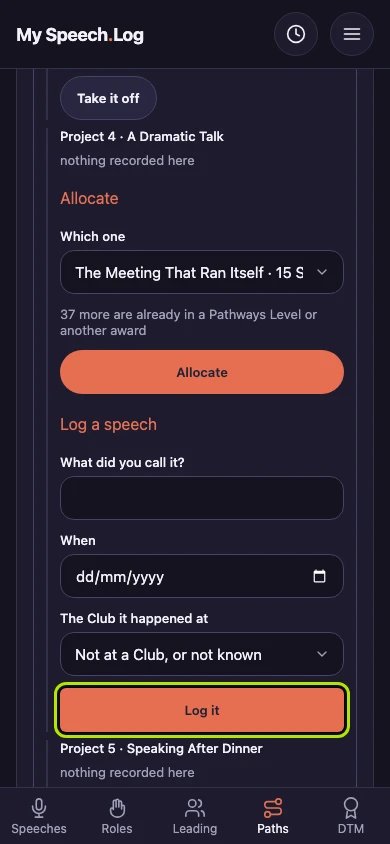
Press Log a speech if the app does not have the speech yet. Fill in the title, the date and the Club, then press Log it. The speech is saved to your Speech Log and counts toward this project.
Press Done for now when you want to stop. Everything you did is already saved, so you can come back another day.