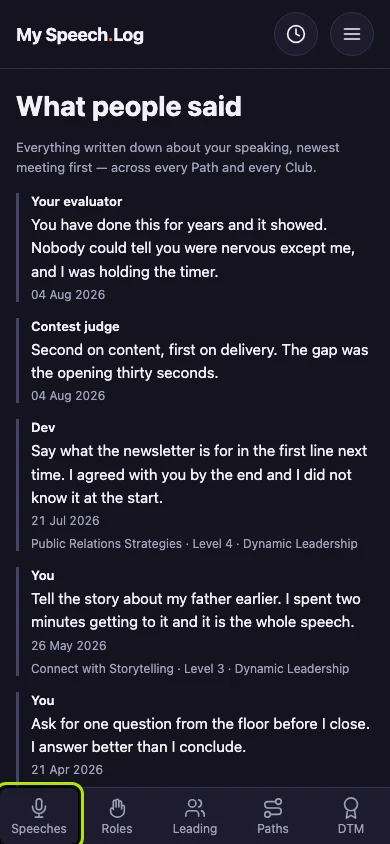
Seeing what people have said about your speaking
Every evaluation you have recorded, gathered in one place. It is the part of your record that is about how you speak rather than how much.
4 steps
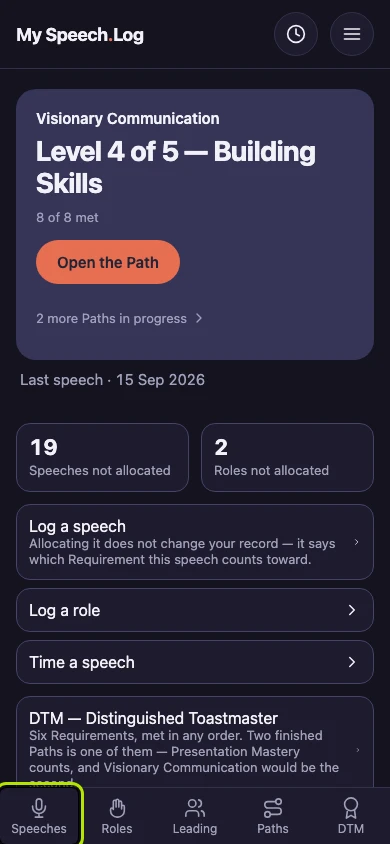
Press Speeches to open your Speech Log.
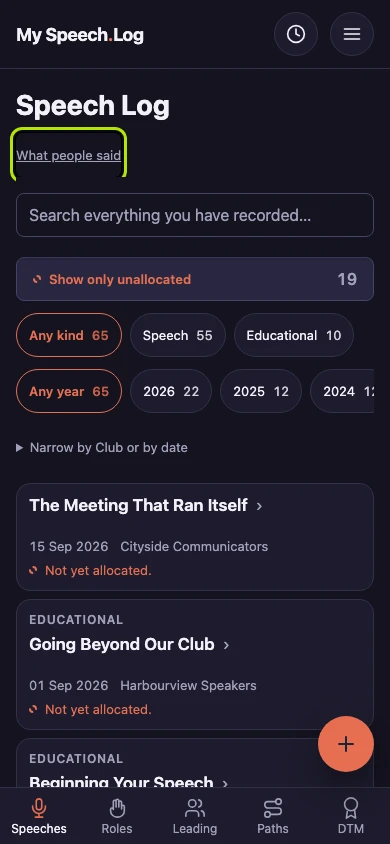
Press What people said, above the search box on your Speech Log.
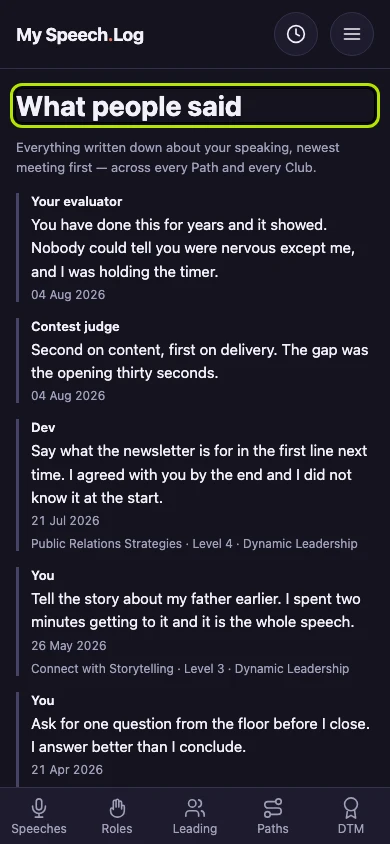
What people said gathers all the feedback you have saved on one screen, newest first. Each row shows who said it, the date, and where the speech counted.
Press Speeches to go back to your Speech Log when you have finished reading. This screen is only for reading, so there is nothing else to press.