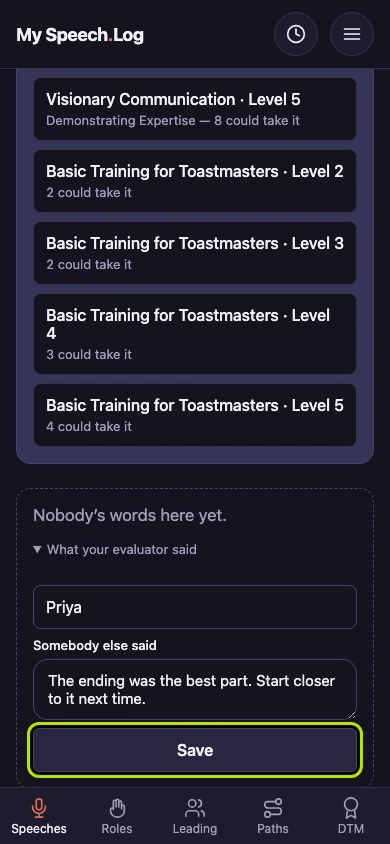
Recording what your evaluator said
Your evaluator's words are worth keeping, and this is where they go. You can put them in from the speech's own screen, whenever you have them written down.
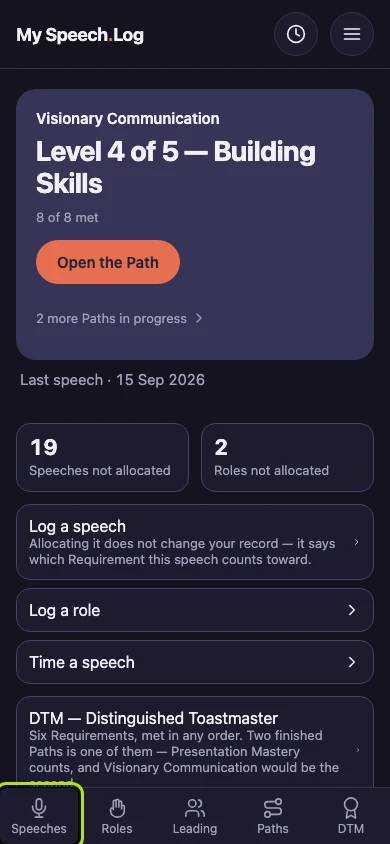
6 steps
Press Speeches to open your Speech Log.
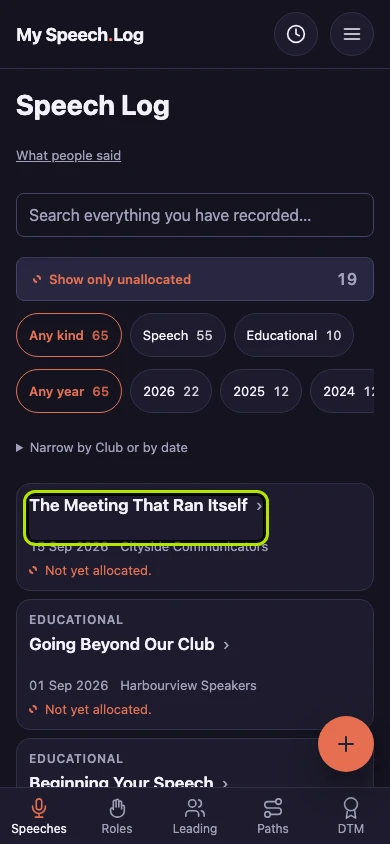
Press the title of the speech your evaluator was talking about.
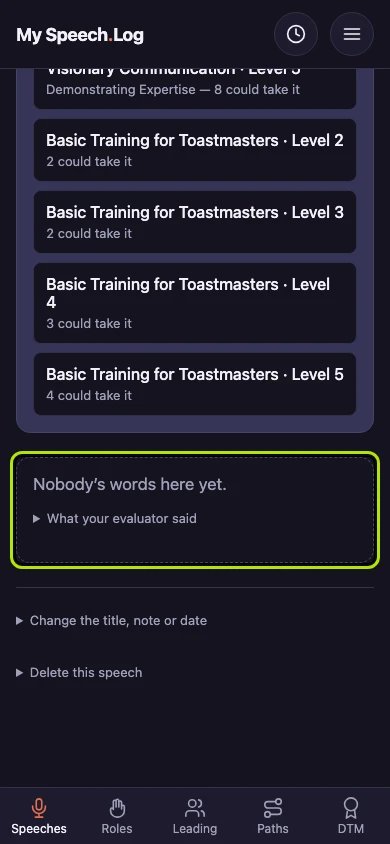
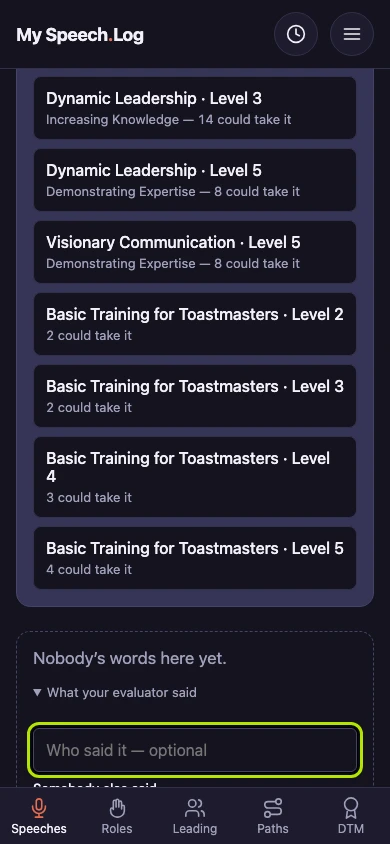
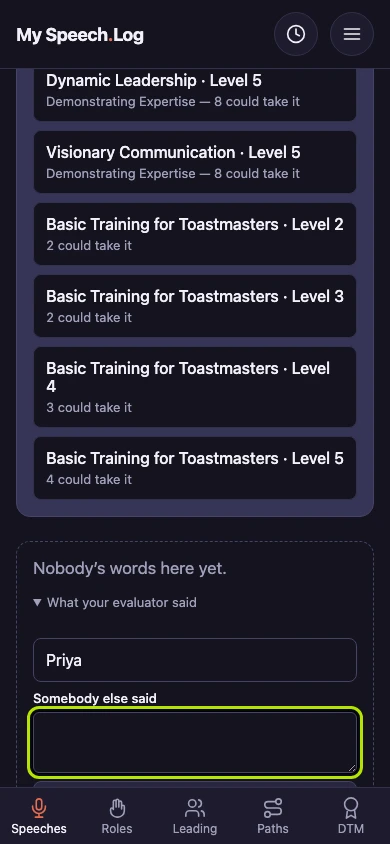
Press What your evaluator said to open a small form. Until you add something, the box above it says nobody's words are here yet.
Type the person's name under Who said it, or leave it empty. You can save feedback from more than one person, such as an evaluator and a contest judge.
Type what they said, as close to their own words as you can.
Press Save. To fix a typo later, open the same form and save again. To take their words out, clear the box and save.