Seeing a Project's details
A Project's own screen is Toastmasters' description of it: the speech length, what it asks for, and every Path it appears in. Read it before you do the Project, or while you are choosing one.
6 steps
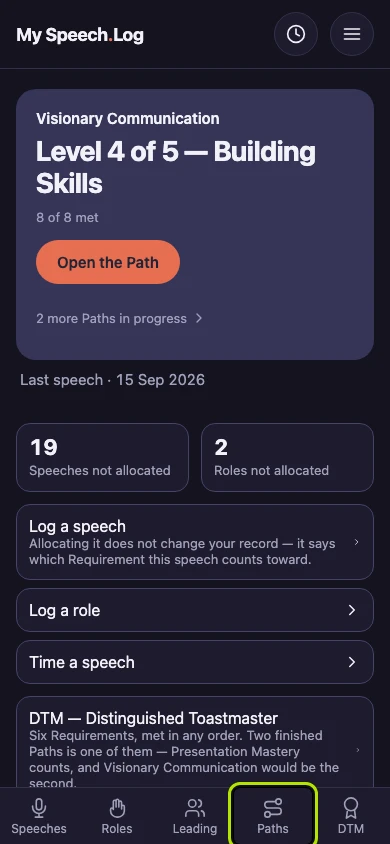
Press Paths to open My Paths.
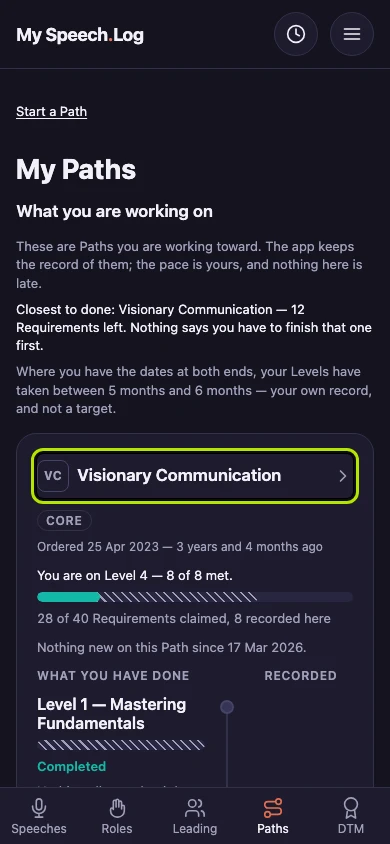
Press the Path's name to open its Levels.
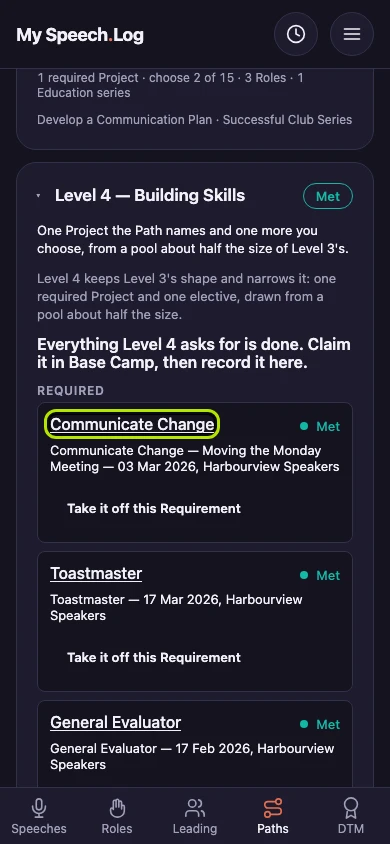
Press a Project's name inside a Level to read about it. A Role's name opens the same way.
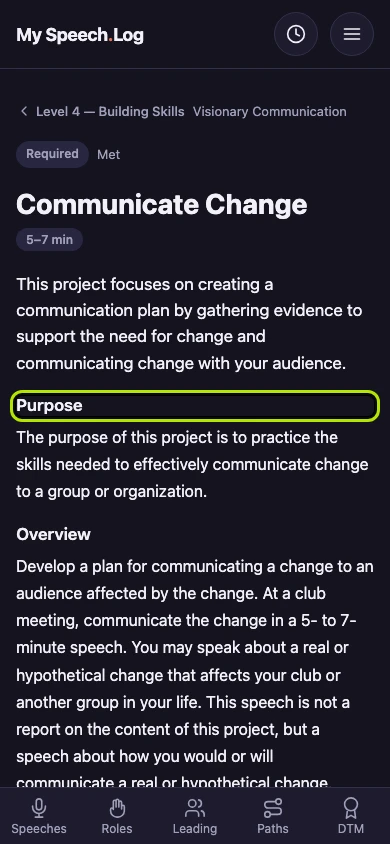
The Project opens in Toastmasters' own words: the speech length, the Purpose and the Overview. Press the link with the Level's name to go back to the Level.
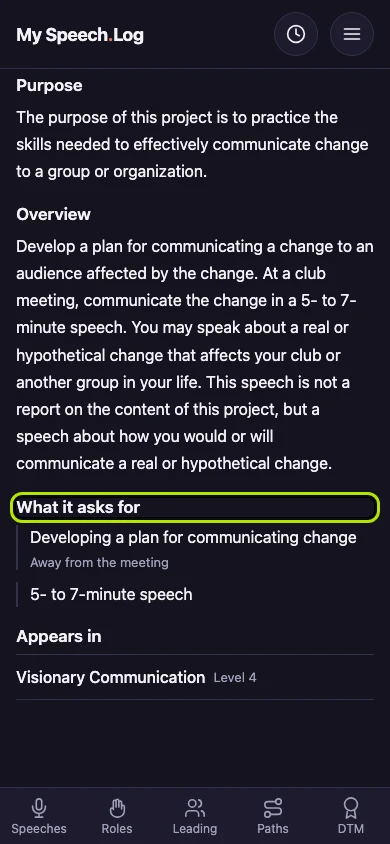
What it asks for lists everything the Project needs. Work you do outside a meeting is marked Away from the meeting.
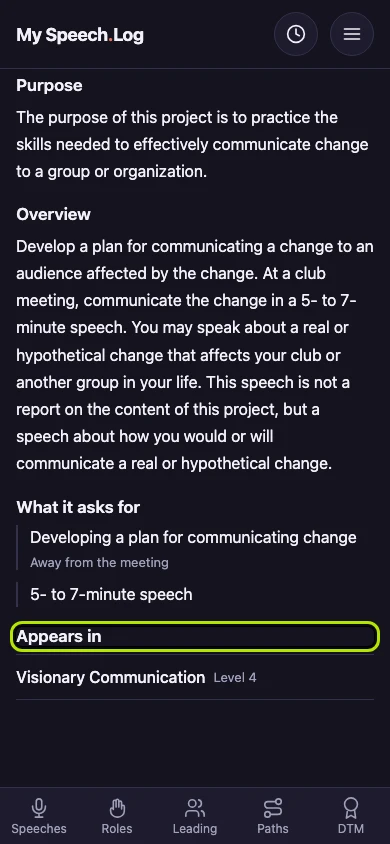
Appears in lists every Path that has this Project, and at which Level. Press a Path there to open it in the Catalog.


Next: Choosing an elective