Choosing an elective
Some Levels let you pick which Project you do, and this is where you read what you can pick from. Marking one is a reminder to yourself; nothing is recorded until you log the speech.
5 steps
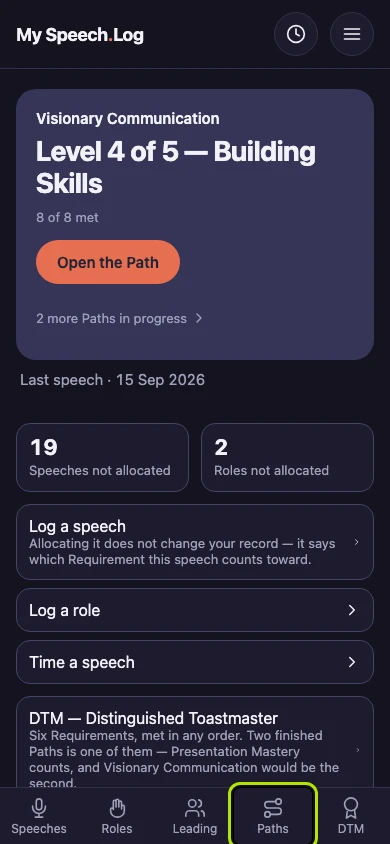
Press Paths to open My Paths.
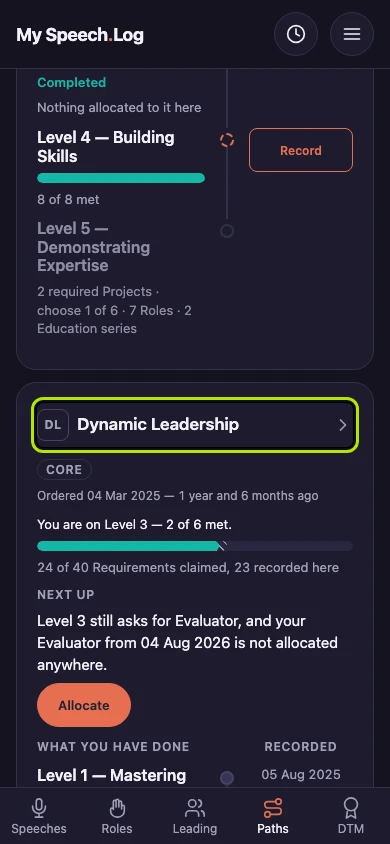
Press the name of the Path whose Level has an elective Project still to choose.
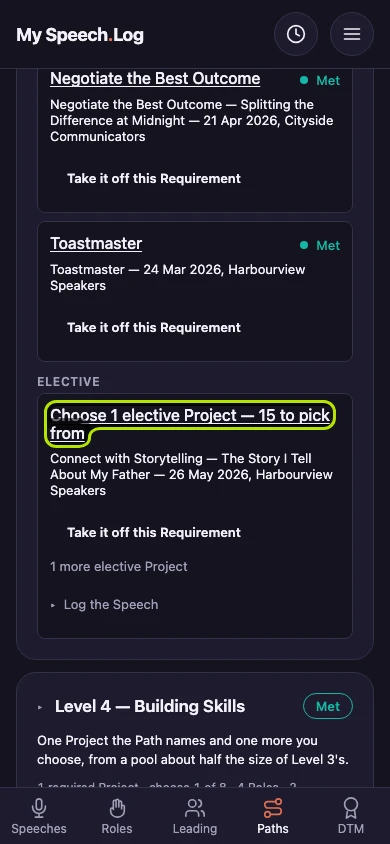
Find the part of the Level headed Elective. Press the line that starts Choose 1 elective Project to see every Project you can pick from.
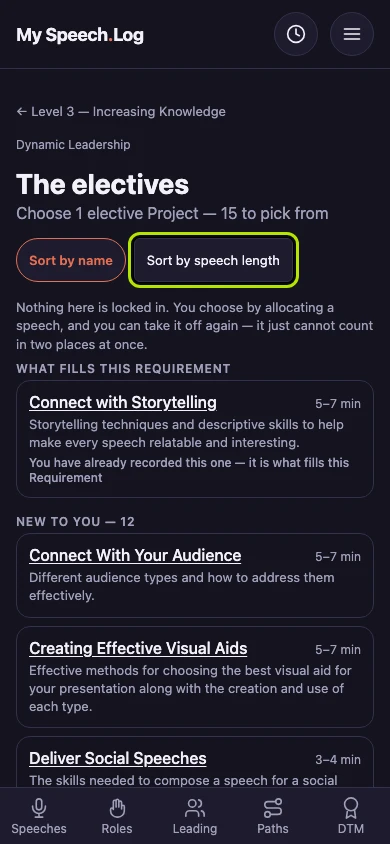
Press Sort by speech length to put the shortest speeches first, or Sort by name for A to Z. Projects you have not done before are under New to you.
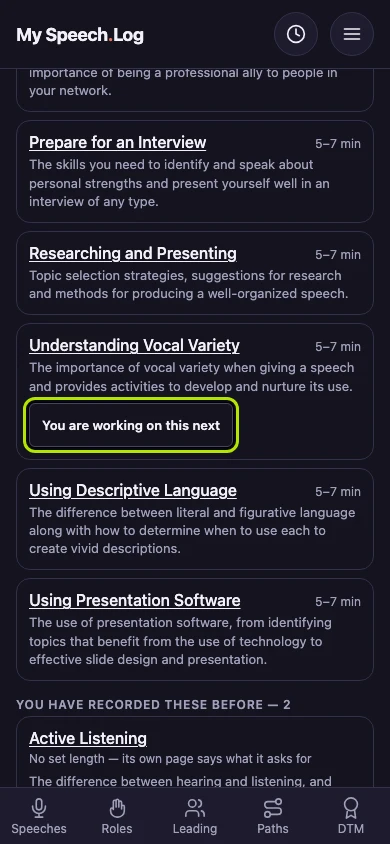
Press Working on this next under the Project you plan to do. It then says You are working on this next. This is only a reminder to yourself — press it again to clear it.


Next: Filling a Level's Requirement from what you have logged