Seeing a Path's structure in the Catalog
A Path's page in the Catalog is Toastmasters' description of it and the five Levels, each Level counting what it asks for. It is the same page for every Member; your own progress is under Paths.
7 steps
Press a Path's name to read everything it asks for, Level by Level. Here that is Engaging Humor. Nothing here starts a Path.
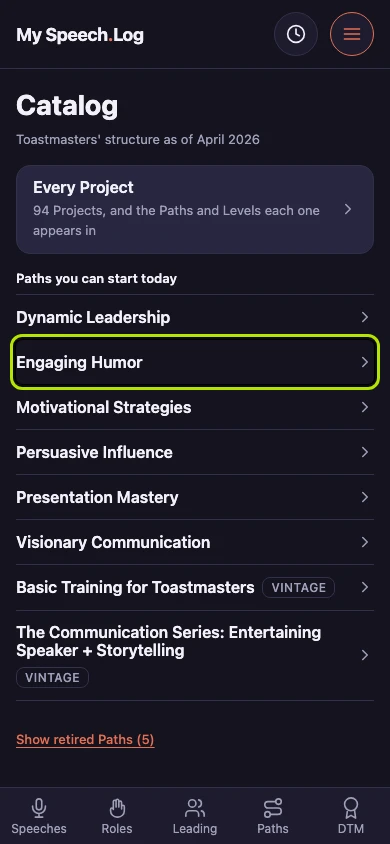
Toastmasters' description of the Path opens the page. The five Levels sit closed beneath it, each one counting what it asks for.
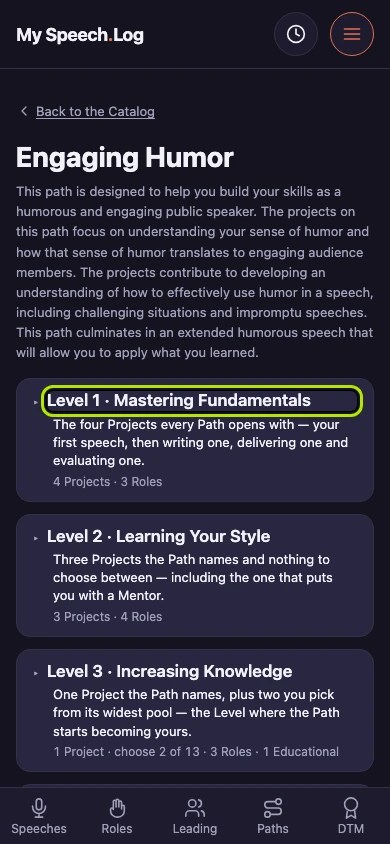
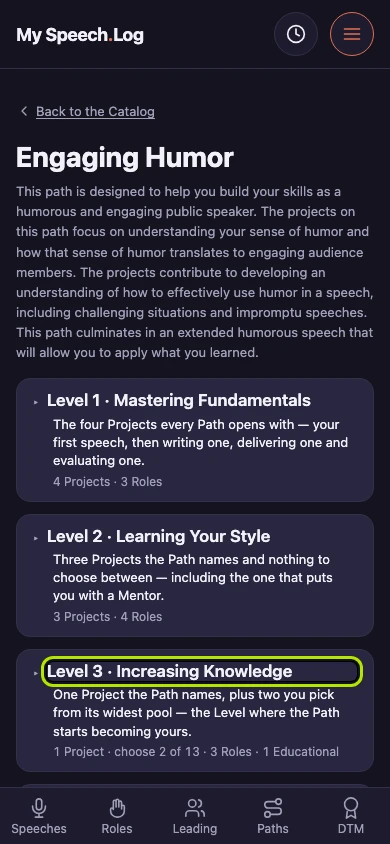
Press a Level's heading to open it. Opening one leaves the others as they were, so you can read two Levels side by side.
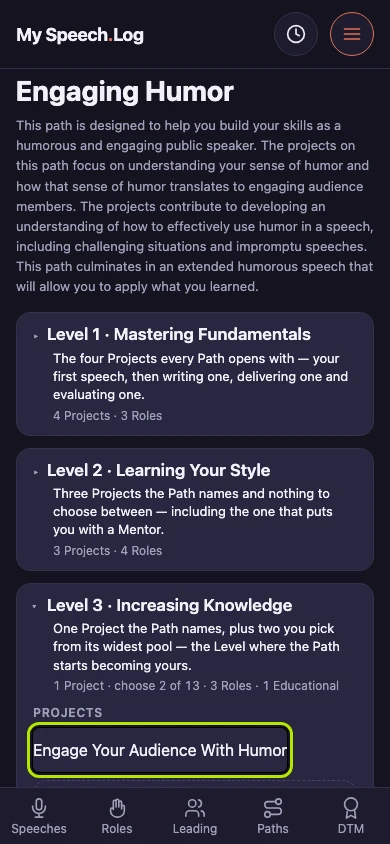
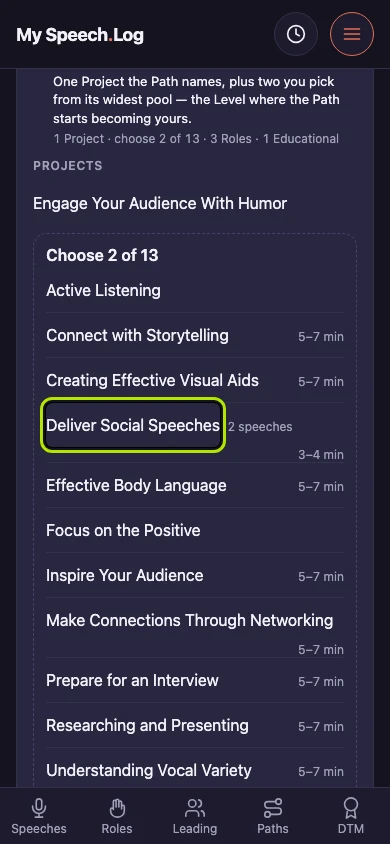
An open Level names the Project it requires first, then the pool you choose the rest from. The pool's heading counts how many you need.
An Educational requirement names its series, says what the series is for, and lists the modules that count at this Level.
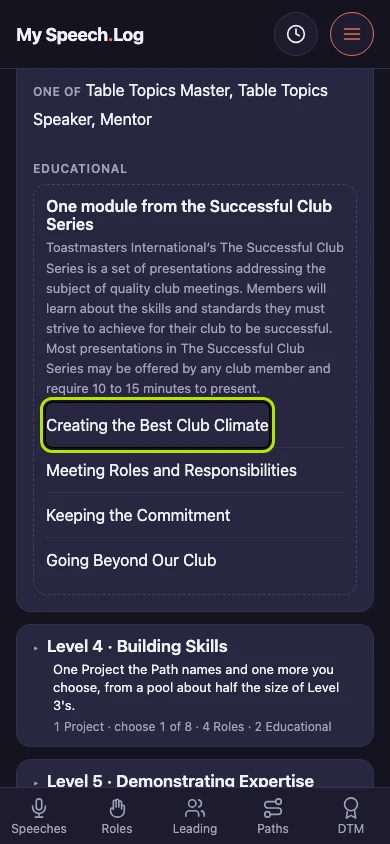
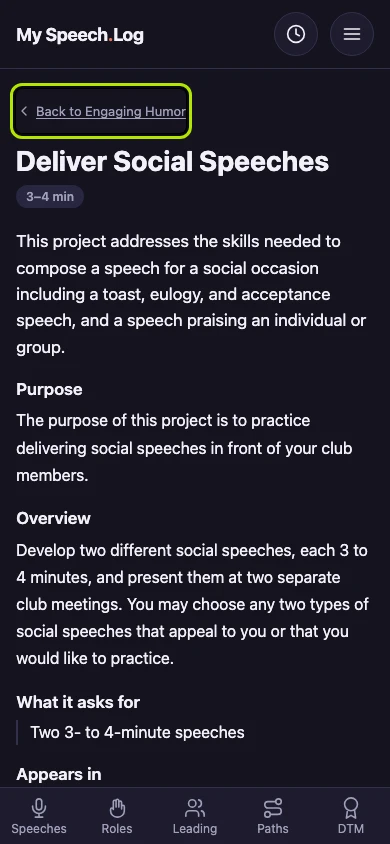
Press any Project's name for Toastmasters' description of it, and for what it asks you to do.
Press Back to Engaging Humor to return to the Path you came from. A Project's page also lists every Path and Level that asks for it.


Next: Starting a Path