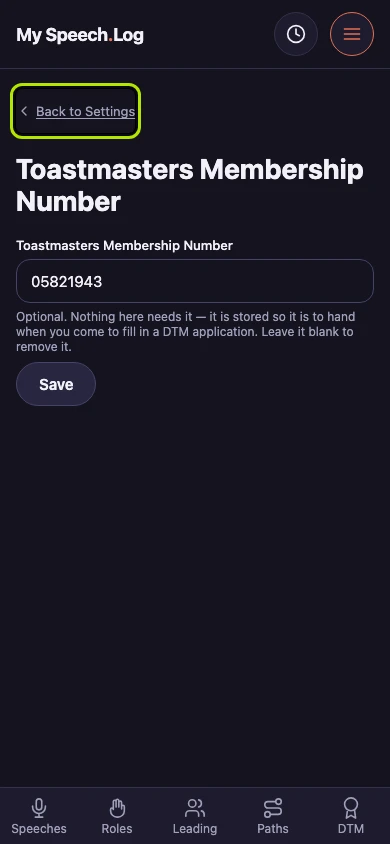
Recording your Membership Number
Your Toastmasters Membership Number is the number on your Toastmasters account. Recording it is optional; it is kept here so it is to hand when you come to fill in a DTM application.
4 steps
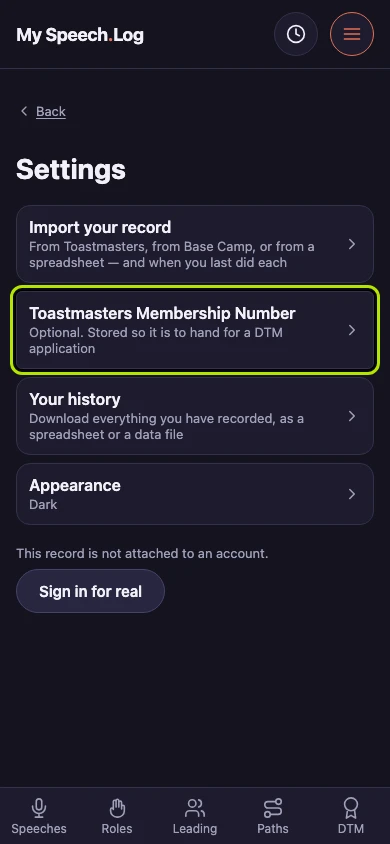
Press Toastmasters Membership Number in Settings. The row says beforehand what it is for: it is optional, and it is kept to hand for a DTM application.
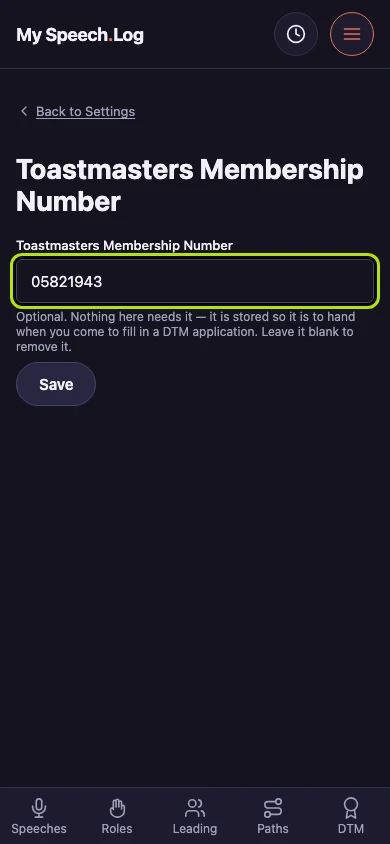
Check the number in the box, or type yours in if it is empty. Nothing in the app needs it; it is stored so it is to hand when you come to fill in a DTM application.
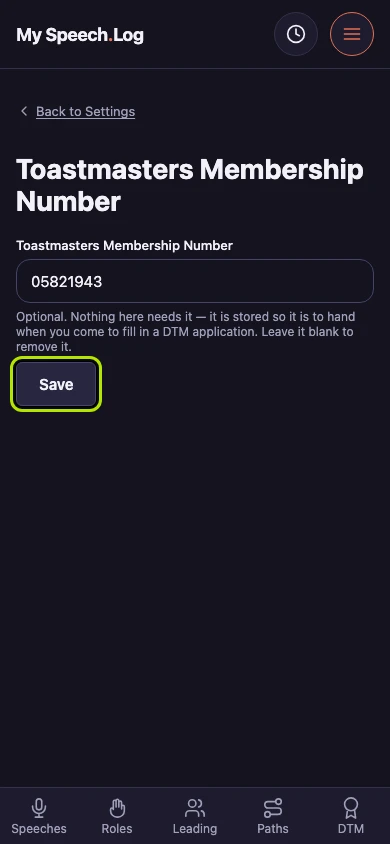
Press Save to keep it. You stay on this screen and nothing else happens. To remove the number, empty the box and press Save again.
Press Back to Settings to leave. There is nothing else to do on this screen.