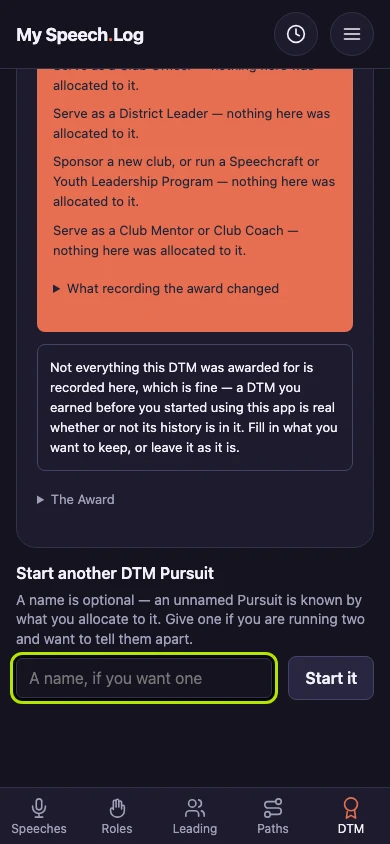
Finding your DTM Pursuits
The DTM tab is the whole of your work toward a Distinguished Toastmaster award, gathered in one place. Come here to see how far along each Pursuit is, and to start another.
6 steps
Press DTM to open your DTM Pursuits. A Pursuit is your progress toward one DTM, and the app opens one for you from the start.
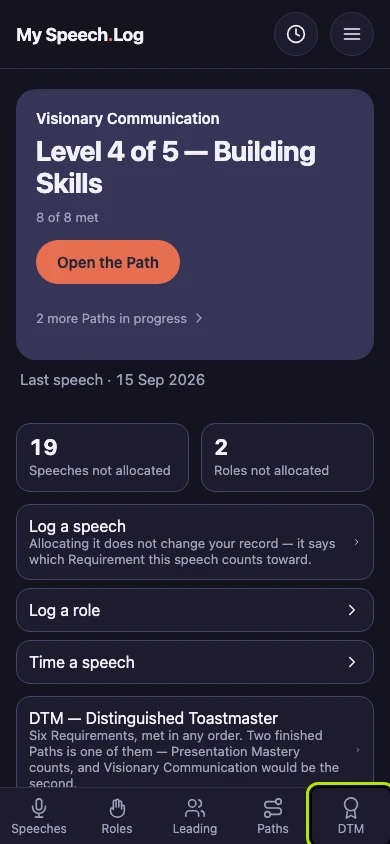
DTM opens with what the award asks for: six Requirements, met in any order. A Requirement is one of the six things a DTM asks for, such as a Path you finished or an office you held.
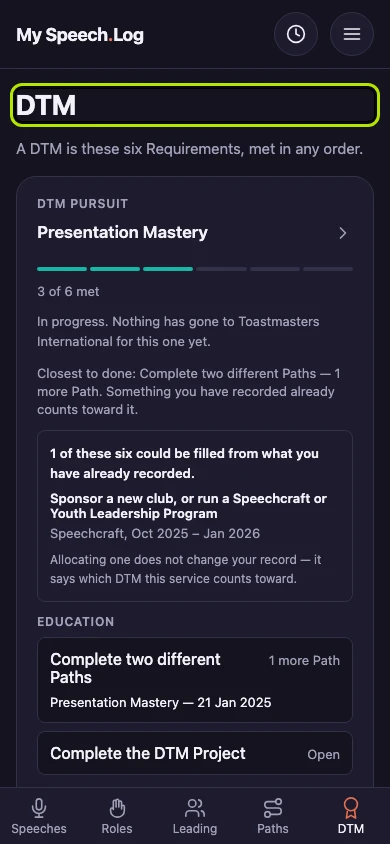
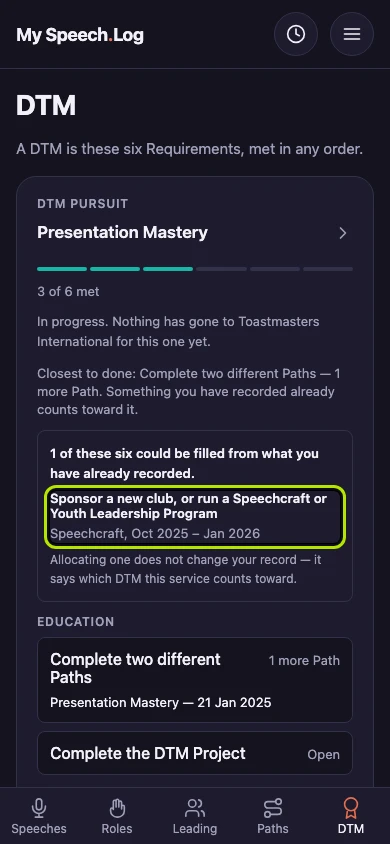
A Pursuit you are still working shows its six Requirements and how many are Met. Met means your record already has everything that Requirement asks for.
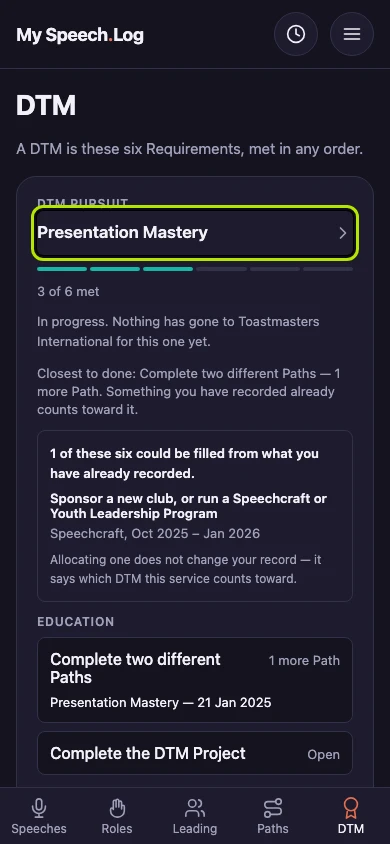
Under the Pursuit, the app lists what your own record could already fill. Press a row such as Sponsor a new club to open the Pursuit with that Requirement ready for it.
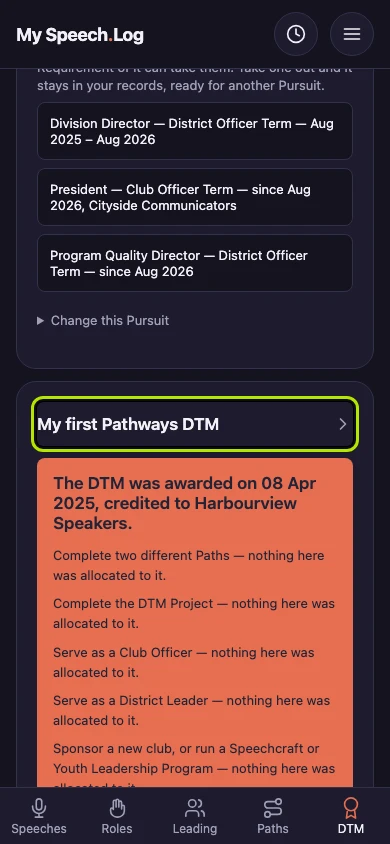
A Pursuit whose DTM has been awarded leads with the award: the date it was granted and the Club credited. It lists its six Requirements as what the award was made of.
You can have more than one Pursuit at once, and they are equals. You tell them apart by the name you gave each one and by what you have put toward it.