Recording which speech you gave at a contest
A contest keeps the speech you gave at each level, whether it is already in your Speech Log or you log it here. Either way it is an ordinary speech afterwards, able to count toward a Level.
7 steps
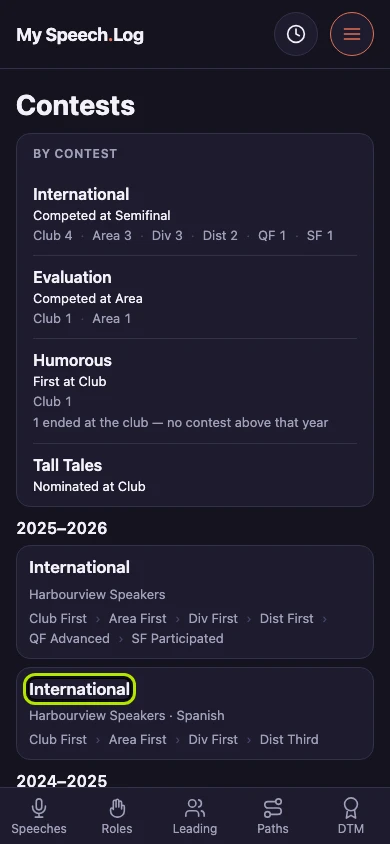
Press Menu, then Contests. Press the name of the contest you gave the speech in. You record a speech against the level of the contest where you gave it — Club, Area, Division or District.
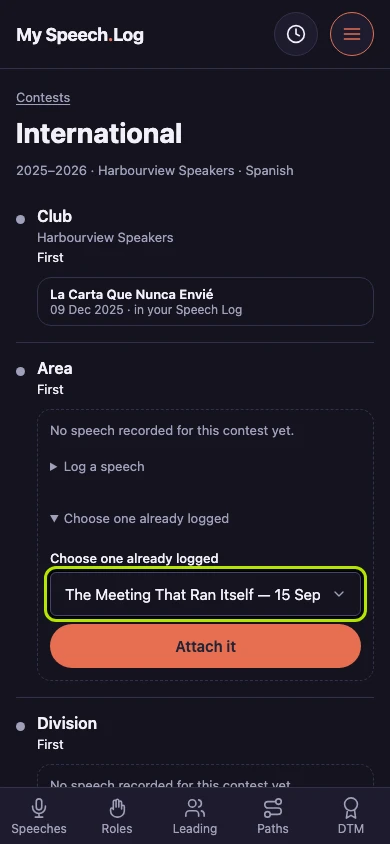
Press Choose one already logged under the level where you gave the speech, if the speech is already in your Speech Log. Choose the speech from the list, then press Attach it.
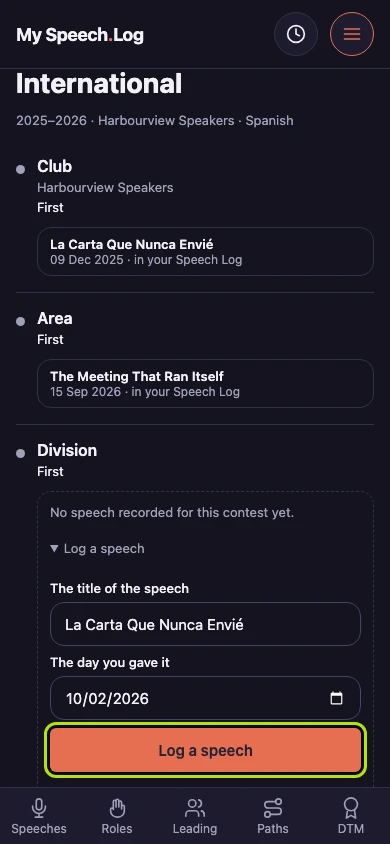
Press Log a speech instead if the speech is not in your Speech Log yet. Type its title under The title of the speech and enter the date under The day you gave it.
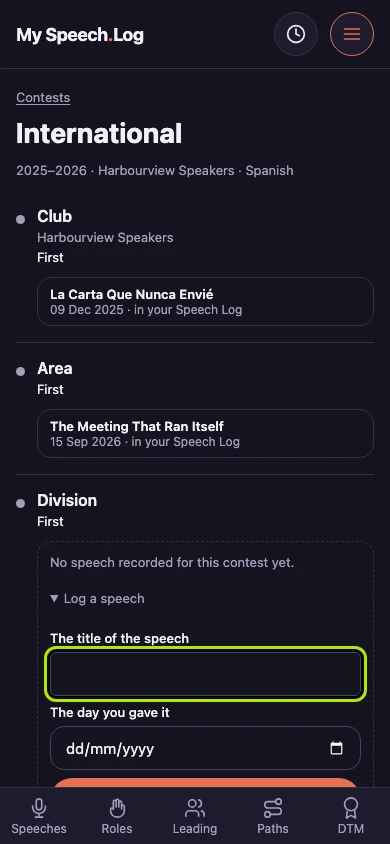
Press the Log a speech button. The speech is saved under that level of the contest and in your Speech Log, where it can count toward a Level like any other speech.
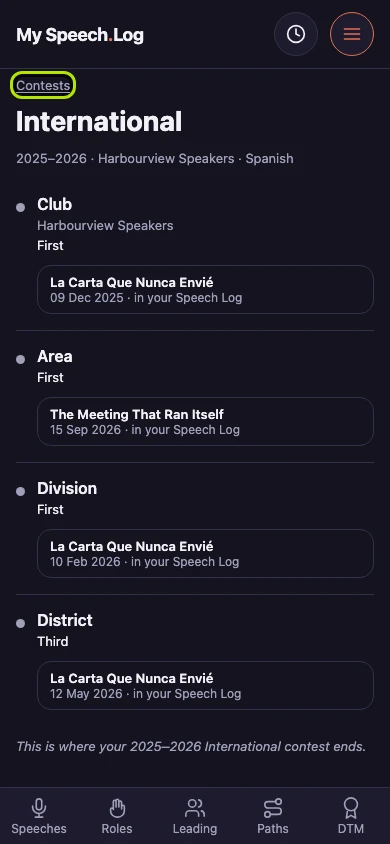
Press Contests to go back to your list. Two contests work differently, because you do not give a prepared speech in them: Evaluation and Table Topics.
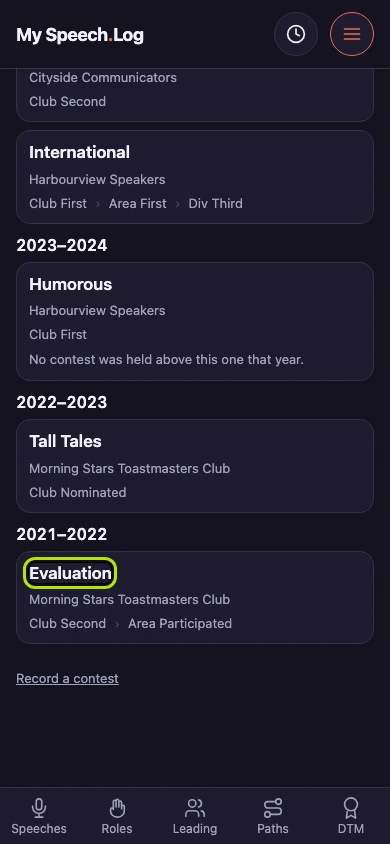
Press the name of an Evaluation or Table Topics contest to open it.
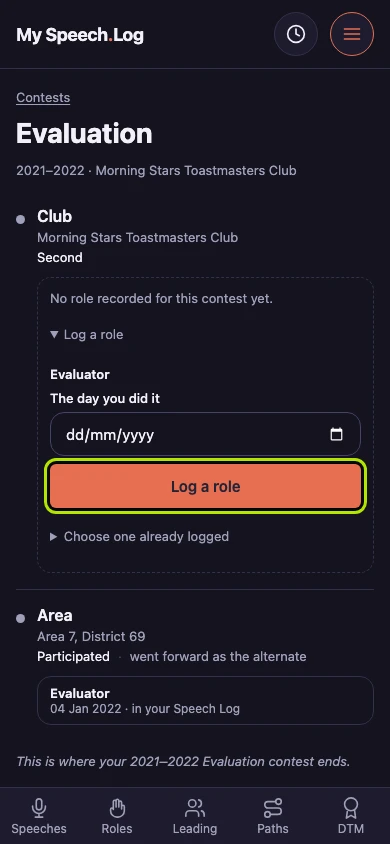
Press Log a role under the level where you competed. The app already knows the role — here, Evaluator. Enter the date under The day you did it, then press the Log a role button.