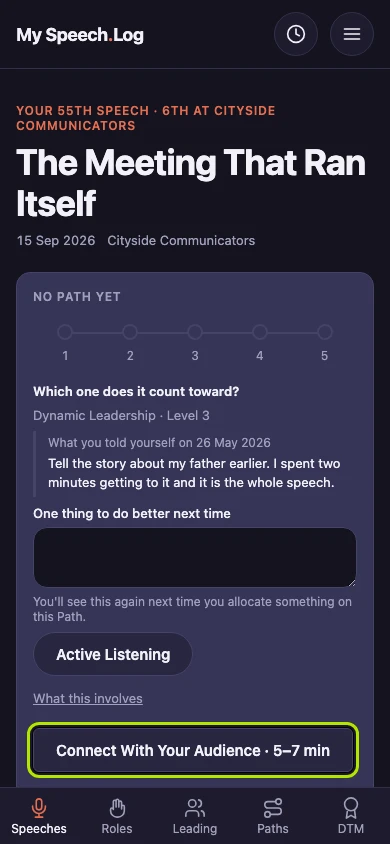
Making a speech count toward a Level
Allocating tells the app which Level of a Path a speech counts toward. You can do it any time after logging the speech, or leave it as long as you like.
6 steps
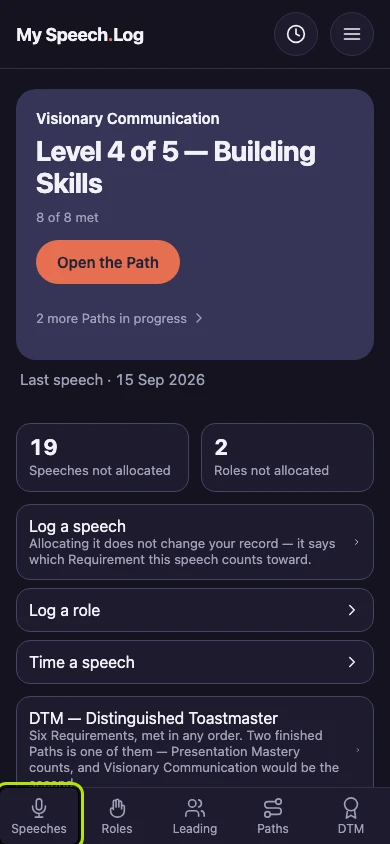
Press Speeches to open your Speech Log.
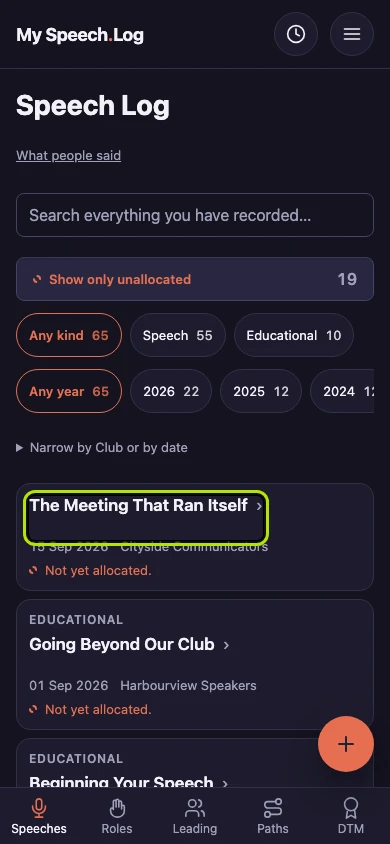
Press the title of the speech you want to allocate. Allocating means saying which Level of a Path the speech counts toward.
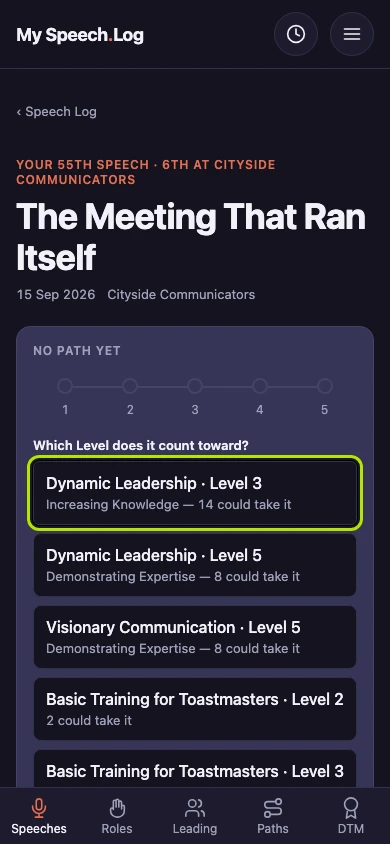
A speech that does not count toward anything yet shows No Path yet and five empty circles. Under them, the screen asks which Level it counts toward.
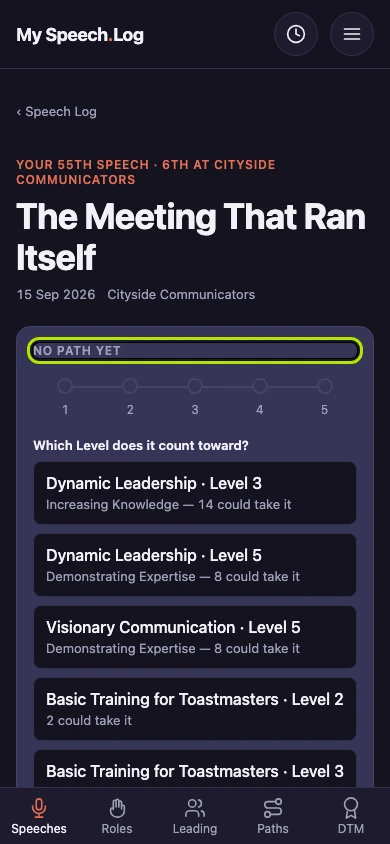
Press the Path and Level this speech counts toward. Every Path you are working on is listed, and each choice says how many of its Projects could still use this speech.
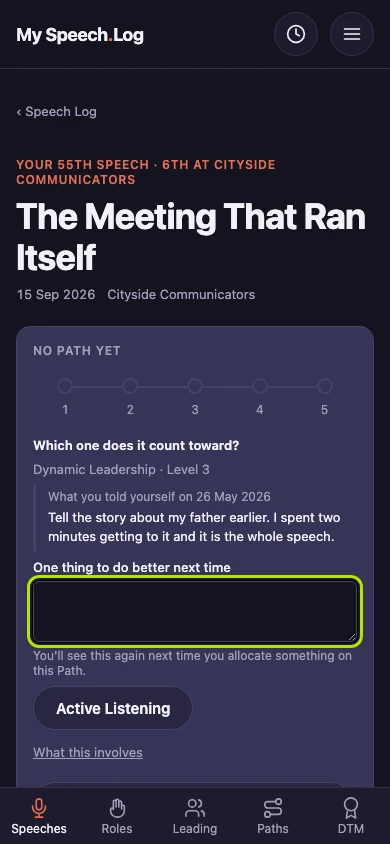
Type a short note to yourself under One thing to do better next time, if you like. Your last note on this Path is shown above it, and this one comes back the next time you allocate here.
Press the Project this speech was for. Only Projects that can still use it are listed, with the speech length each one asks for. Pressing the Project saves your choice — there is no separate Save button.