Recording the District, Division and Area you served (for District officers)
A District Officer Term asks which District, Division and Area you served, and this is where you answer. Fill in as many as apply — a Division Director leaves the Area blank.
7 steps
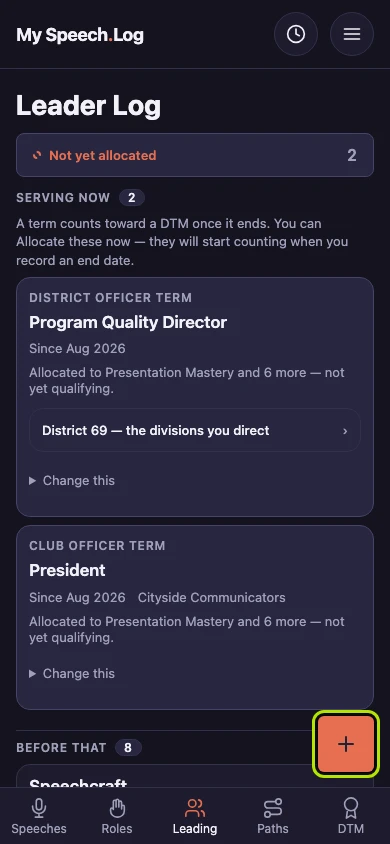
Press Leading, then the round + button. A form called Record a term opens. A term is a stretch of leadership or service — an office you held, a club you coached.
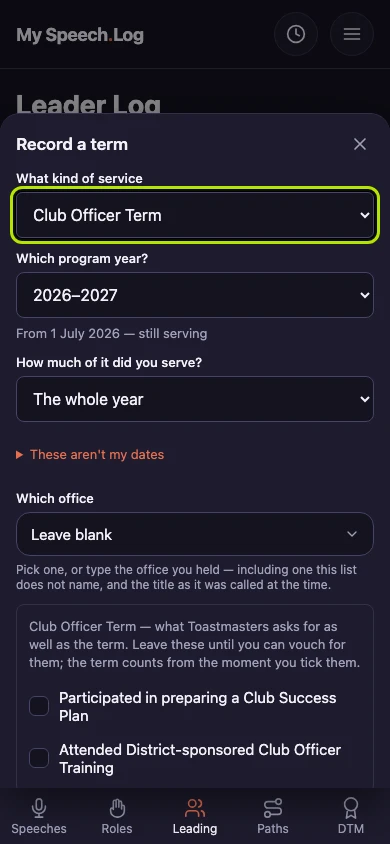
Choose District Officer Term under What kind of service. It is the only kind that asks which District, Division and Area you served.
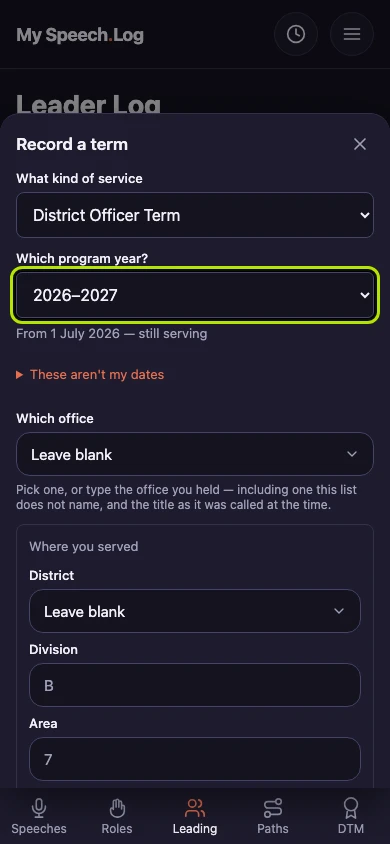
Choose the year you served under Which program year? The lists of Districts, Divisions and Areas are the ones for that year. If you change the year later, your answers are kept.
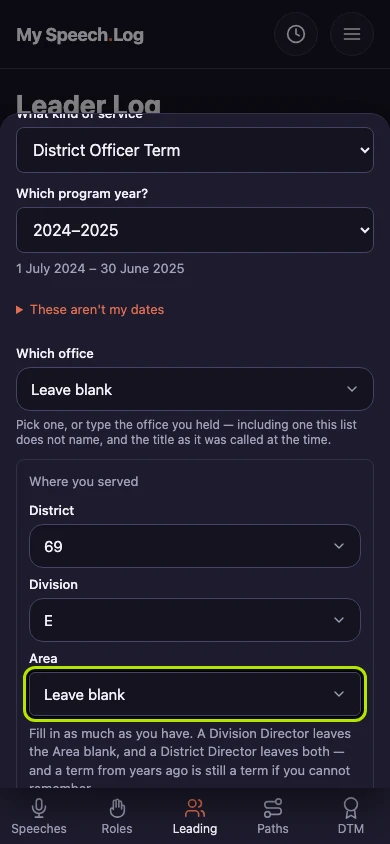
Where you served has three boxes: District, Division and Area. Fill in as many as apply to you. A Division Director leaves the Area blank, and a District Director leaves both the Division and the Area blank.
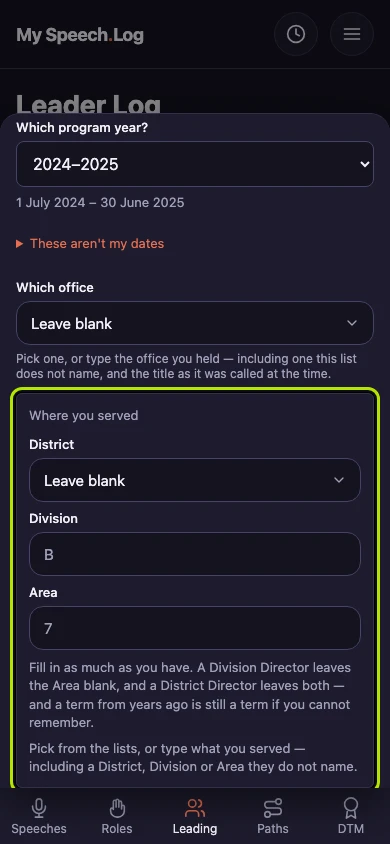
Choose your District under District first. The Division and Area lists then show only that District's own. If yours is missing, choose Not listed — let me type it.
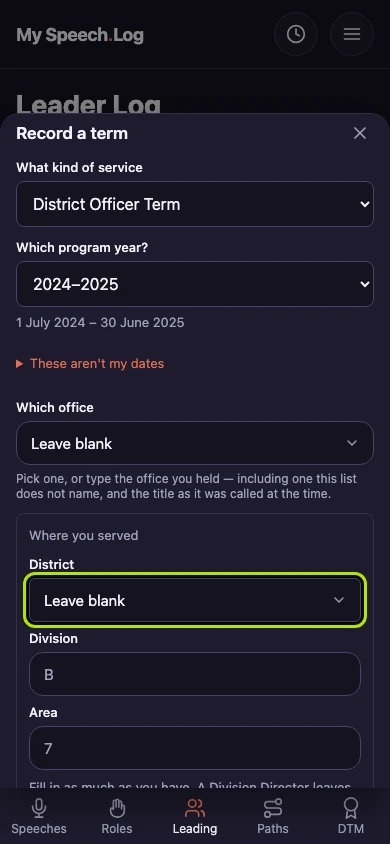
Choose your Division under Division. If you were a Division Director, stop here and leave the Area blank.
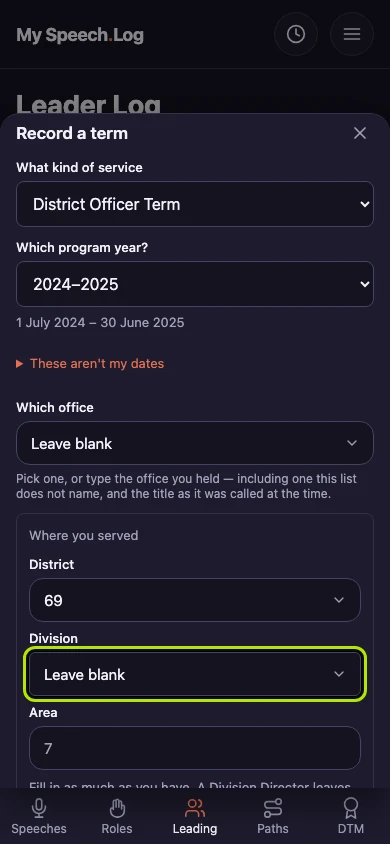
Choose your Area under Area if you were an Area Director. Then fill in the rest of the form and press Record it. Your term will show a link to the clubs in your Area.