Seeing the clubs in your Area (for Area Directors)
An Area Director's term links to the clubs in that Area, with Toastmasters' Distinguished result for each and your last recorded visit to it. It is the Area you directed, as Toastmasters lists it.
4 steps
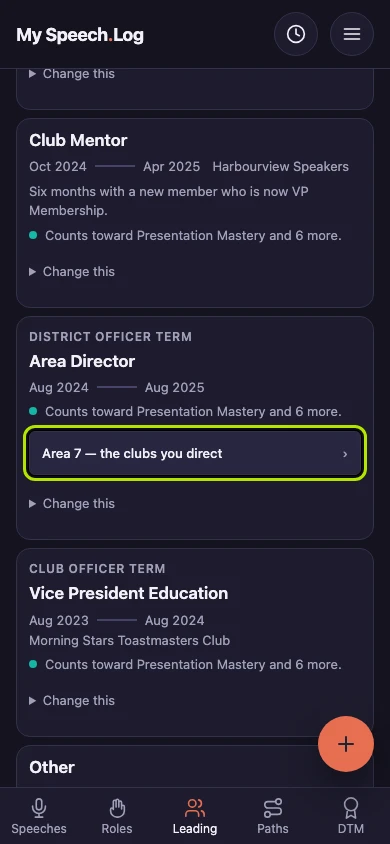
Press Leading and find your Area Director term. A term is a stretch of leadership or service — an office you held, a club you coached. Press Area 7 — the clubs you direct on it.
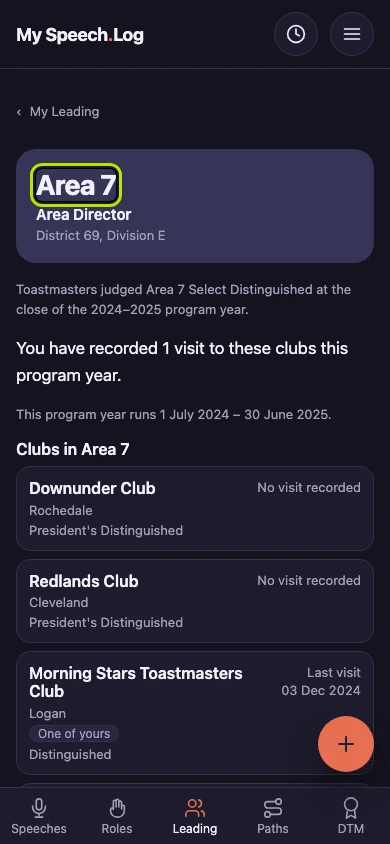
Area 7 is the Area you directed, with your office, District and Division under it. Below is Toastmasters' Distinguished result for the Area that year, and how many visits to its clubs you recorded.
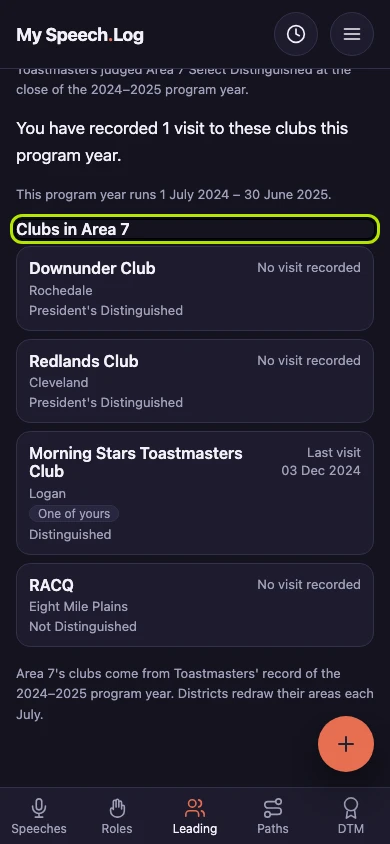
Clubs in Area 7 lists each club with its Distinguished result and your last recorded visit. One of yours marks a Club you belong to. The line under the list says which year's Toastmasters record it comes from.
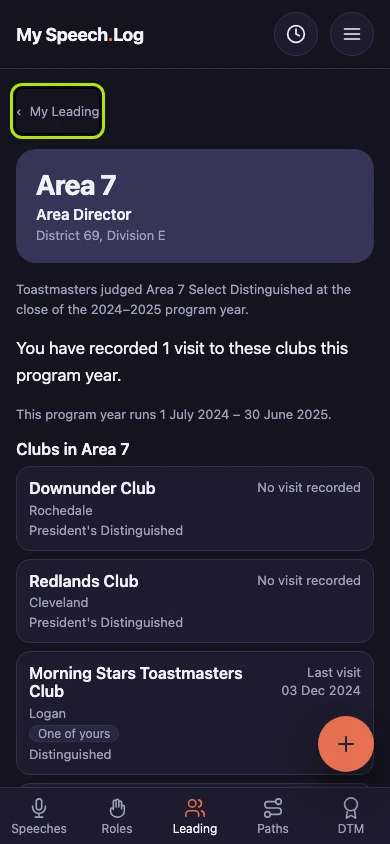
Press My Leading to go back to your Leader Log. If a term has no link to its Area, press Change this on it and check that its District, Division and Area are filled in.


Next: Seeing the Areas in your Division (for Division Directors)