Recording where else you competed
A contest's levels run Club, Area, Division, District — and this records your result at each one you competed at. Come here after the Area contest, or whenever you went further.
7 steps
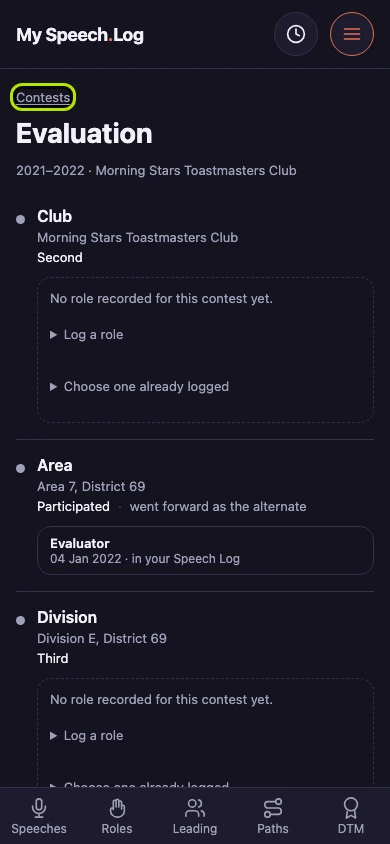
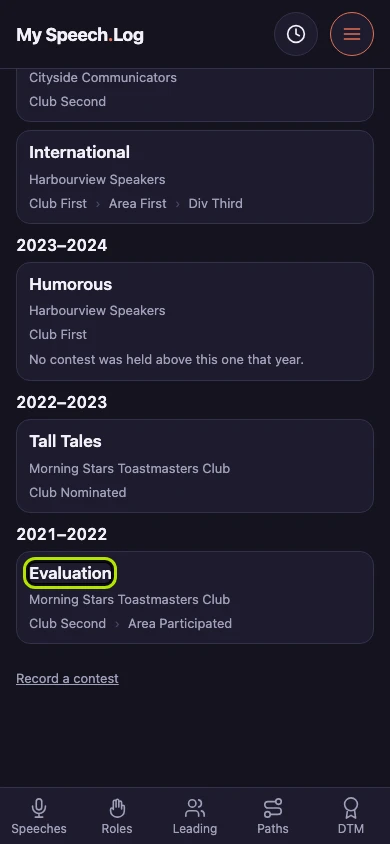
Press Menu, then Contests. Press the name of the contest you want to add to — here, the Evaluation contest of 2021–2022.
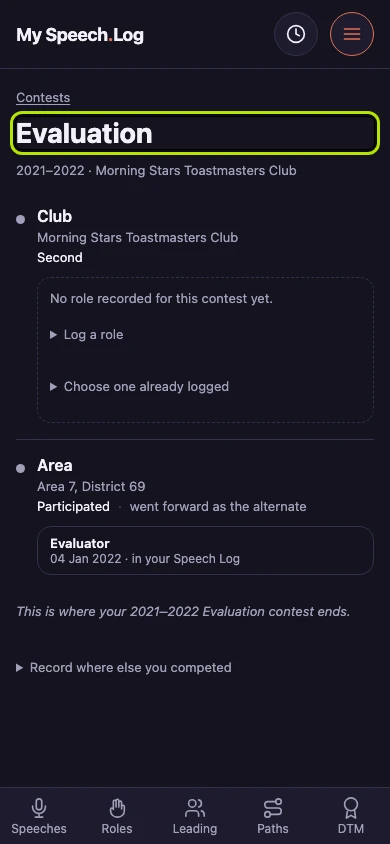
The contest lists each level you competed at — Club, Area, Division, District — starting with the Club. Each shows where it was, your result, and sometimes how you got there, such as went forward as the alternate.
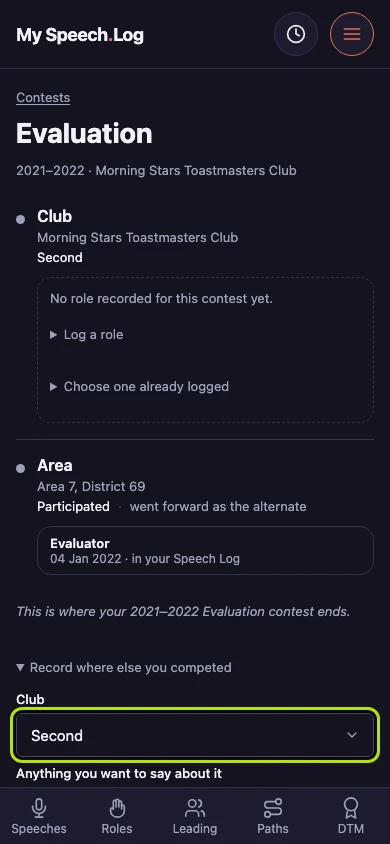
Press Record where else you competed. A section opens with every level of the contest, starting with Club. Choose Nominated there if your club chose you without holding a contest.
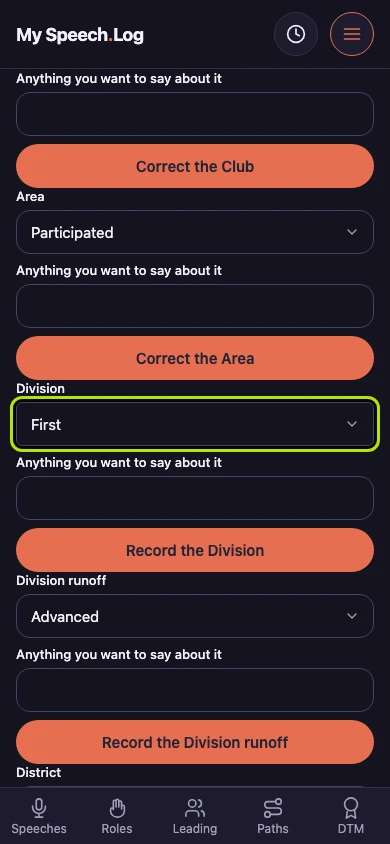
Find the level you competed at — here, Division. Choose your result from the list, such as Third.
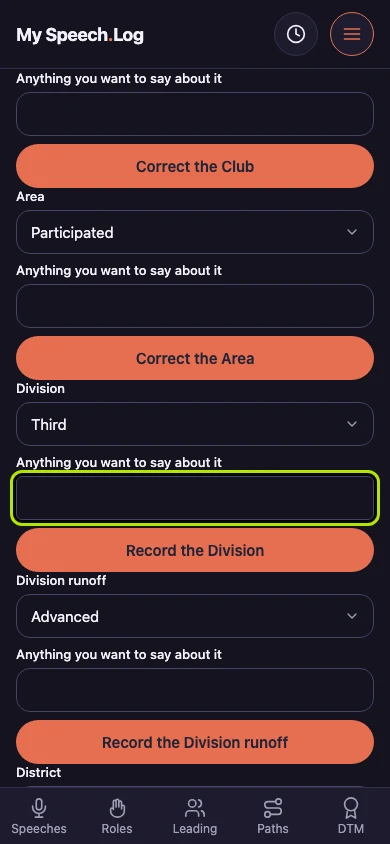
Type anything you want to remember under Anything you want to say about it — who else placed, or how the evening went. You can leave it empty. Your words are shown under that level of the contest.
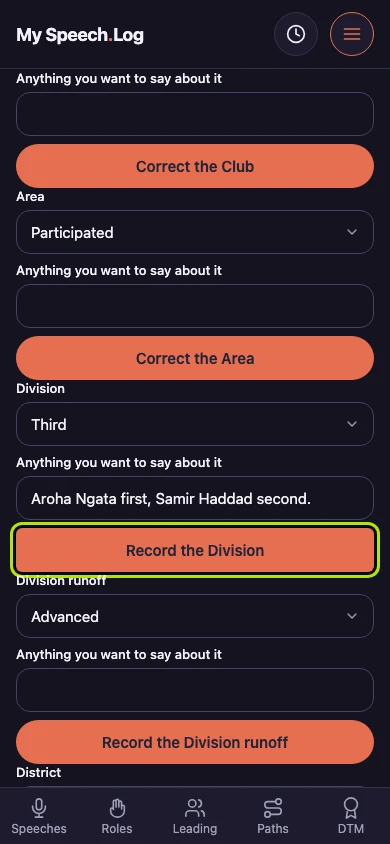
Press Record the Division. The Division is added to the contest. To change a level later, change what is wrong and press its button, which then says Correct the Division — your result and your words are already filled in.
Check that the contest now shows the Division and your result. Press Contests to go back to your list. The contest's row there now shows the Division too.