Recording what earned a Completed Level
A Level you recorded as Completed can have nothing allocated to it, and that is fine. Do this when you want your record to show which speeches and roles earned the Level.
7 steps
Press Paths to open My Paths.
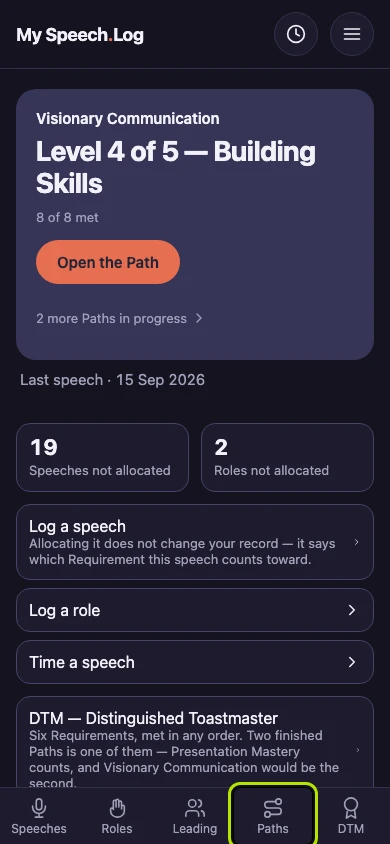
Press the Path's name. Some Completed Levels say Nothing allocated to it here. That is fine, and you can say what earned the Level whenever you like.
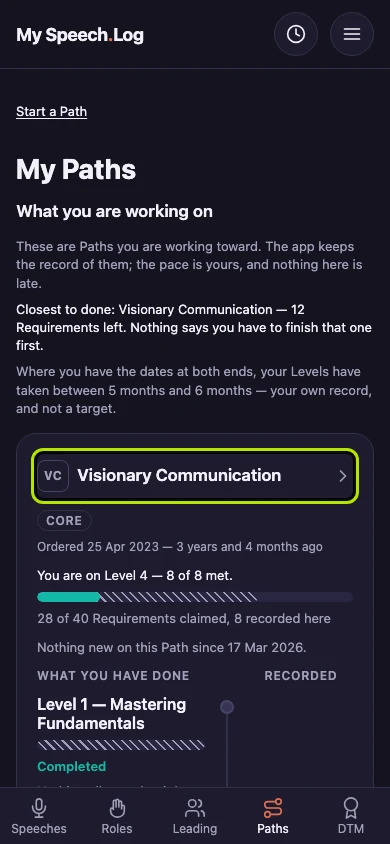
Press a Completed Level's name to open it. The Level stays Completed the whole time.
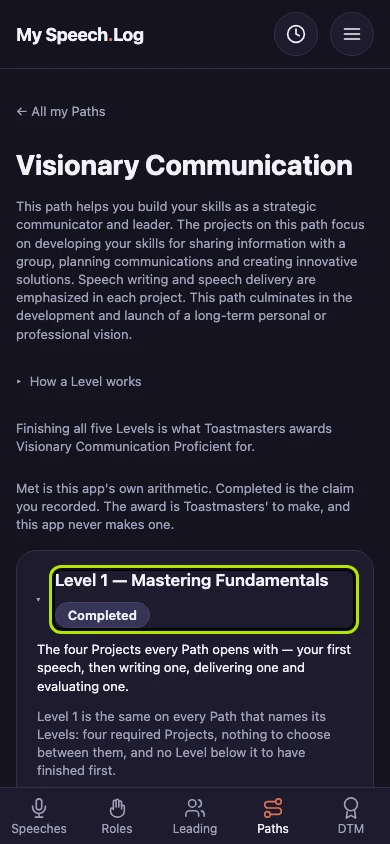
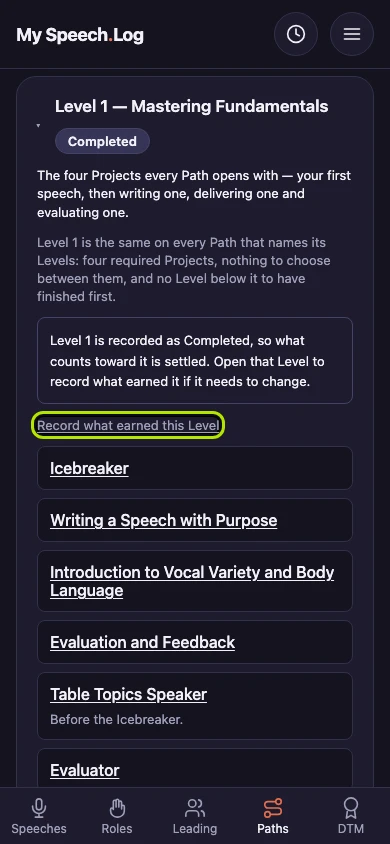
Press Record what earned this Level. The app asks you a question or two first.
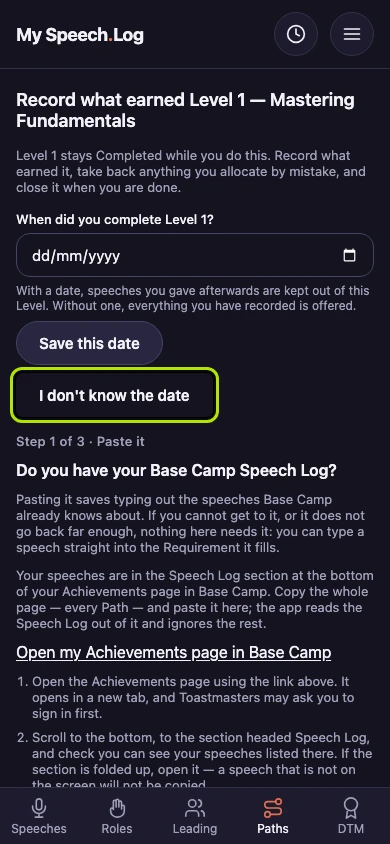
Enter the date under When did you complete Level 1? and press Save this date, or press I don't know the date. With a date, the app leaves out speeches you gave after it.
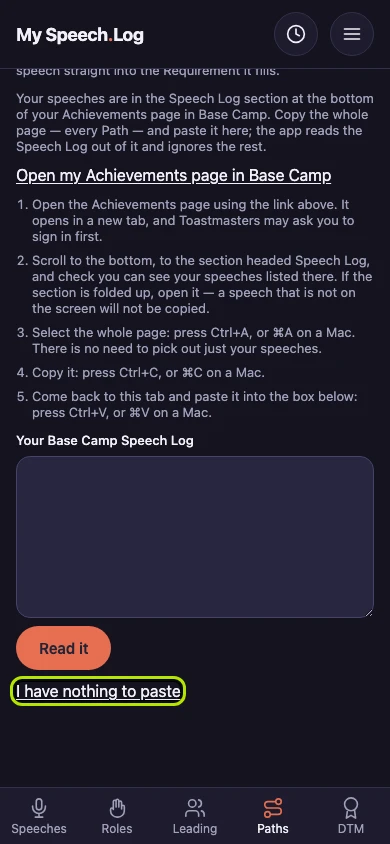
Press I have nothing to paste to go straight to the Level. Pasting your Base Camp Speech Log saves typing, and another Help Topic shows how.
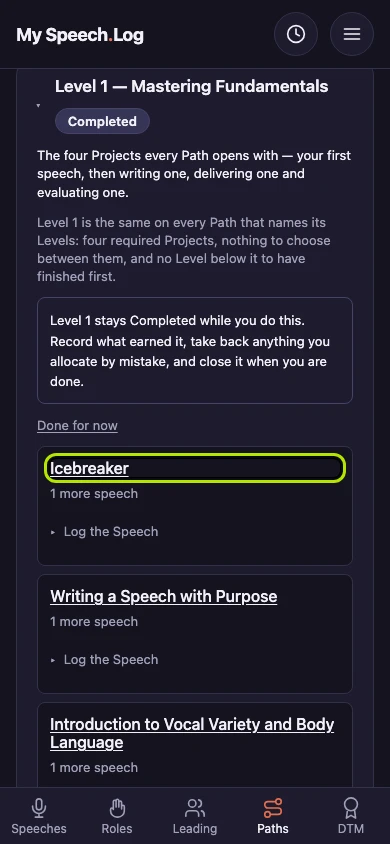
Each Requirement now says what it still needs. Press Log the Speech under one to log what earned it. Press Done for now when you want to stop.


Next: Importing speeches by pasting your Base Camp Speech Log