Importing speeches by pasting your Base Camp Speech Log
Copying your Base Camp Speech Log into the app saves entering years of speeches one at a time. The app finds the speeches in what you paste and leaves the rest out.
12 steps
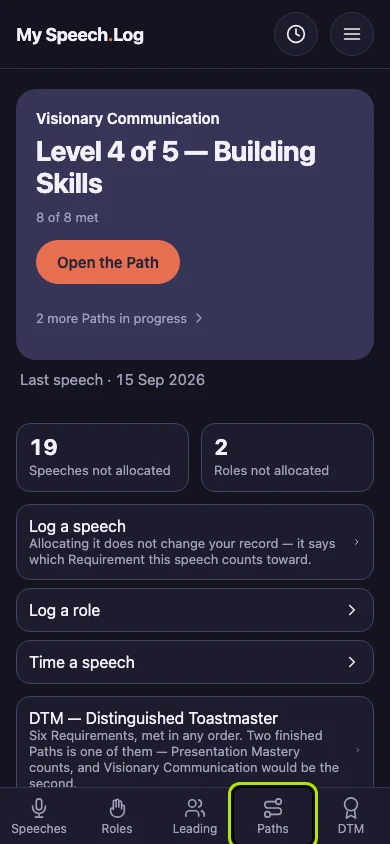
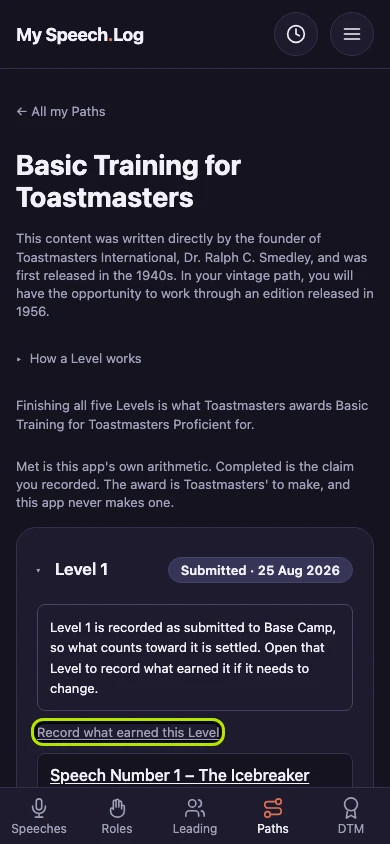
Press Paths to open My Paths. You paste your Base Camp Speech Log from inside a Level.
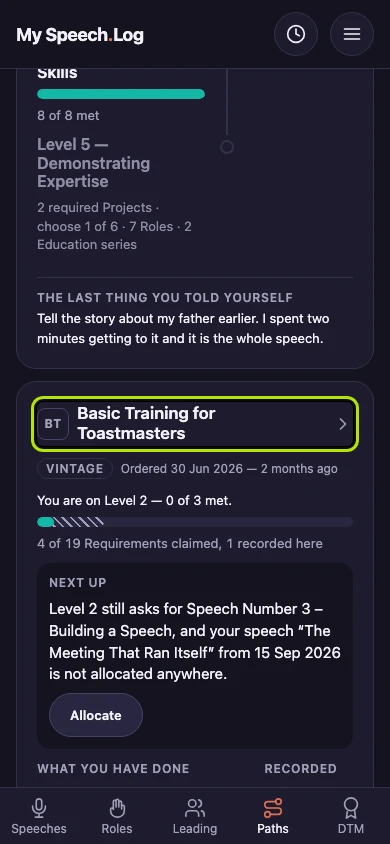
Press the name of a Path that has a Level you have recorded as Completed or submitted.
Press that Level's name to open it.
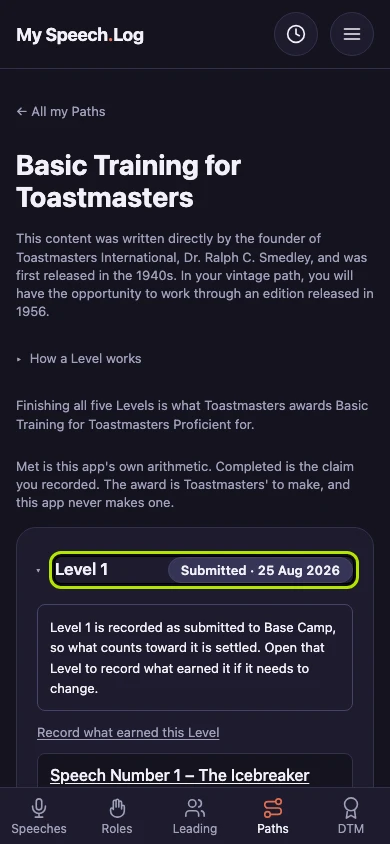
Press Record what earned this Level. A screen with three steps opens, and the first step is the paste.
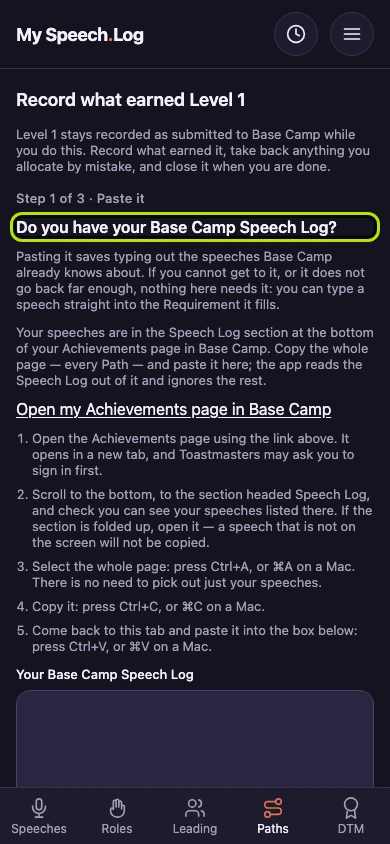
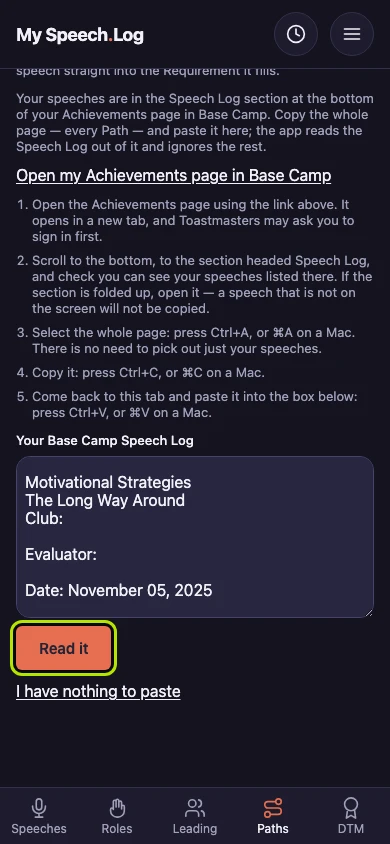
Press Open my Achievements page in Base Camp. Base Camp opens in a new tab. Toastmasters may ask you to sign in first.
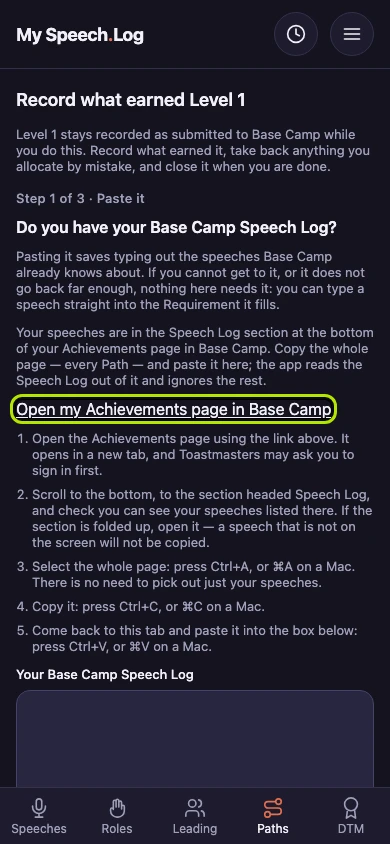
In Base Camp, scroll down to the section headed Speech Log. Check that you can see your speeches listed there. If the section is closed, open it, because only speeches showing on the page are copied.
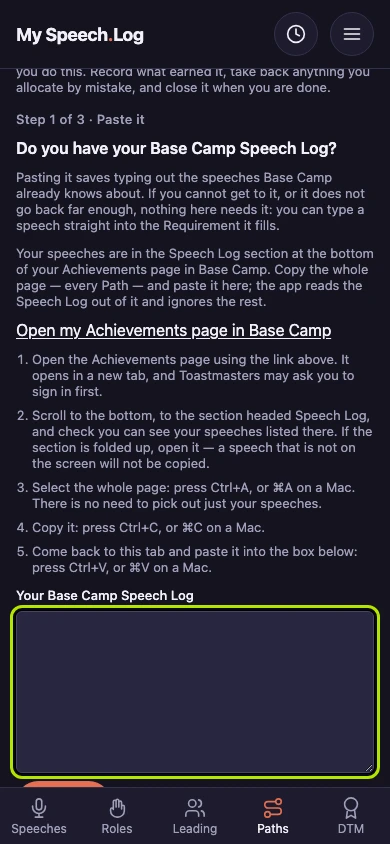
Select the whole Base Camp page with Ctrl+A, or ⌘A on a Mac. Copy it with Ctrl+C or ⌘C. Come back to this tab and paste it under Your Base Camp Speech Log with Ctrl+V or ⌘V.
Press Read it. The app finds your speeches in what you pasted and leaves the rest out. You do not need to pick out one Path.
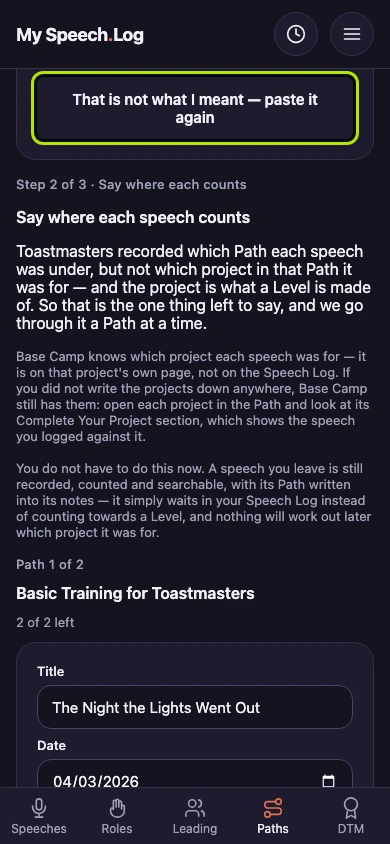
The app says what it read and how many speeches it found. If that is not your Speech Log, press That is not what I meant — paste it again. Each Path in your paste has its own section below.
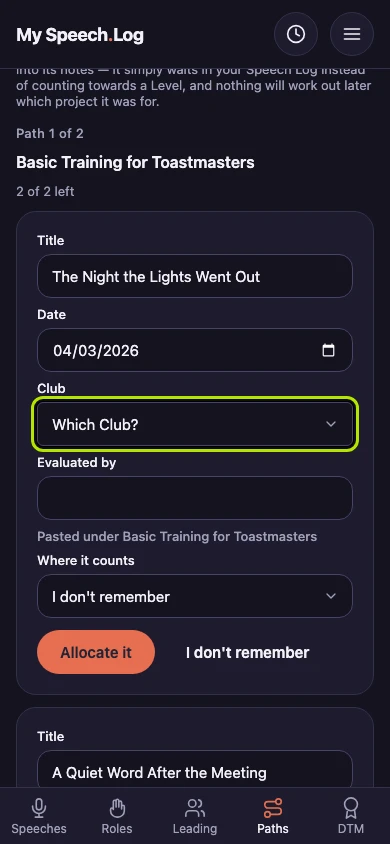
Choose the Club under Club for the first speech. Base Camp leaves the Club blank, and the app needs it. Correct the Title or the Date if they came across wrong.
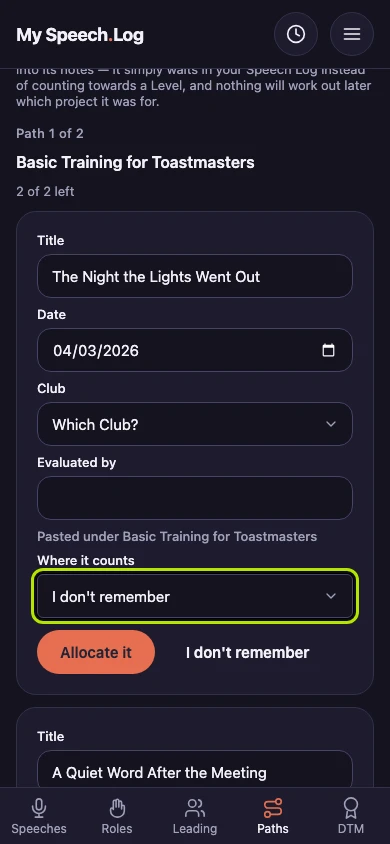
Choose the Project under Where it counts, then press Allocate it. If you do not remember the Project, press I don't remember. The speech is still saved, and it does not count toward a Level yet.
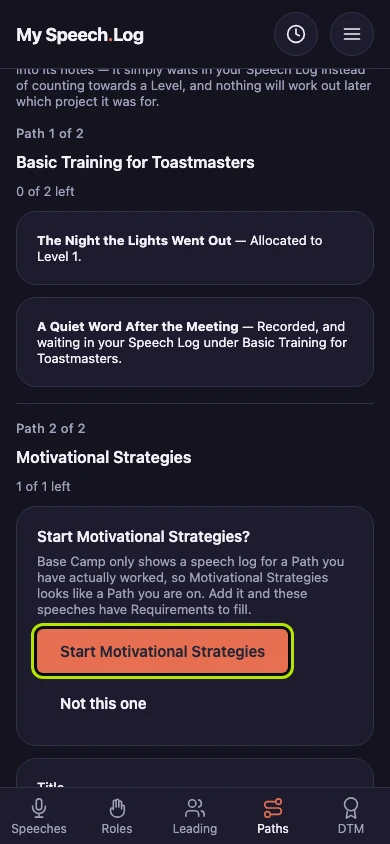
Press the button that starts the Path, here Start Motivational Strategies, if the app offers a Path it did not know about. Your pasted speeches can then count toward its Levels. Press Not this one to leave it.