Recording that you have sent the DTM application
Toastmasters does not grant a DTM until you ask for it, and the asking is a form you send once all six Requirements are Met. This is your own record of the day you sent it.
4 steps
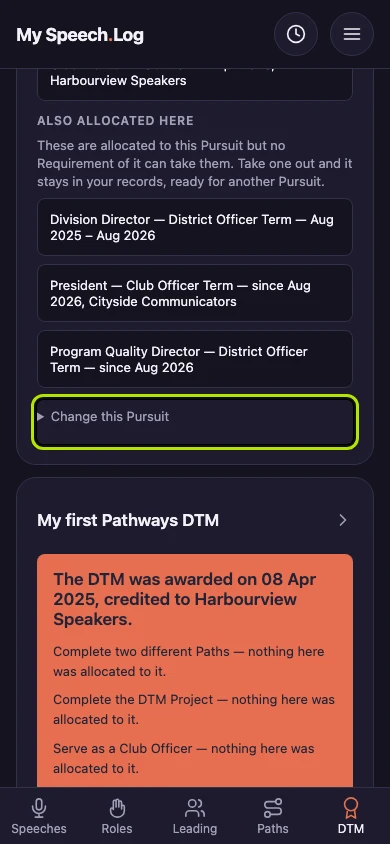
Press Change this Pursuit on the Pursuit you have applied for. It opens a small form where you record that you have sent the DTM application form (Toastmasters calls it Item 8956).
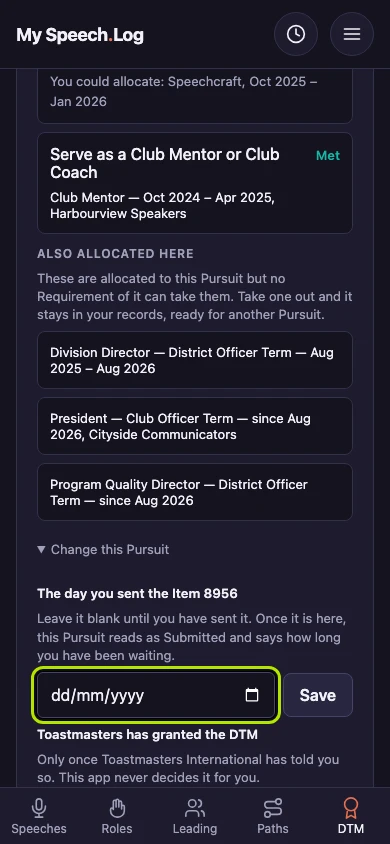
Type the day you sent it under The day you sent the Item 8956. Fill it in once you have actually sent the application form, because this is your record of what you did.
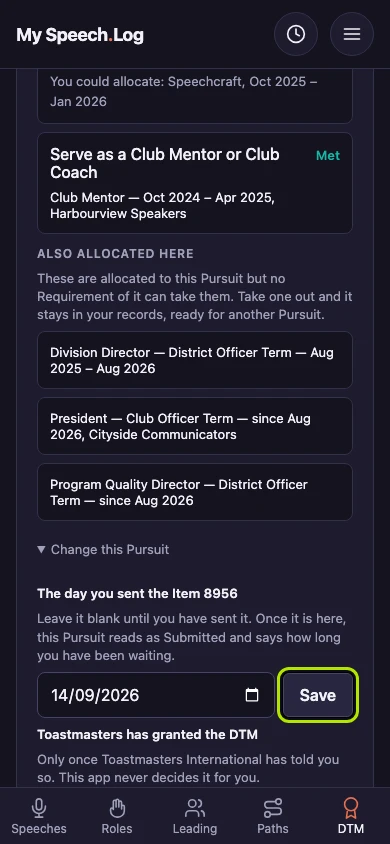
Press Save to record the date against the Pursuit.
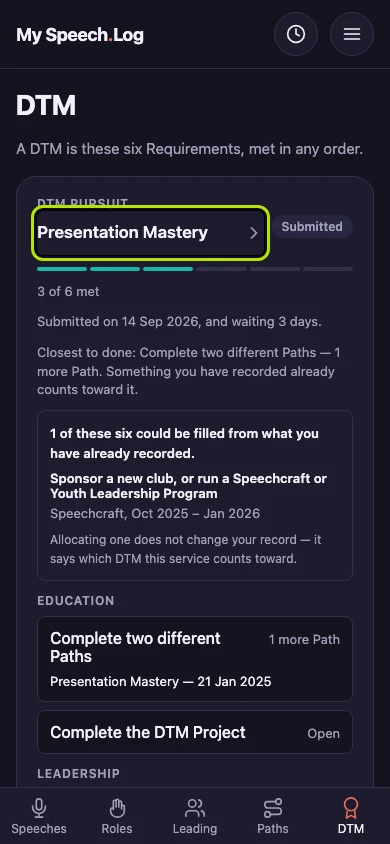
The Pursuit now reads Submitted and says how long you have been waiting. It is your own record that you sent the form, and you can change the date whenever you need to.


Next: Recording a DTM Award