Recording a DTM Award
Recording a DTM Award puts the date it was granted and the Club credited on the Pursuit. Do it once Toastmasters International has told you, because the app never decides it for you.
5 steps
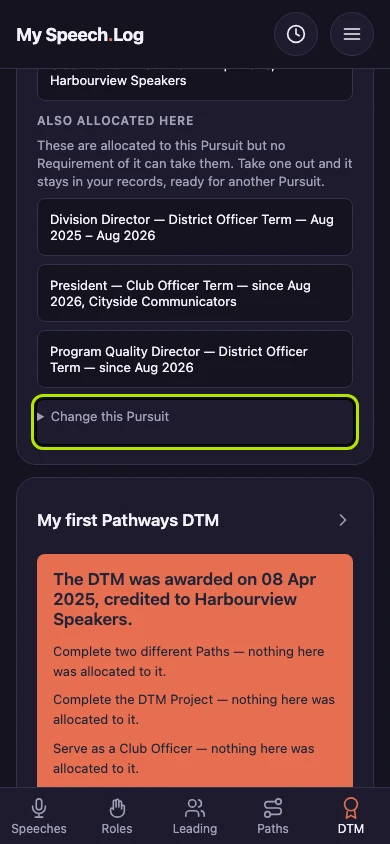
Press Change this Pursuit on the Pursuit the DTM was awarded for. You can record the award on any Pursuit, including a DTM you were granted years before you used this app.
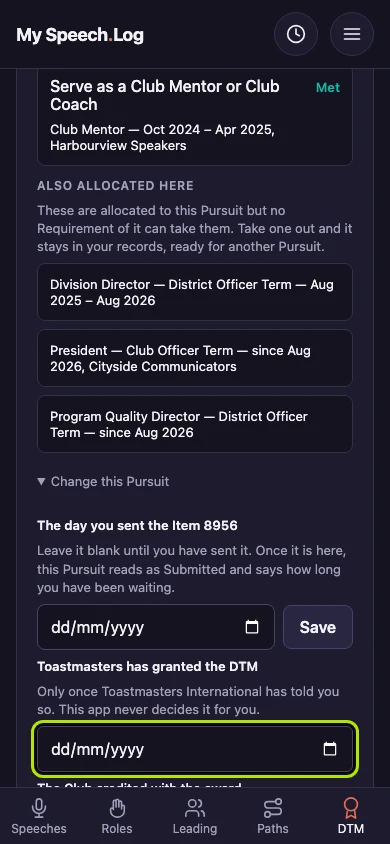
Type the day it was granted under The date the DTM was awarded. Fill it in once Toastmasters International has told you so, because the app never decides it for you.
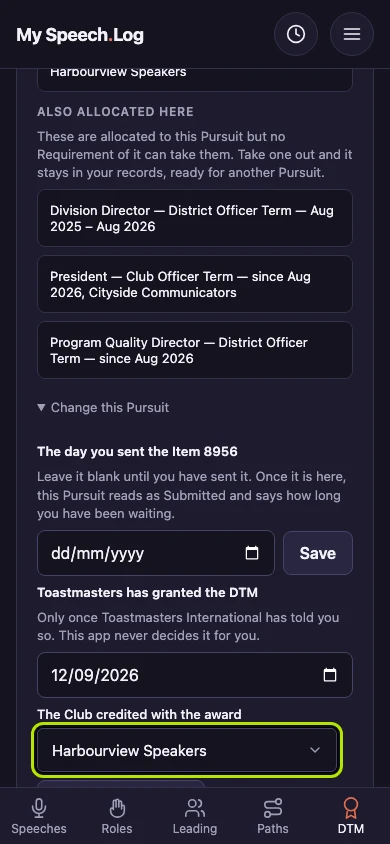
Choose the Club under The Club credited with the award. It opens on the Club you have recorded the most at, and the award needs a Club.
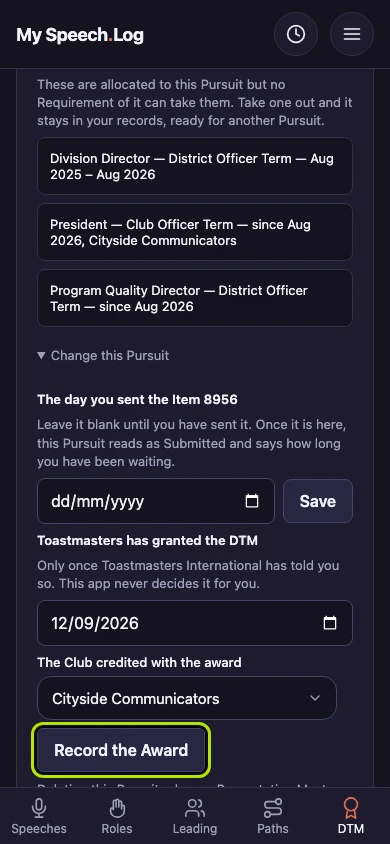
Press Record the Award to save it against the Pursuit.
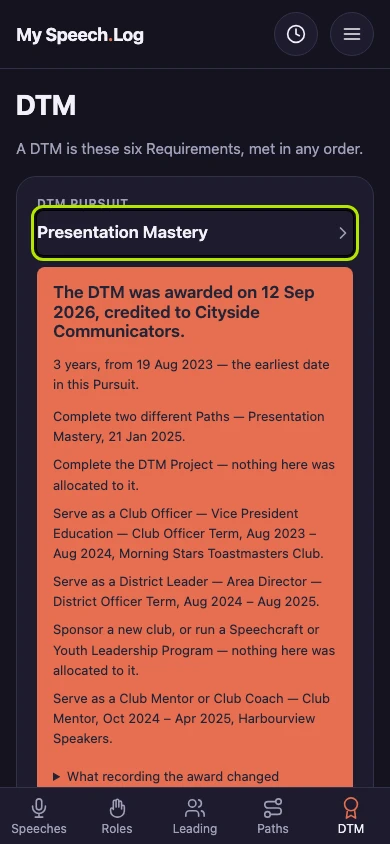
The Pursuit now leads with the award: the date it was granted and the Club credited. It lists the six Requirements as what the award was made of.


Next: Changing a DTM Award