Recording a term from a Visit (for coaches, mentors, sponsors and officers)
A term is a stretch of leadership or service. A Visit you have already logged can fill a gap in your Leader Log, without leaving the Visit to do it.
6 steps
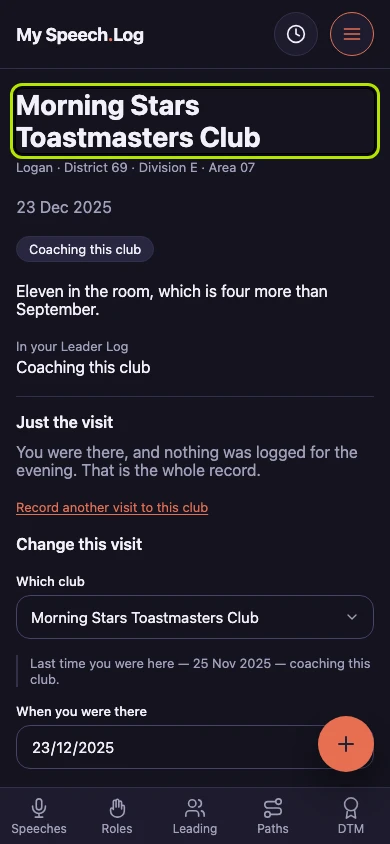
Open a Visit where you gave a leadership reason — coaching or mentoring a club, sponsoring one, or an office you were holding at the time.
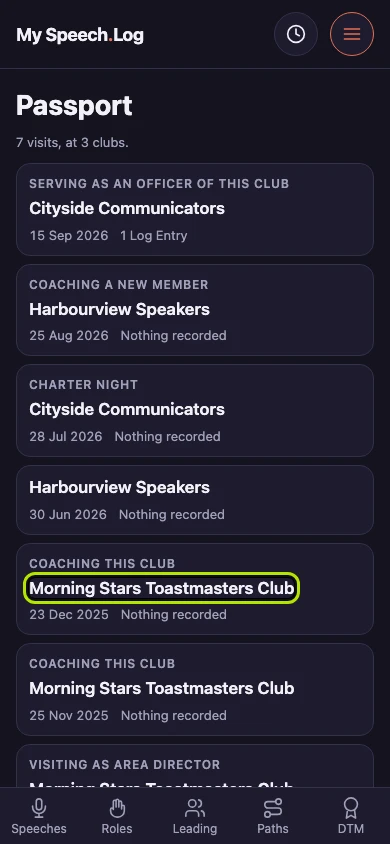
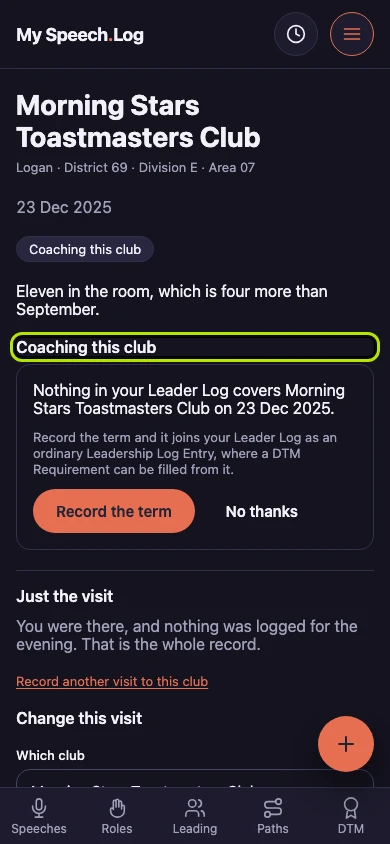
Coaching this club says that your Leader Log covers no term at that club on that date. It is a fact about a date rather than something you have left undone.
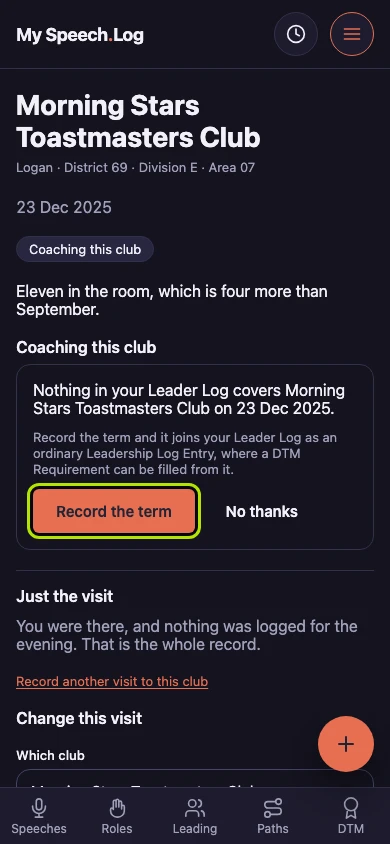
Press Record the term to add it to your Leader Log. A term is a stretch of leadership or service, and this one arrives with the Type, the Club and a start date already filled in.
The Visit now shows the term in place of the offer. Where a term already covers the evening, the app shows you that term and leaves it at one.
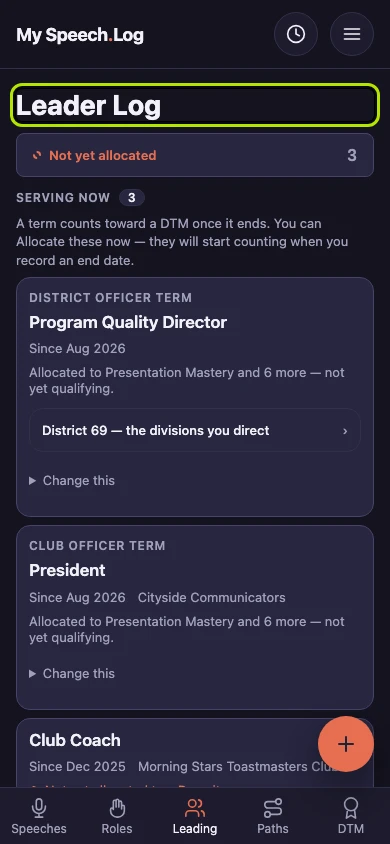
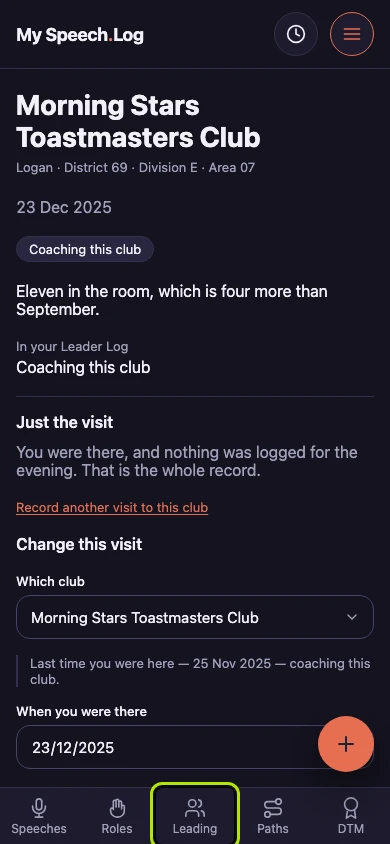
Press Leading to open your Leader Log, where the term now lives. A term counts toward one of the six things a DTM asks for once it ends.
Leader Log holds it with the terms you typed here yourself, and it is one of them. Correct it, give it an end date, or Allocate it to a Pursuit — a Pursuit is your progress toward one DTM.