Finding a term in your Leader Log
A term is a stretch of leadership or service — an office you held, a club you coached — and your Leader Log holds every one you have recorded. Come here to find one again.
6 steps
Press Leading to open your Leader Log. It holds your club and district leadership and service, apart from your speeches and your roles.
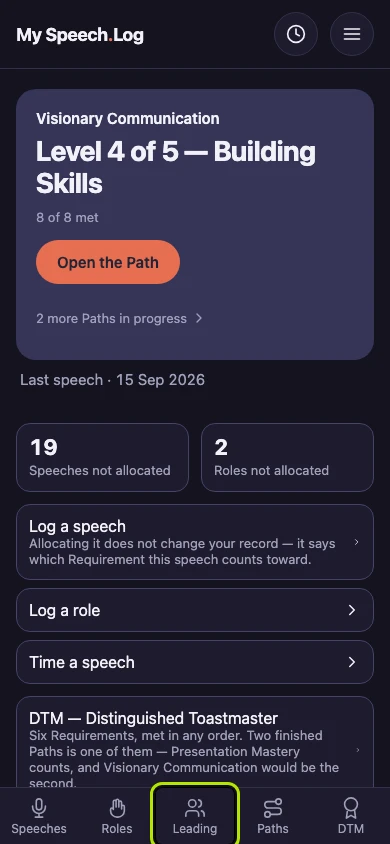
Your Leader Log lists your terms. A term is a stretch of leadership or service — an office you held, a club you coached. The term that started most recently comes first.
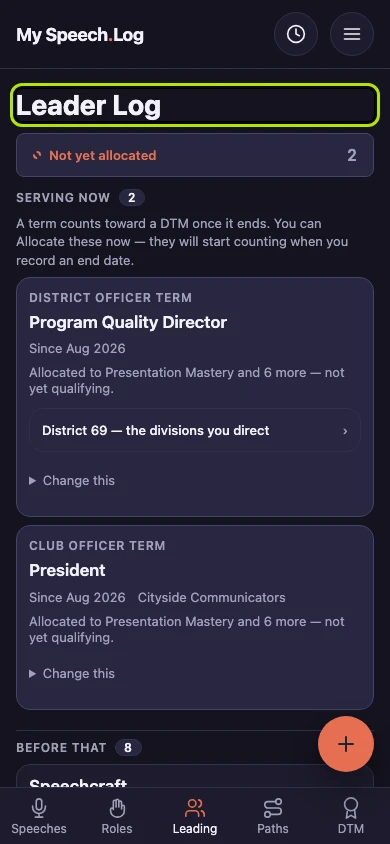
Serving now lists the terms you have not finished yet, and the number beside it counts them. A term counts toward a DTM only once it has ended, as the line under the heading says.
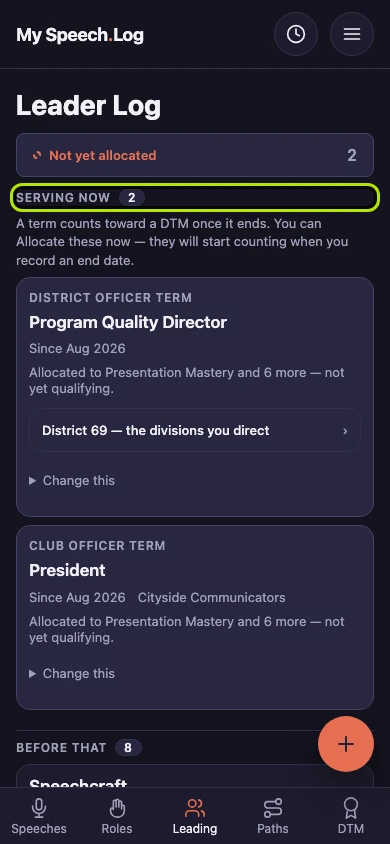
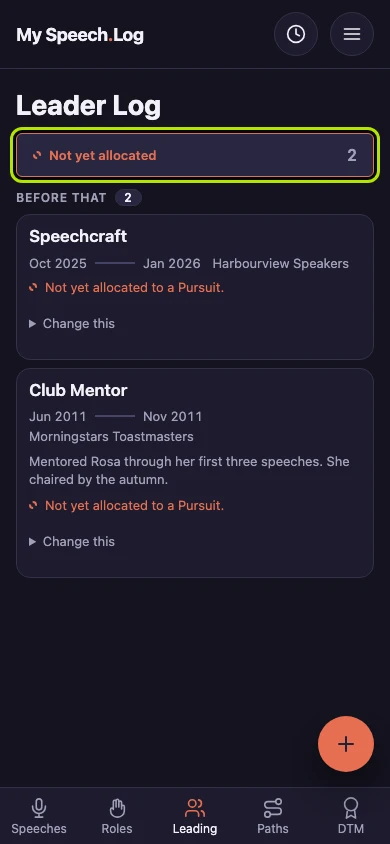
Before that lists the terms you have finished. Each one shows the kind of service, the office, the dates, the Club if there was one, and whether it counts toward a DTM yet.
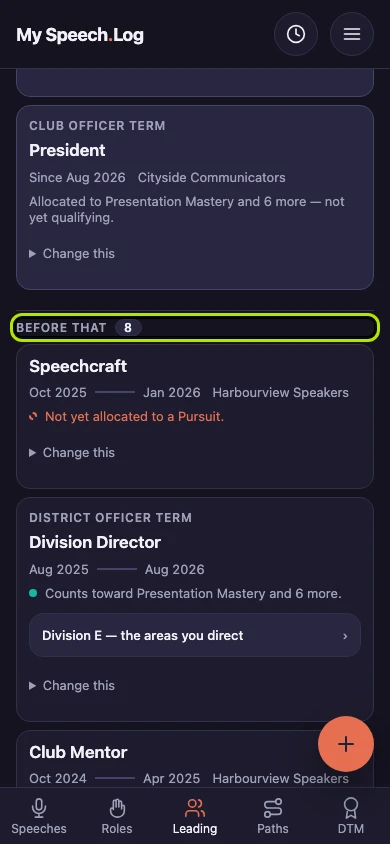
Press Not yet allocated to see only the terms that do not count toward a DTM yet. Allocating means saying which DTM Requirement a term counts toward. The number on the button says how many are waiting.
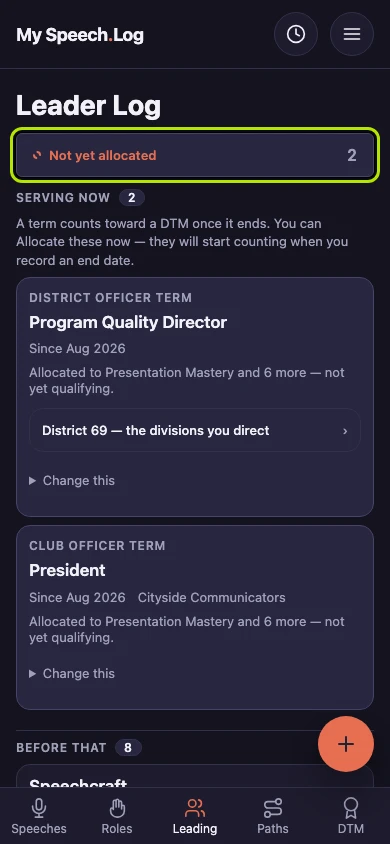
Look at the list: it now shows only the terms that are still waiting. Press Not yet allocated again to see your whole Leader Log.


Next: Recording a Term