Recording a Term
Recording a term is how an office you held or a club you coached gets into your record. Do it whenever you like — while you are serving, or years later from memory.
7 steps
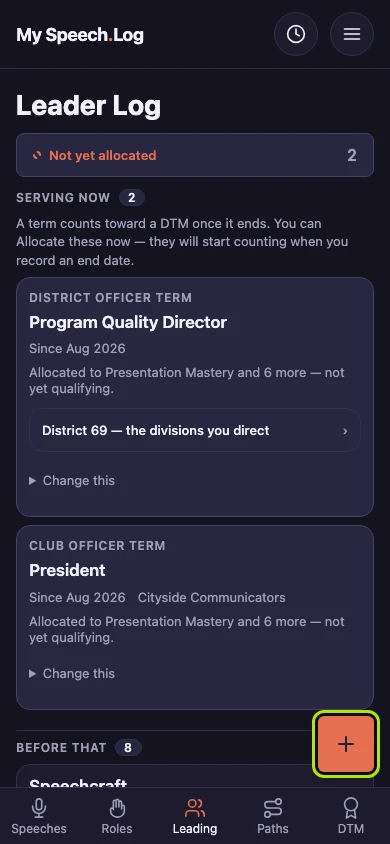
Press Leading, then the round + button. A form called Record a term opens. A term is a stretch of leadership or service — an office you held, a club you coached.
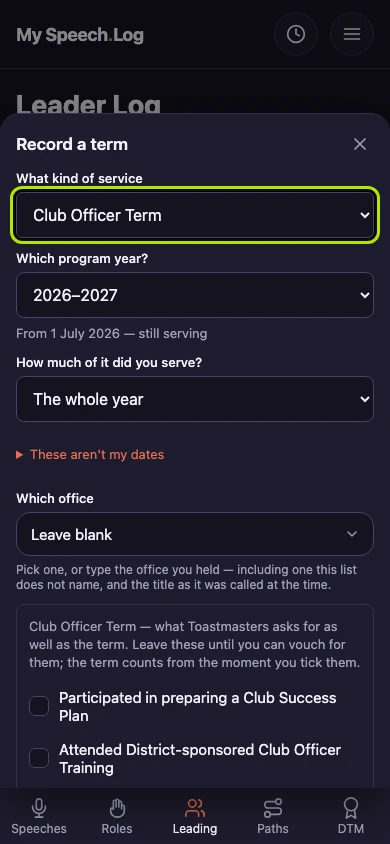
Choose the kind under What kind of service. The rest of the form changes to suit it. Choose Other for service you want to remember that does not count toward a DTM.
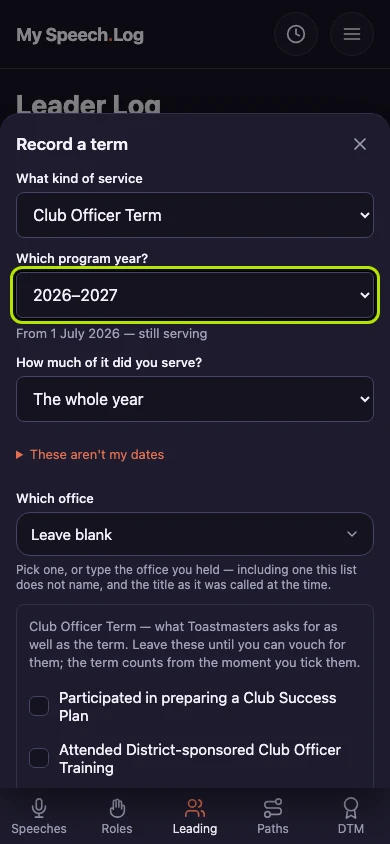
Choose the year under Which program year? Under How much of it did you serve?, choose the whole year or half of it. Press These aren't my dates to enter your own dates instead.
Choose the office you held under Which office. The list suits the year you chose, so an older term shows the title used then. Choose Not listed — let me type it to type your own.
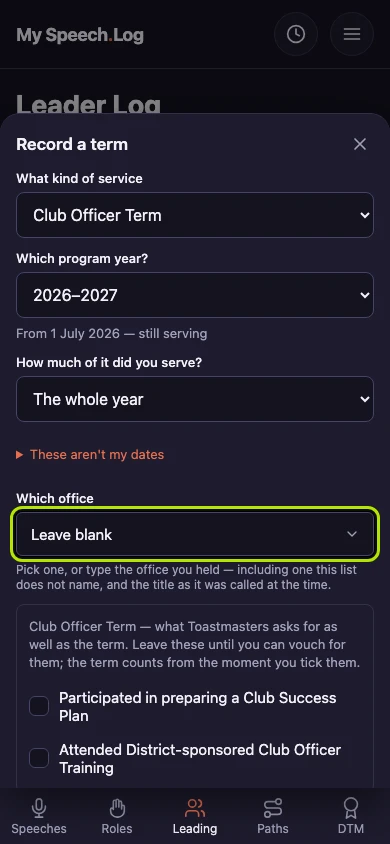
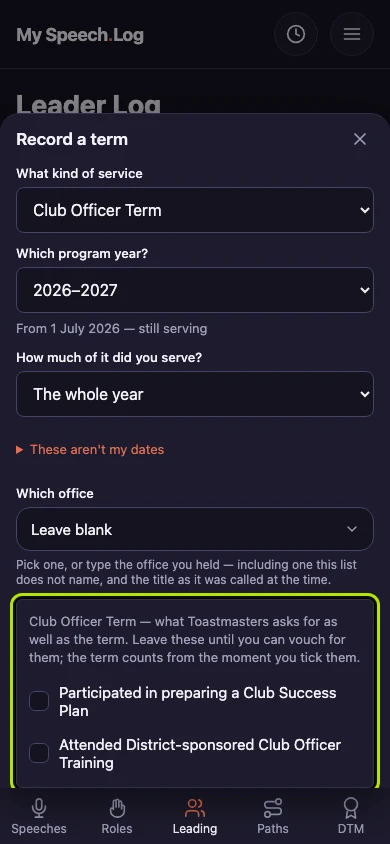
Tick Participated in preparing a Club Success Plan and Attended District-sponsored Club Officer Training once you have done them. Toastmasters asks for both before a Club Officer Term counts toward a DTM. You can tick them later.
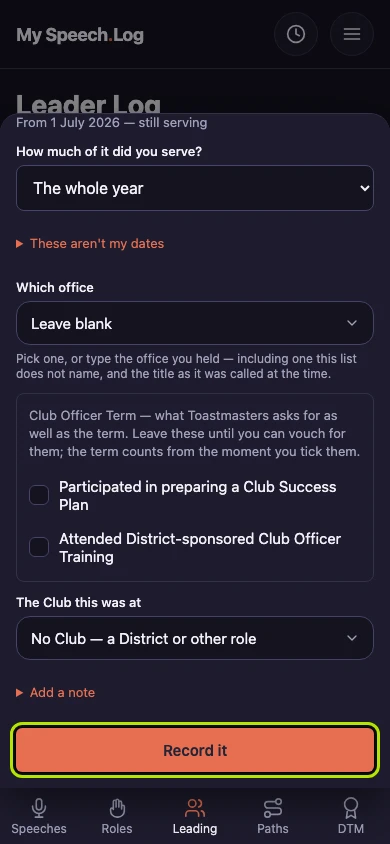
Choose the Club under The Club this was at. For a District office, leave it on No Club — a District or other role.
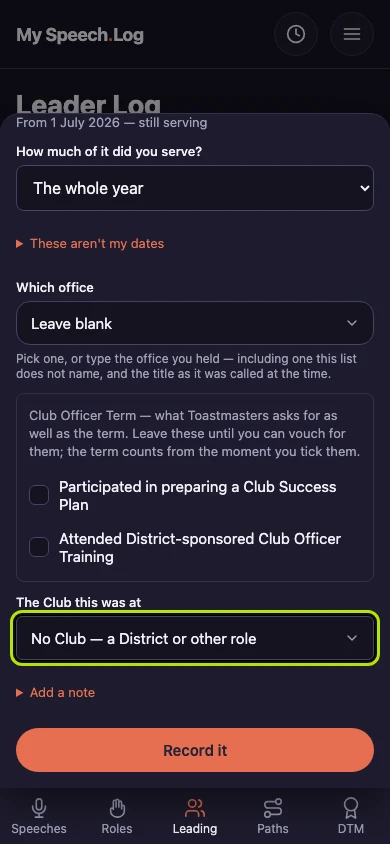
Press Record it to save the term. The form closes and the term appears in your Leader Log. If you are still serving, it is saved with no end date, and you can add one later.