Changing a DTM Award
A DTM Award records two things: the day it was granted, and the Club credited with it. Come here when either one is wrong, however long ago the award was.
4 steps
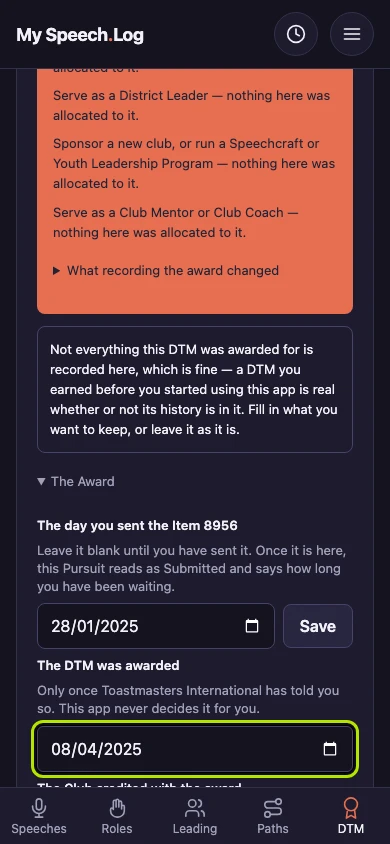
Type the right day under The date the DTM was awarded, in The Award. A recorded award stays correctable for as long as you hold it.
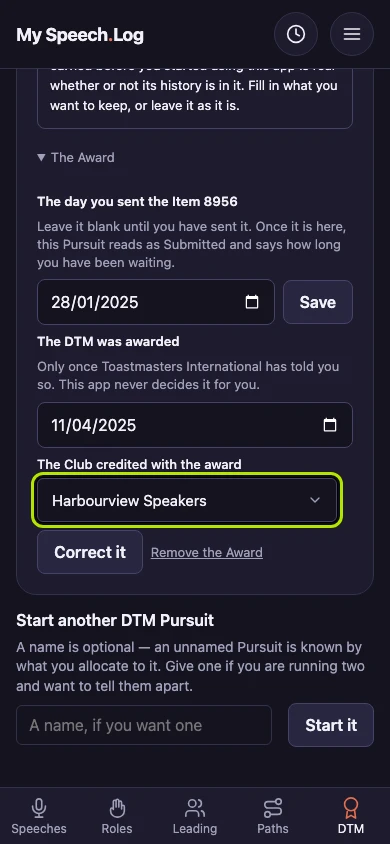
Choose a different Club under The Club credited with the award if that is what changed. Both boxes read your record again every time, so what you see is what will be saved.
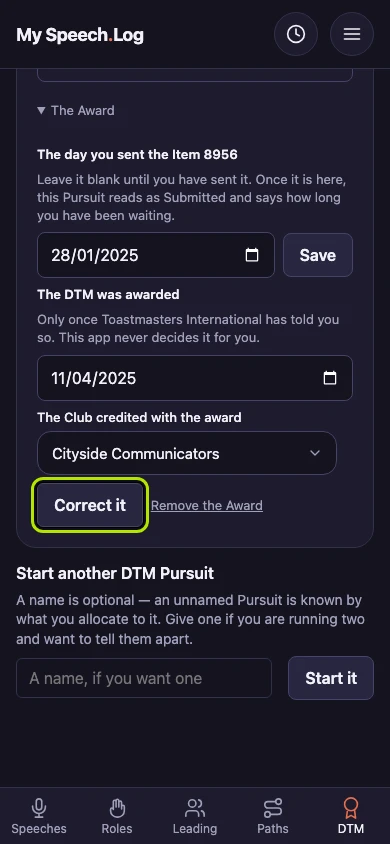
Press Correct it to save the change.
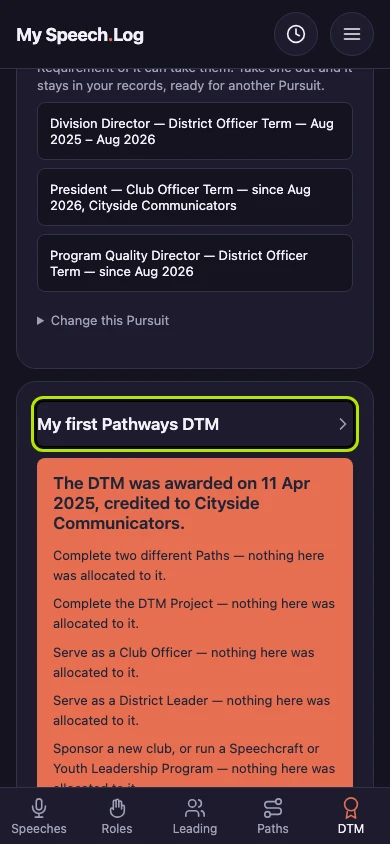
The Pursuit leads with the new date and Club, and the rest of it is as it was. The day you sent the DTM application form (Toastmasters calls it Item 8956) still reads as you recorded it.


Next: Removing a DTM Award