Recording a contest
Recording a contest is how a contest you entered gets into your record: the year, which contest, and the Club you competed for. Every contest starts at the Club, and the levels above it are added afterwards.
6 steps
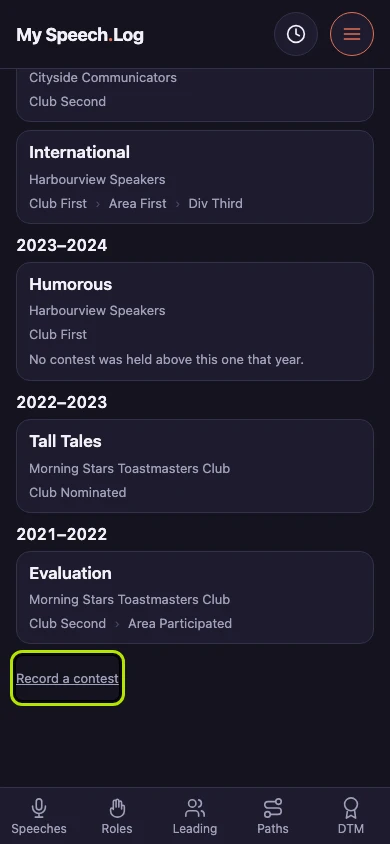
Press Menu, then Contests. Scroll down past everything else and press Record a contest.
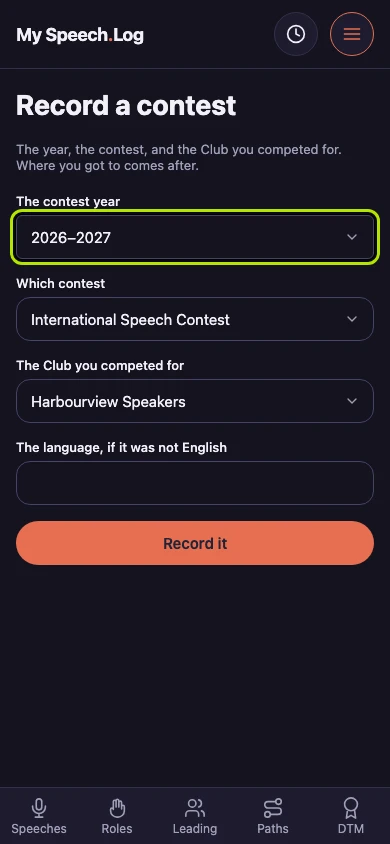
Choose the program year of the contest under The contest year. The list goes back thirty years.
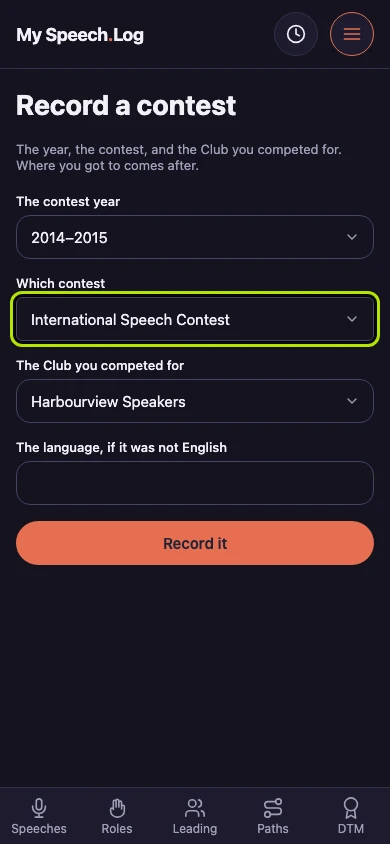
Choose the contest under Which contest. The list uses Toastmasters' own names, such as International Speech Contest and Humorous Speech Contest.
Choose your Club under The Club you competed for. This is the Club you represented, not the place the contest was held. If you competed for two Clubs in one year, record each one separately.
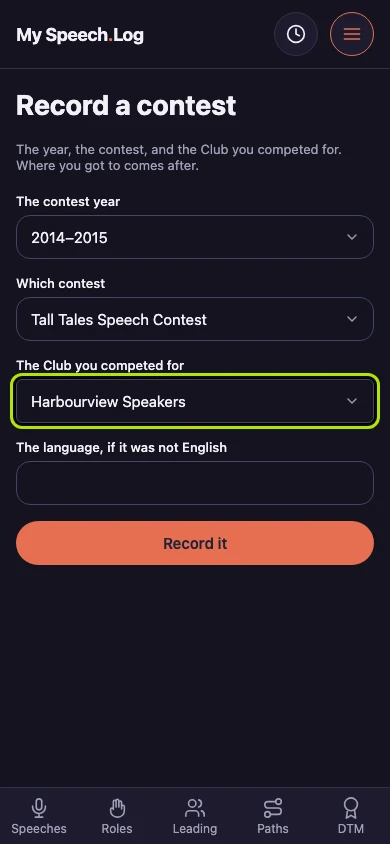
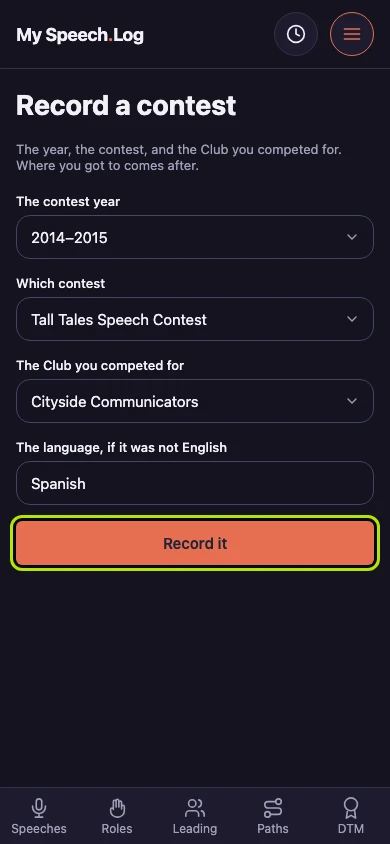
Type the language under The language, if it was not English, in your own words. Leave it empty if the contest was in English.
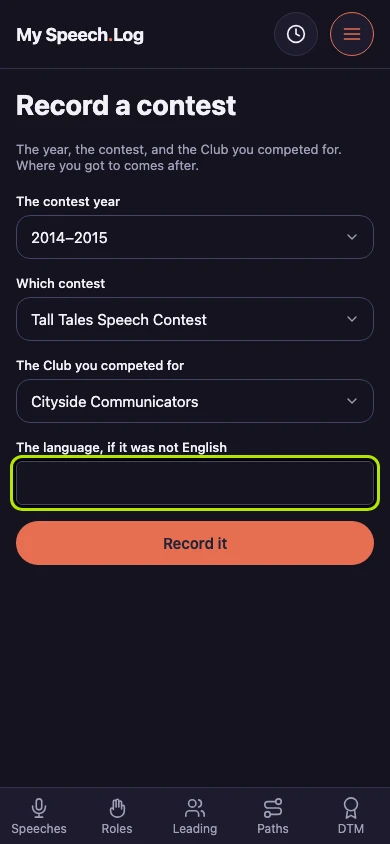
Press Record it. The contest opens, with nothing in it yet. Every contest starts at the club, so the screen first offers to record your Club contest.