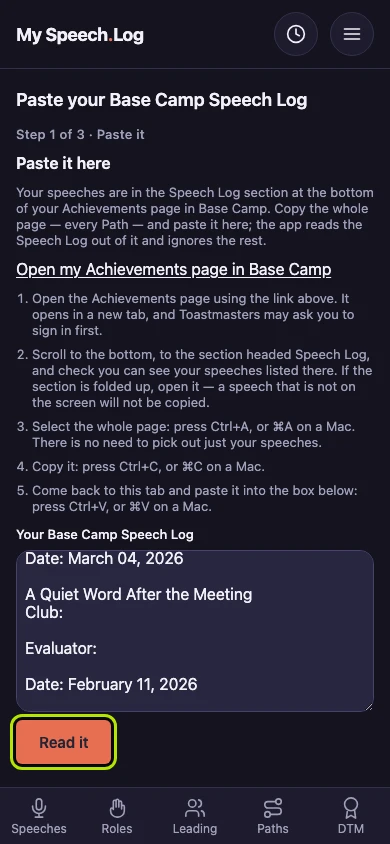
Pasting your Base Camp Speech Log
Your Base Camp Speech Log can be pasted in whole, without picking a Level first. The app reads it and shows you what it found before anything is recorded.
4 steps
Open Settings from the menu, then Import your record. Every way to bring your history in is here, and each says when you last used it.
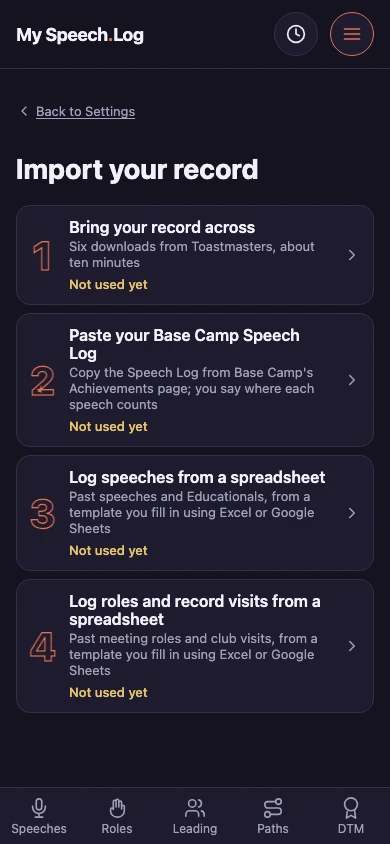
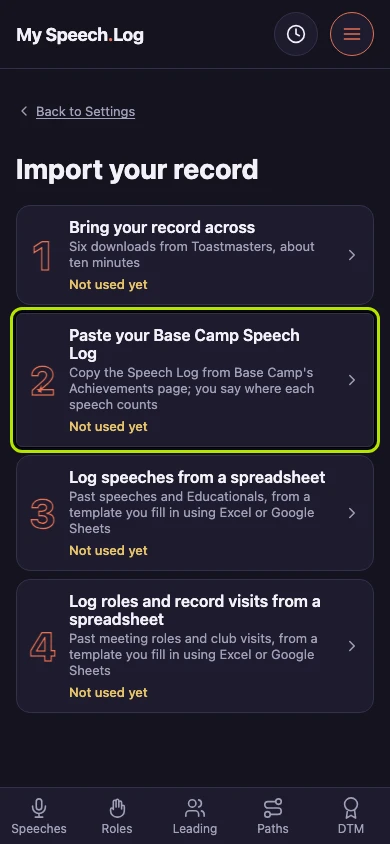
Press Paste your Base Camp Speech Log. This is the way in when you have it to hand and no particular Level in mind — you are not asked to choose one first.
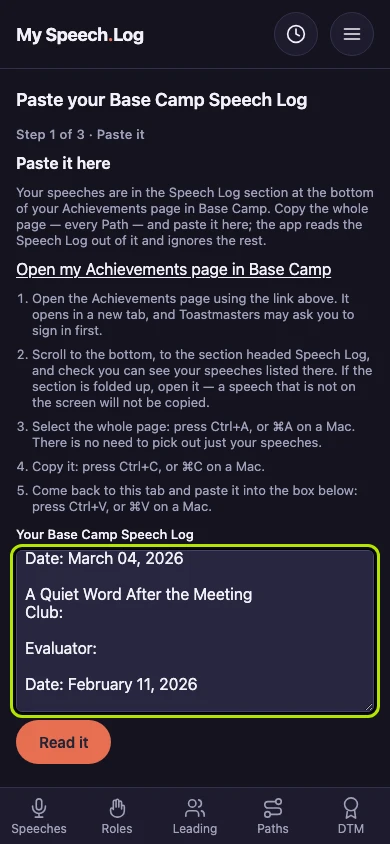
Paste the whole thing into the box. Copy it straight out of Base Camp — headings and all, and it does not matter if you take more than you need.
Press Read it. Nothing is recorded yet: the app reads what you pasted and shows you what it found, so you can see it before any of it is kept.