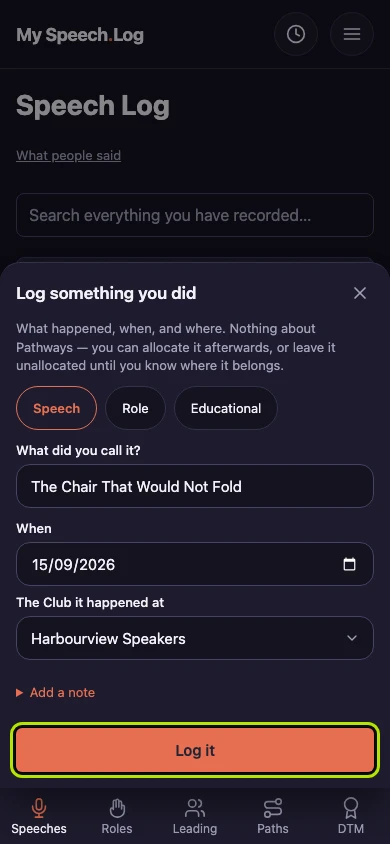
Logging a speech
Logging a speech is how a speech you gave gets into your record. Do it whenever you like — that evening, or months later from your own notes.
7 steps
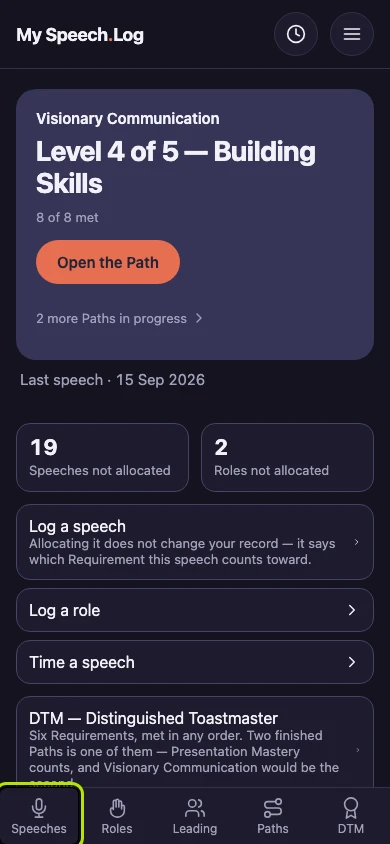
Press Speeches to open your Speech Log.
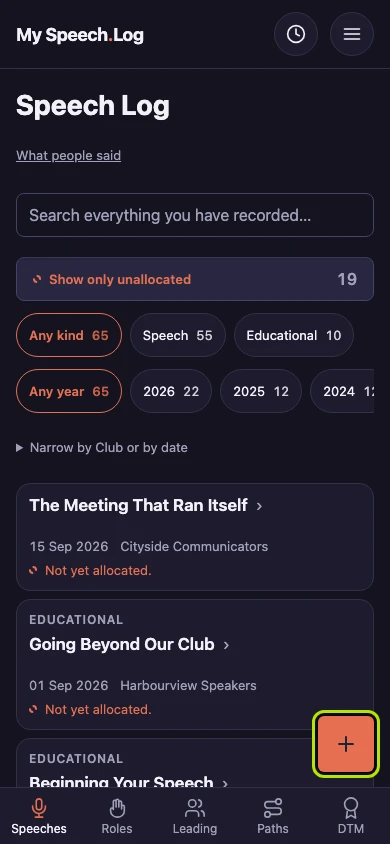
Press the round + button. A form called Log something you did opens. You will find the same button on your Role Log and on a Visit.
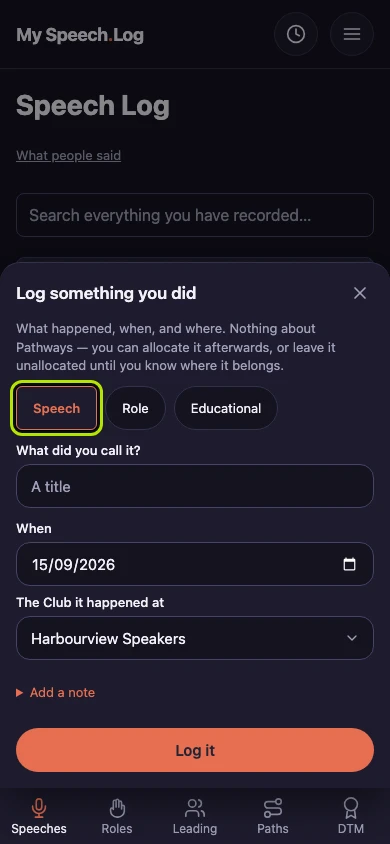
Check that Speech is selected — it already is when you start from your Speech Log. Press Role or Educational instead if that is what you did.
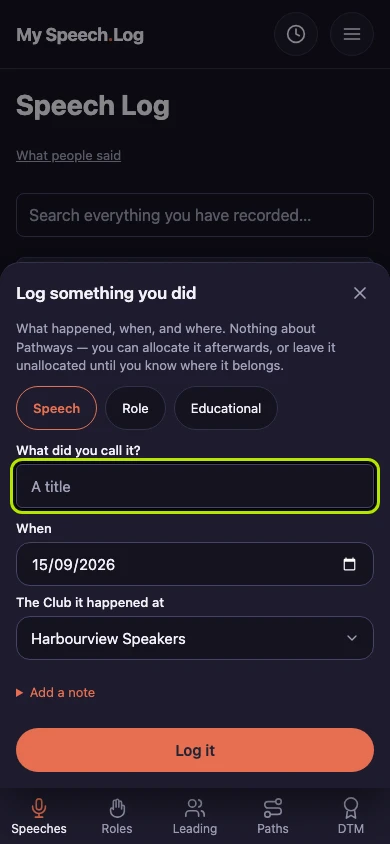
Type your speech's title under What did you call it? You do not need to know which Project it was for. You can say where it counts later.
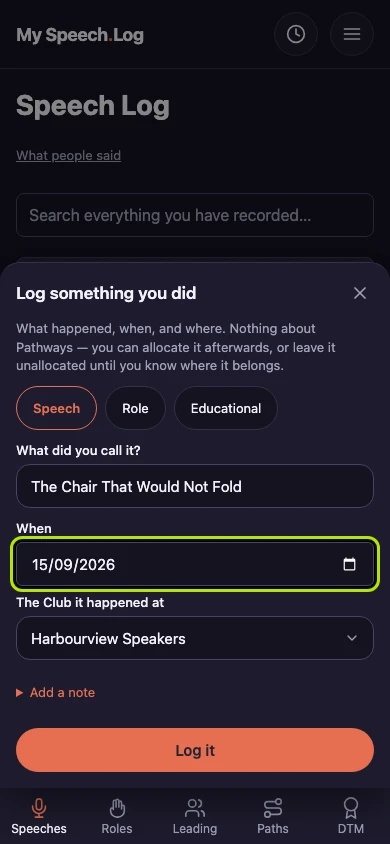
Check the date under When. The app fills in your Club's usual meeting day, so it is often right already. Change it if you spoke on a different day.
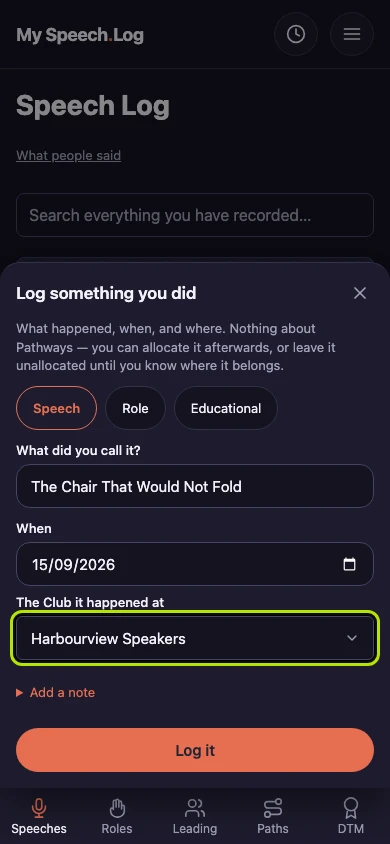
Choose the Club under The Club it happened at. Your own Clubs come first, and you can choose no Club at all. Press Add a note if you want to remember something about the day.
Press Log it to save the speech. You go back to your Speech Log, where the new speech is marked. The form remembers the Club and the date for the next one you log.