Linking a Club to Toastmasters' list
Linking attaches a Club to Toastmasters' list of clubs by its club number, which is how the app shows the city, District, Division and Area. Come here when a Club you typed yourself is on that list after all.
6 steps
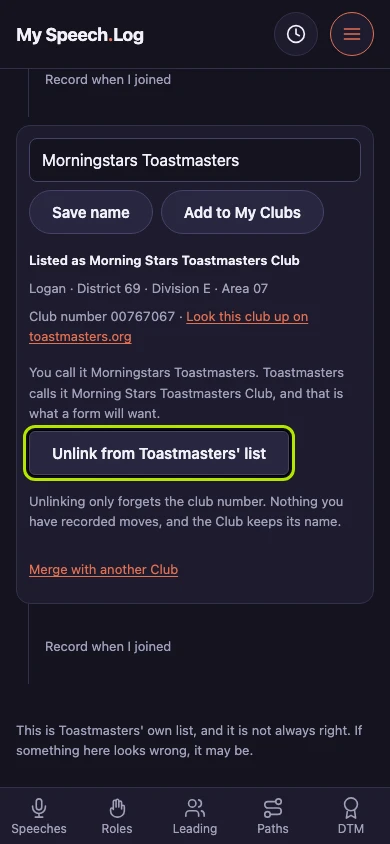
Press Unlink from Toastmasters' list to undo a link. Unlinking forgets the club number and leaves the rest: the Club keeps its name and everything recorded at it.
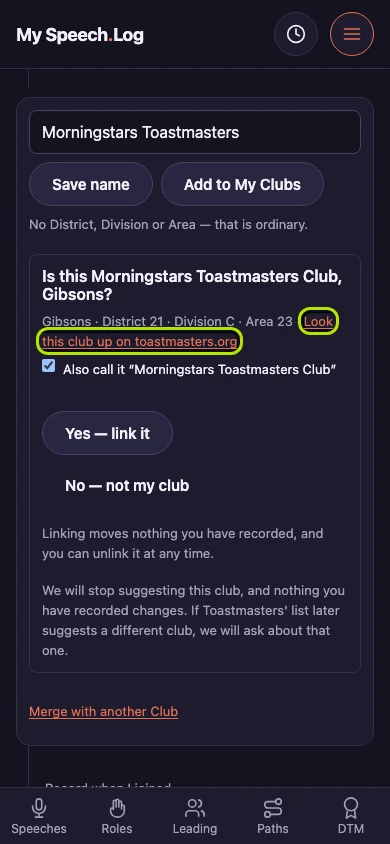
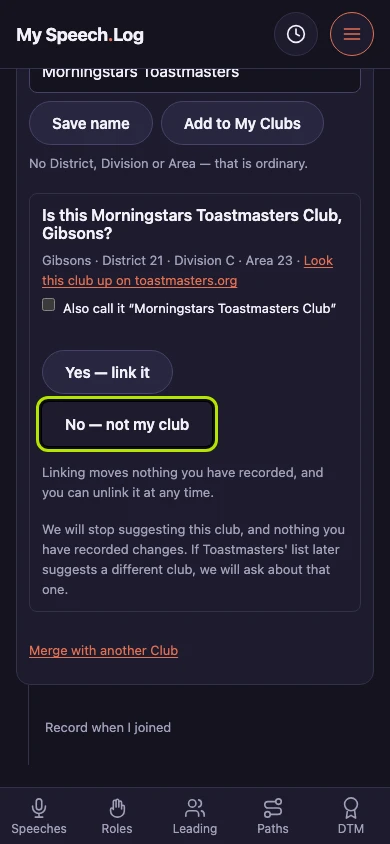
Press Look this club up on toastmasters.org to check the app's guess. With no club number the app suggests a club from Toastmasters' list, and the city, District, Division and Area are how you tell.
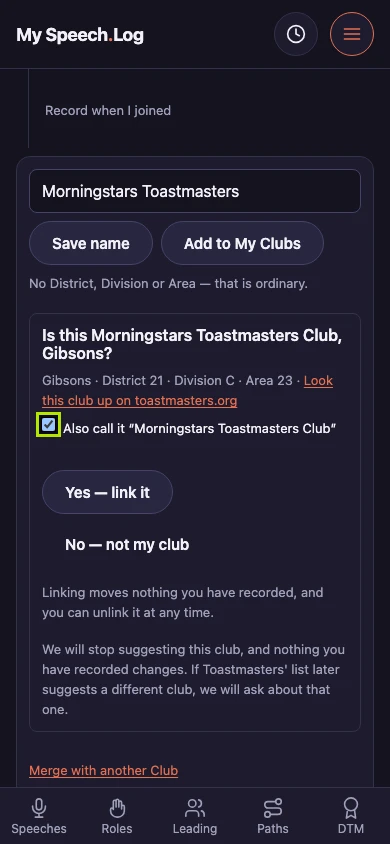
Choose whether to take Toastmasters' name for the club too. Also call it arrives ticked, because that is the name everyone else uses; untick it to take the club number and keep your own name.
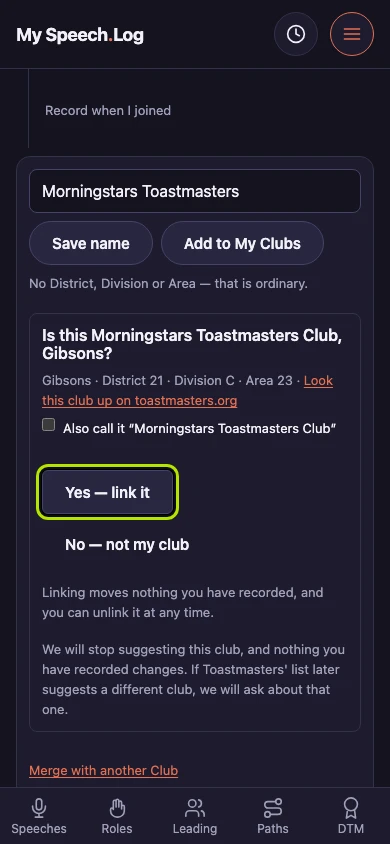
Press Yes — link it to attach the club number. Everything you have recorded stays where it is, and you can unlink the Club again at any time.
Press No — not my club where you know the guess is wrong, and the app stops suggesting that club. Your Club keeps its name and its records.
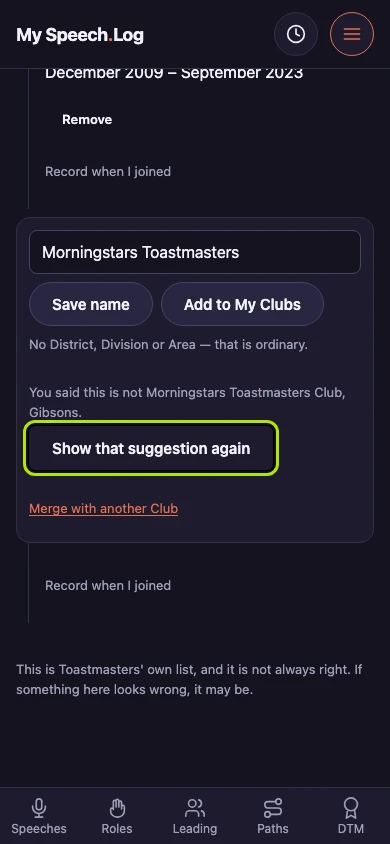
Press Show that suggestion again to bring back one you turned down. The answer stays on the Club's own row and names the club you said no to.


Next: Merging two Clubs