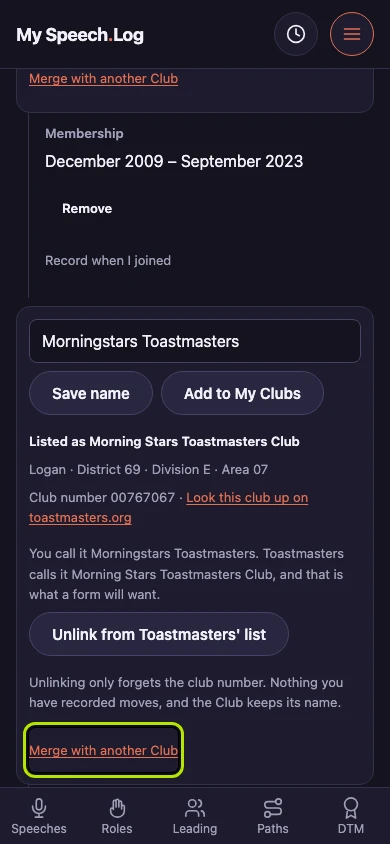
Merging two Clubs
A Club you typed yourself and a Club from Toastmasters' list can turn out to be the same club. Merging keeps one of them and moves everything onto it, and you can undo it at any time.
6 steps
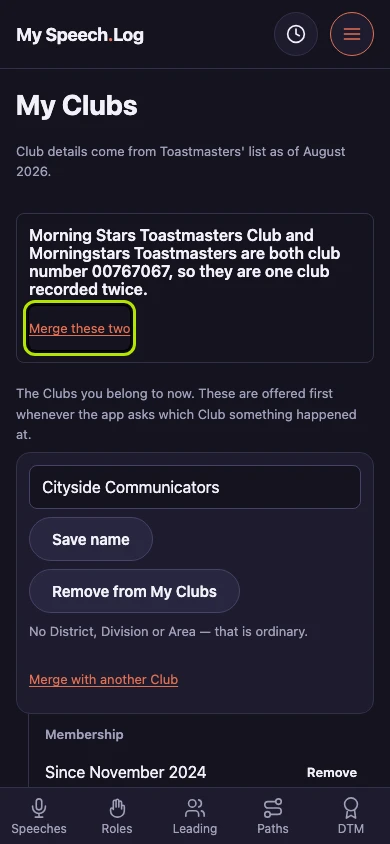
Press Merge these two where the app has found two Clubs on one club number. Two Clubs on one number are one club recorded twice, and the app offers to put them together rather than doing it for you.
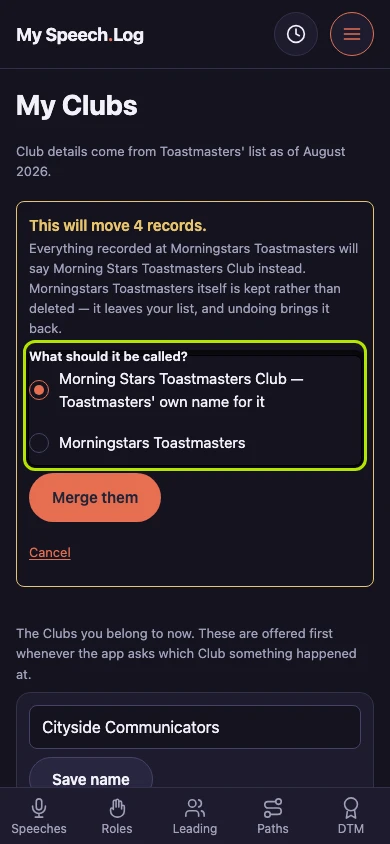
Choose which name the one Club keeps under What should it be called? Toastmasters' own name is already chosen. The screen says how many records would move before anything is written.
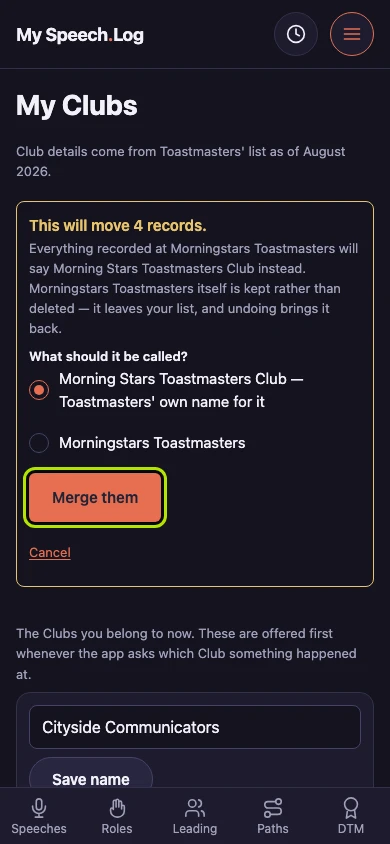
Press Merge them to write it: everything recorded at one Club starts saying the other. Until you press it, Cancel leaves both Clubs exactly as they are.
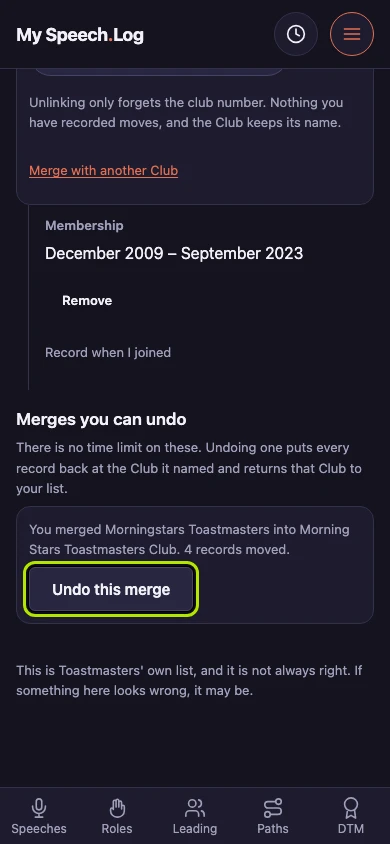
Merges you can undo names which Club went into which and how many records moved. The Club that went in is kept rather than deleted — it has only left your list.
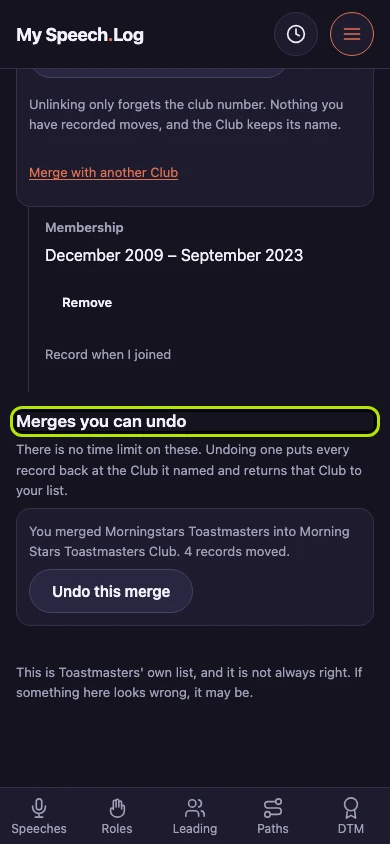
Press Undo this merge whenever you like — there is no time limit on it. Every record goes back to the Club it named, and that Club returns to your list.
Press Merge with another Club on any row to merge two Clubs their club numbers cannot give away — two names you typed yourself, say. The app asks which other Club before anything moves.