Finding a speech in your Speech Log
Your Speech Log is every speech you have recorded, newest first. Come here when you want to find one again — to read it, change it, or say which Level it counts toward.
7 steps
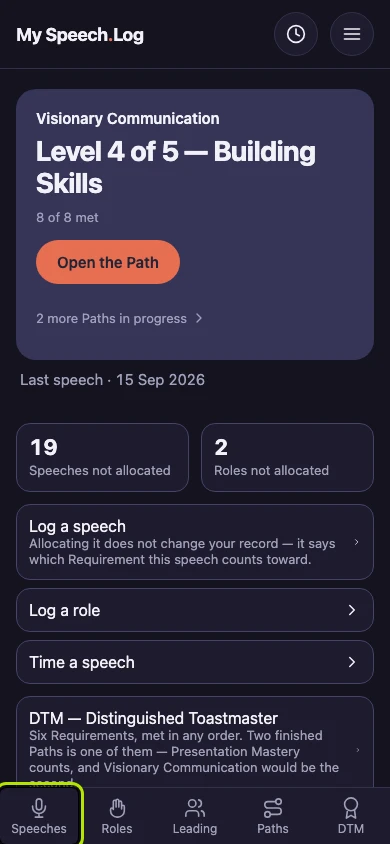
Press Speeches to open your Speech Log. Speeches, Roles, Leading, Paths and DTM are on every screen, so your Speech Log is always one press away.
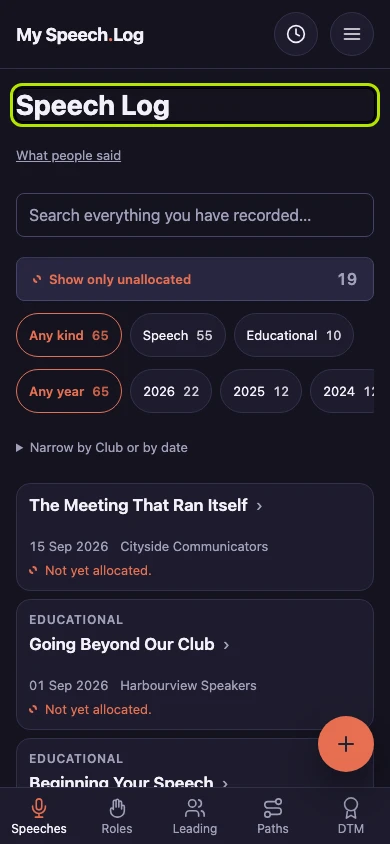
Your Speech Log lists every Speech and Educational you have logged, newest first. Each row shows what it was, when, which Club, and whether it counts toward a Level yet.
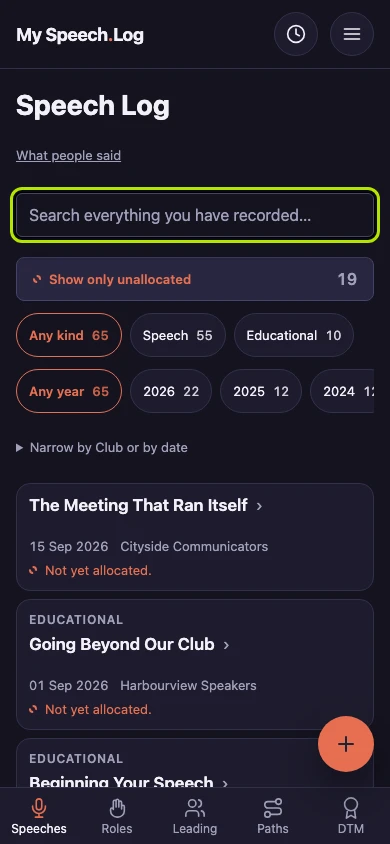
Type a word you remember in the search box — from a title, a note, a Club, or the Project a speech counts toward. The list gets shorter as you type.
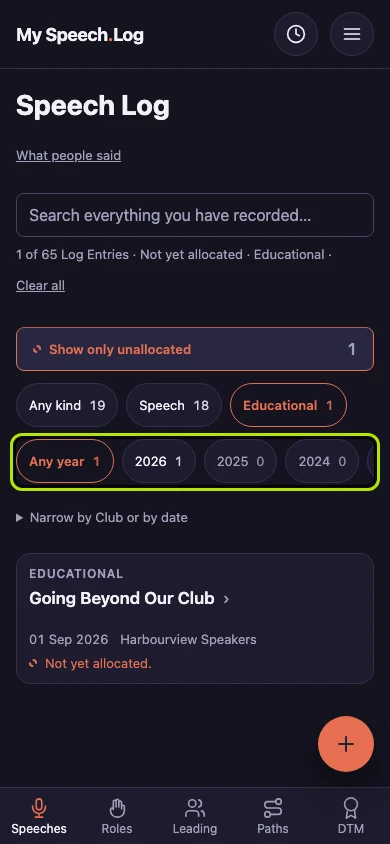
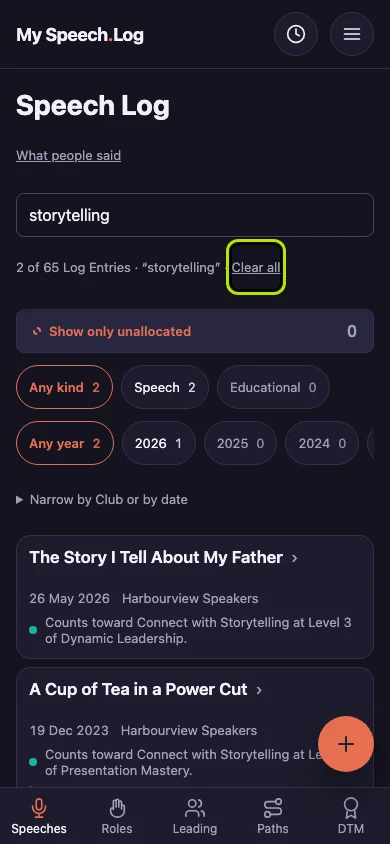
Read the line above the list to see how many speeches match and which filters are on. Press Clear all to see your whole Speech Log again.
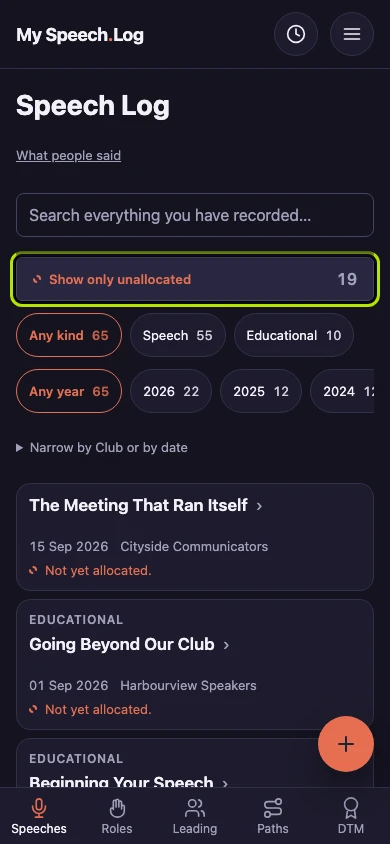
Press Show only unallocated to see the speeches you have not yet counted toward a Level. The number on the button says how many there are.
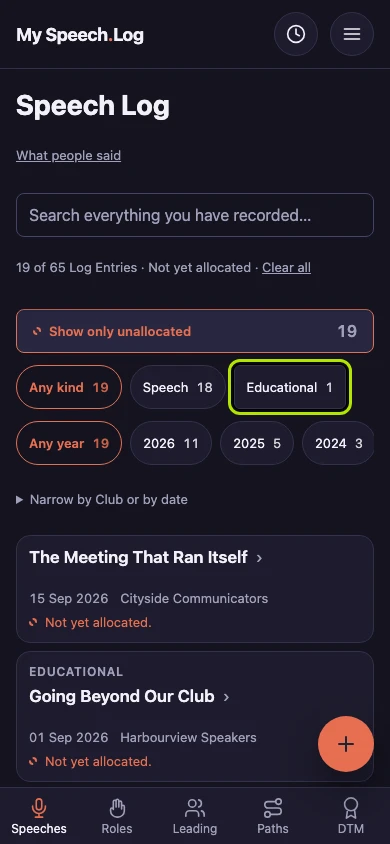
Press Speech or Educational to see only that kind. The number on each button is how many you would see if you pressed it.
Press a year to see only that year. For one Club or a range of dates, press Narrow by Club or by date — you can fill in a start date, an end date, or both.