Finding your contest record
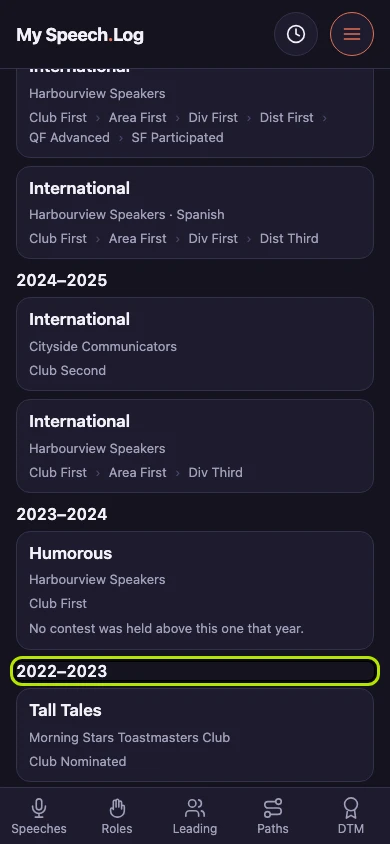
Contests holds the speech contests you have competed in, grouped by program year. Each row shows the contest, the Club you competed for, and your result at each level you competed at — Club, Area, Division, District.
6 steps
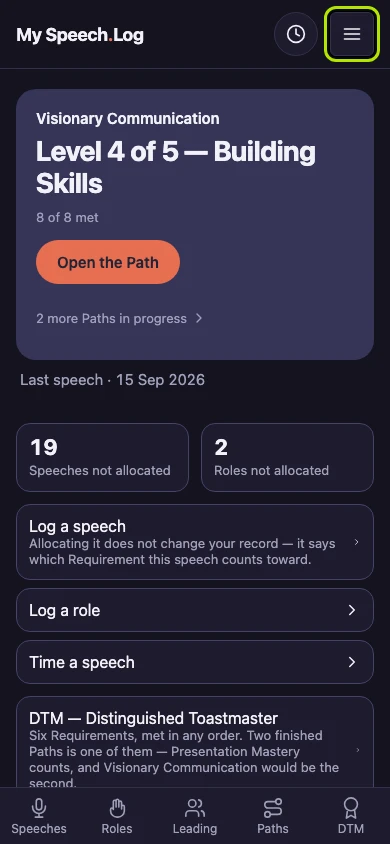
Press Menu — the button with three lines. You can open it from any screen.
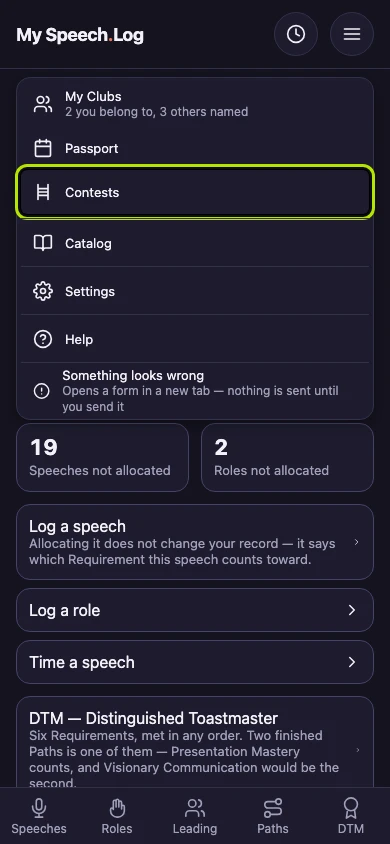
Press Contests to open your record of the speech contests you have competed in.
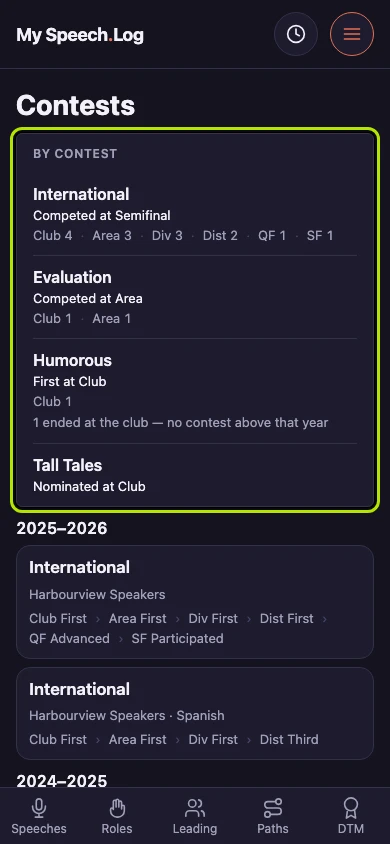
By contest sums up each contest you have entered. It shows the highest level you reached, and how many times you competed at each level of the contest — Club, Area, Division, District and beyond.
Each row is one contest in one year: the contest, the Club you competed for, and your result at each level you competed at. This Humorous row also says no contest was held above the Club.
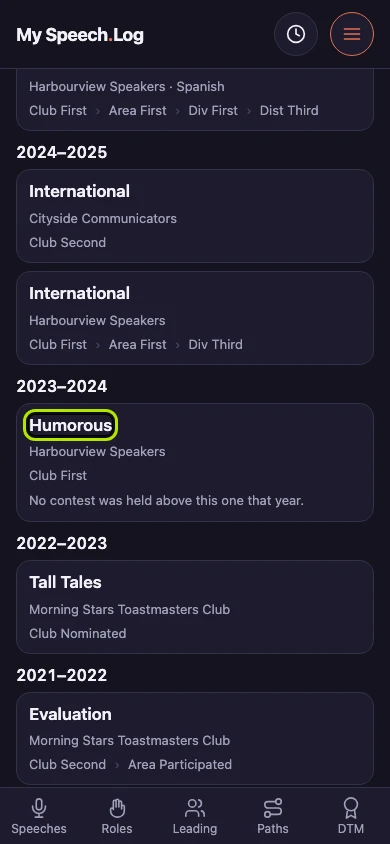
The rows are grouped by program year, newest first. A year is shown only if you competed in it.
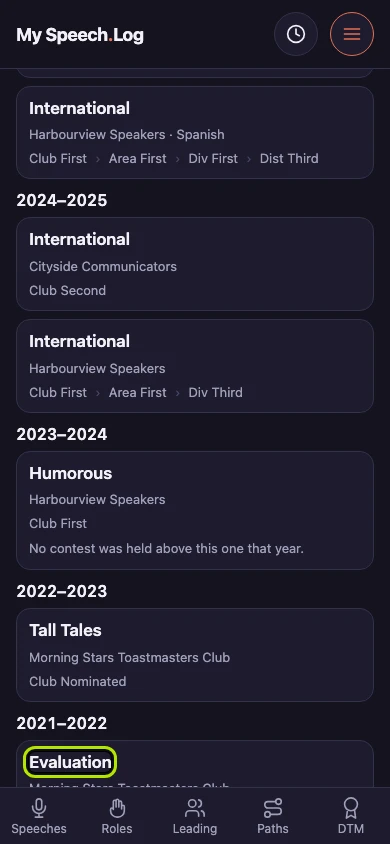
Press a contest's name to open it. There you can see each level you competed at, and the speech or role you recorded for it.


Next: Recording a contest