Finding your Club Visits
Your Passport is every Visit you have recorded, newest first. A Visit is your record that you were at a Club on a date, including clubs that are not your own.
5 steps
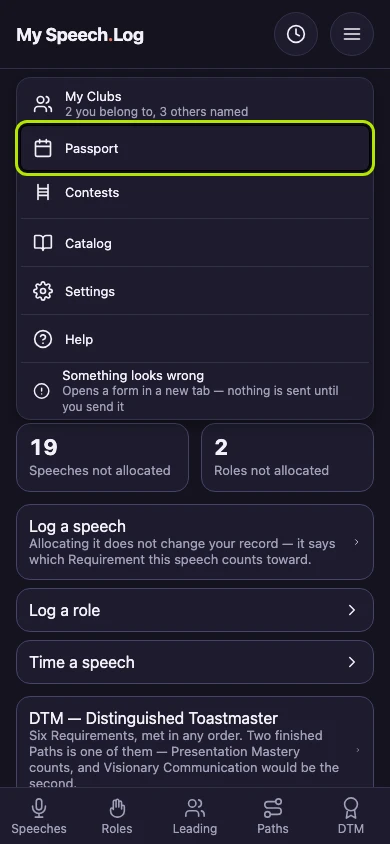
Press Menu, then Passport. You can open the menu from every screen in the app.
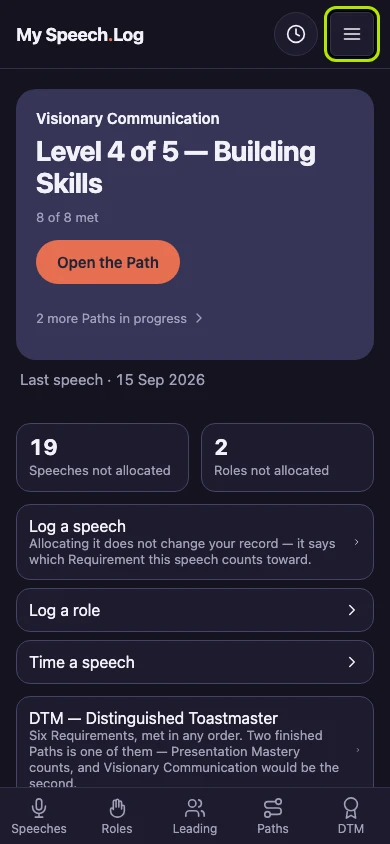
Press Passport to open your record of the Clubs you have been at. A Visit is your record that you were at a Club on a date.
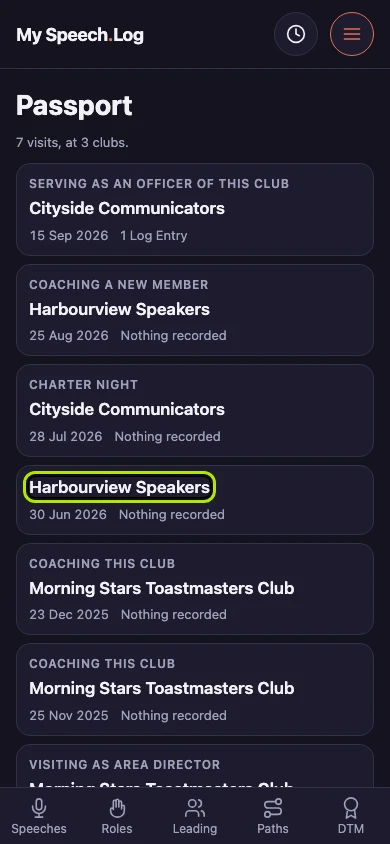
Passport opens with a line counting two things — the Visits you have recorded, and the clubs they were at. Both are plain counts.
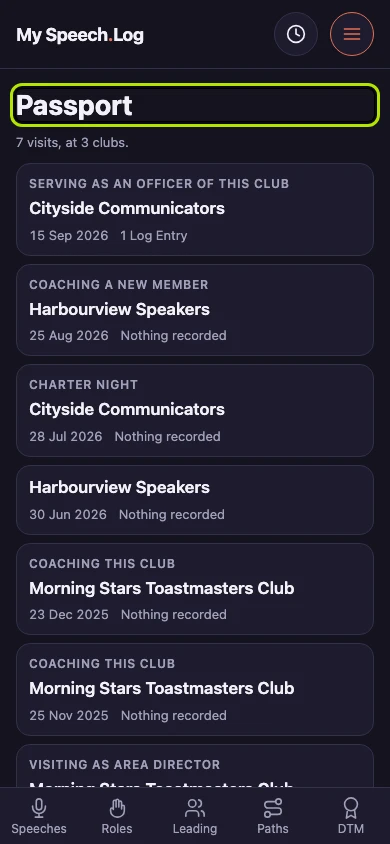
Your Visits run newest first, in one list. A row leads with why you were there, then the club, the date, and what you logged that evening.
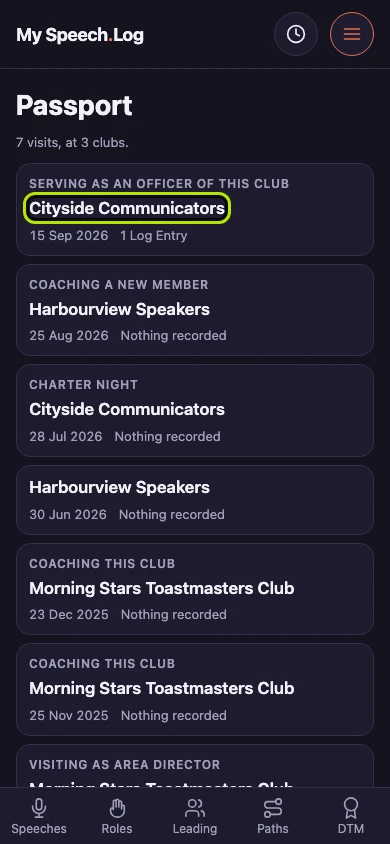
Press any row to open the Visit behind it. A Visit you gave no reason for leads with the club instead, and an evening you logged nothing at is a complete record too.


Next: Recording a Visit