Recording a Visit
Recording a Visit is how an evening at a Club gets into your Passport. Do it for a club of your own or one you were only visiting.
7 steps
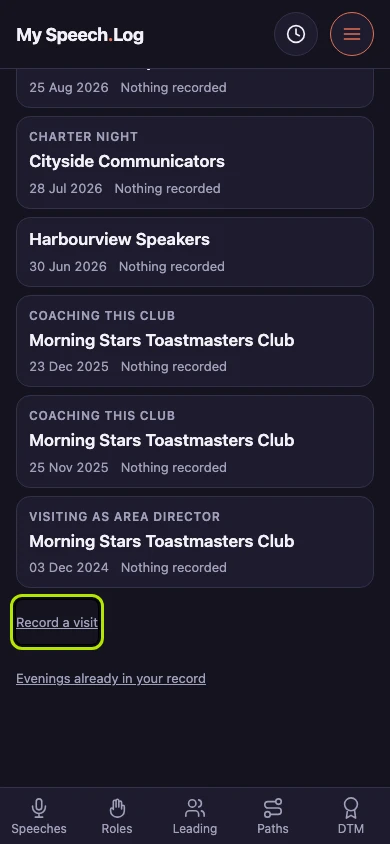
Press Record a visit. Scroll down past your Visits to find it — it is always there, however many you have. A Visit is your record that you were at a Club on a date.
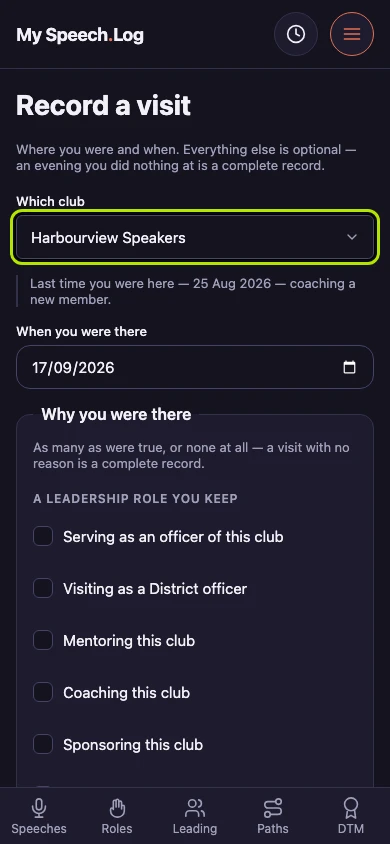
Choose the club under Which club. Your own Clubs come first, then the ones you have named but do not belong to now. The club and the date are the only two answers a Visit needs.
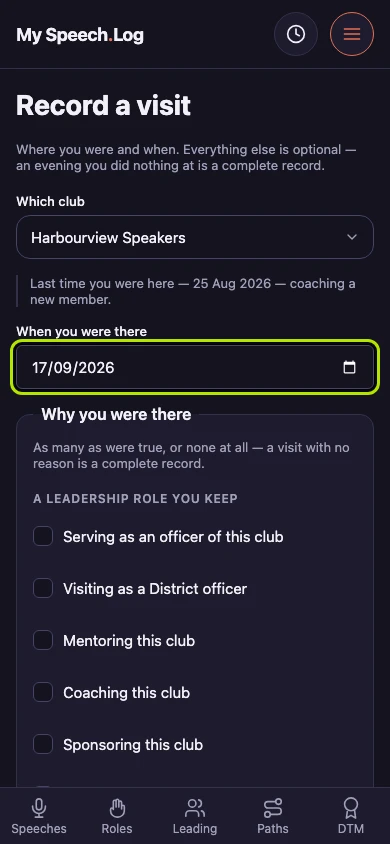
Check the date under When you were there. It opens on today and is yours to change. The app also says when you were last at this club, so a date you are recalling has something to check against.
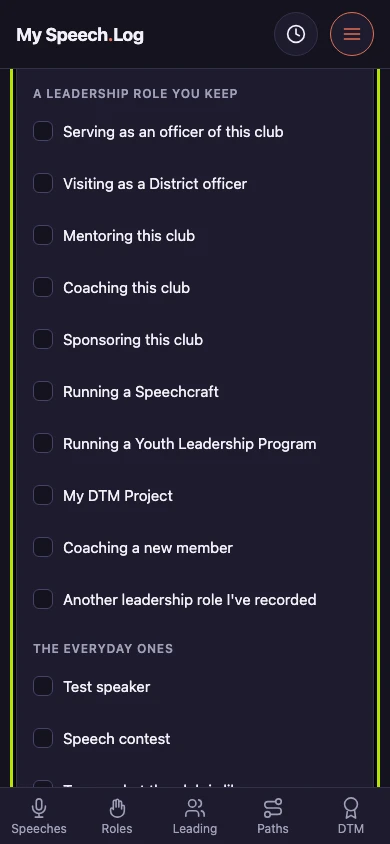
Tick as many reasons under Why you were there as were true, or none at all. The leadership reasons can count toward a DTM later; the everyday ones count toward nothing, and both are complete answers.
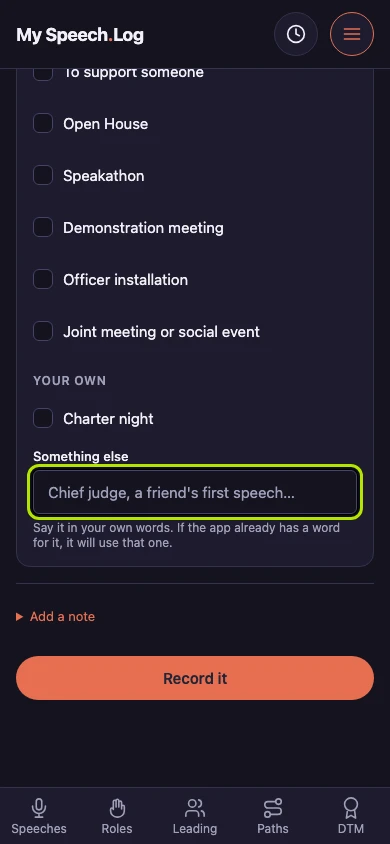
Type a reason the app has no box for under Something else, in your own words. If the app already has a word for it, it uses that one — and yours is offered back on later Visits.
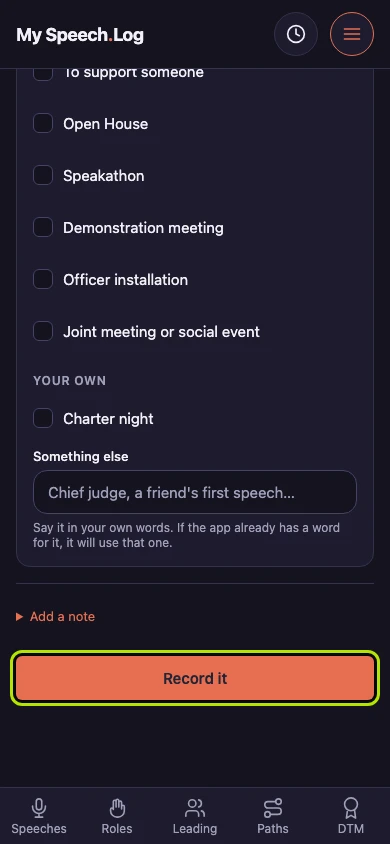
Press Record it to write the Visit. Press Add a note first if you want to remember something about the evening. Your Speech Log and your Role Log stay exactly as they are.
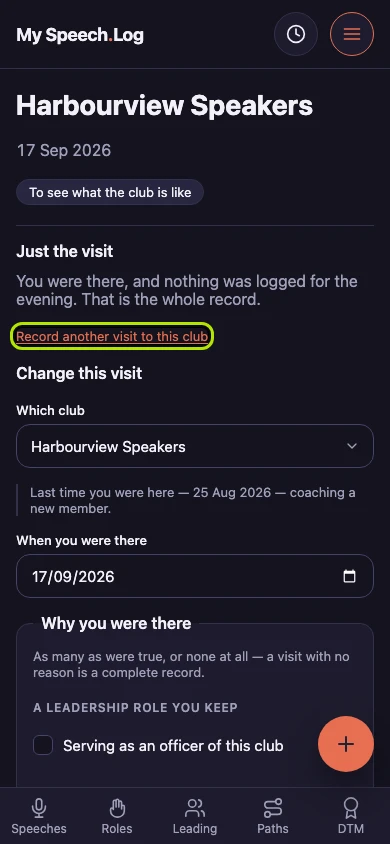
Press Record another visit to this club to open the same form again, with the club and the reasons carried over and today's date filled in. A Visit to a club you go to often costs you a date.


Next: Seeing a Visit