Finding where you are up to
Your home screen is the first thing you see after signing in. It gathers where you are up to: the Level you are working on, when you last spoke, and what does not count toward a Level yet.
7 steps
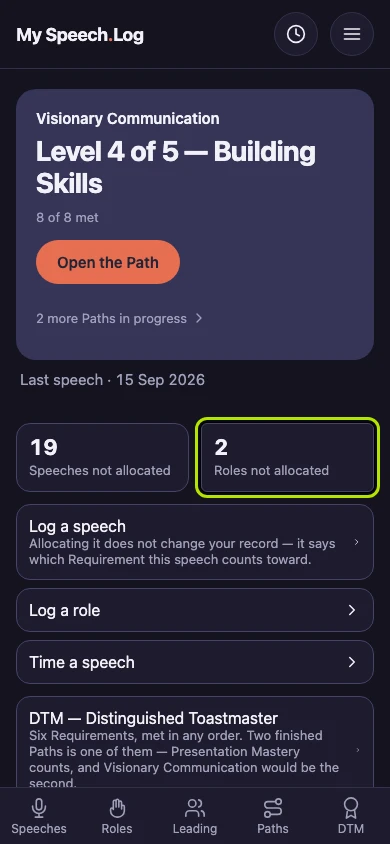
This is your home screen in My Speech Log, the first screen you see after you sign in. It shows where you are up to in Toastmasters right now. Here is what each part tells you.
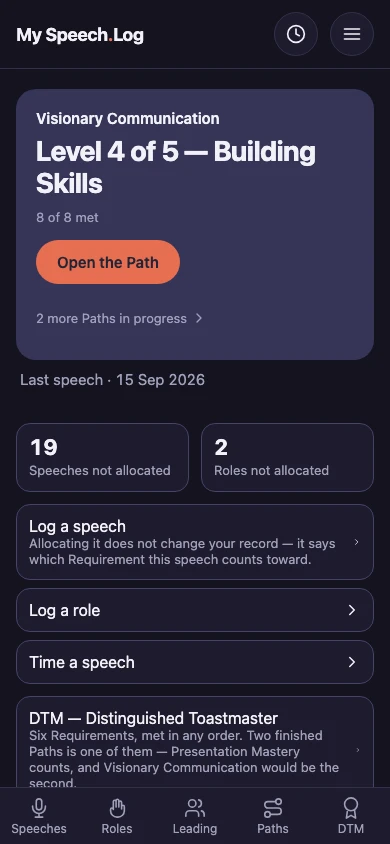
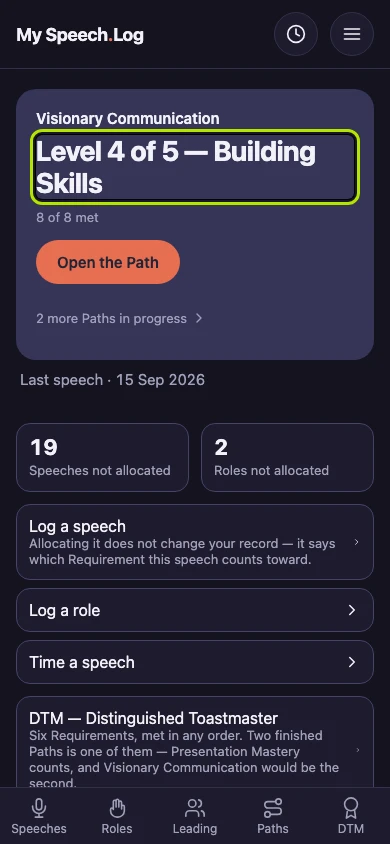
The large words, here Level 4 of 5 — Building Skills, are the Level you are working on, with its Path named above. The line under them counts how many of the things that Level asks for are met.
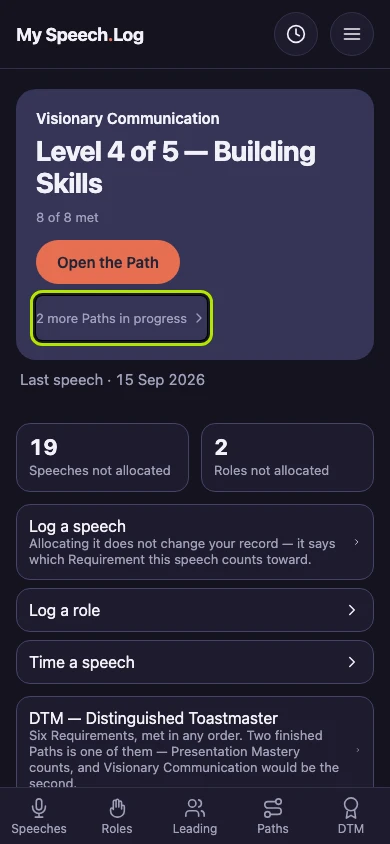
Press the line that ends more Paths in progress to see the other Paths you are working on. Your home screen shows one Path in full and counts the rest.
Last speech is the date you last gave a speech. Speeches not allocated and Roles not allocated are the ones that do not count toward a Level yet. You can leave them that way as long as you like.
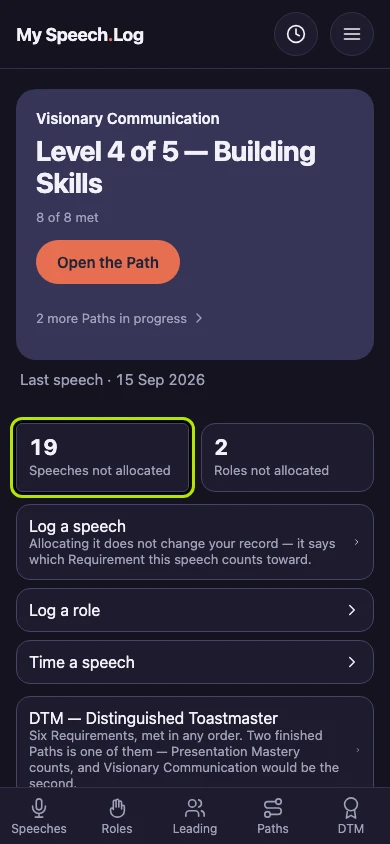
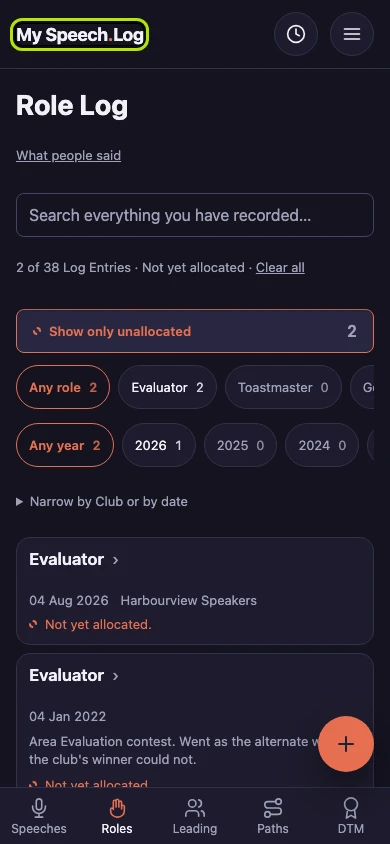
Press a number to open that list. Here, Roles not allocated opens your Role Log showing only those roles. Allocating means saying which Level of a Path this counts toward.
Press My Speech Log at the top of the screen to go back home. It works from every screen.
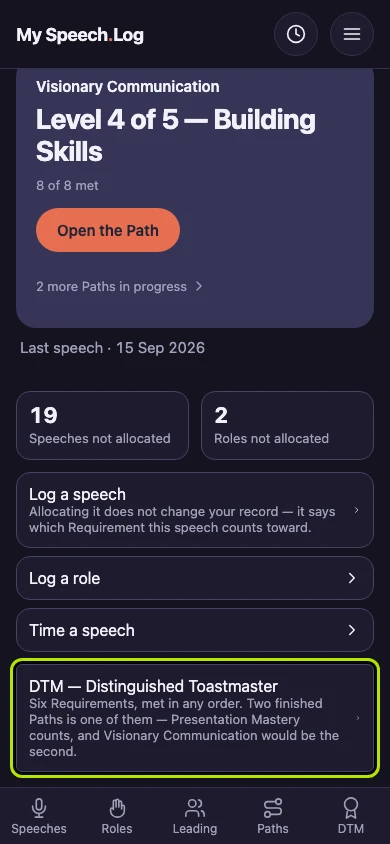
Press DTM — Distinguished Toastmaster to see the six things a DTM asks for and how far along you are. The words under the name give a short summary.


Next: Finding your Paths