Finding your Paths
My Paths is where the app keeps your Pathways record. Start here when you want to see where you are up to, or to open a Path and log against it.
5 steps
Press Paths to open My Paths. Every Path you are working on, and every Path you have finished, is listed there.
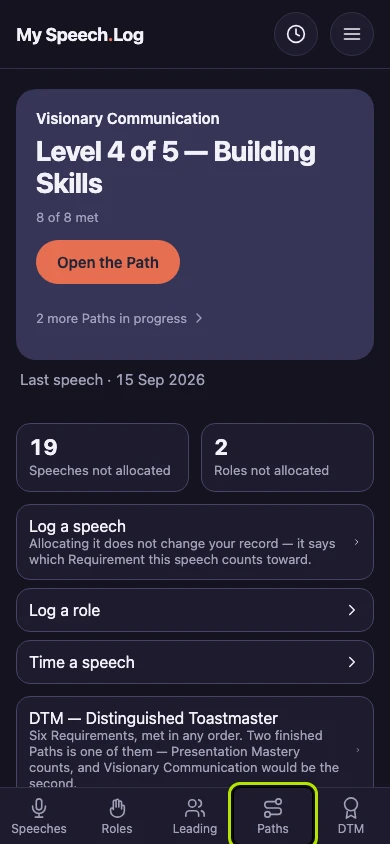
My Paths lists the Paths you are working on first, under What you are working on. The app keeps the record, and you set the pace.
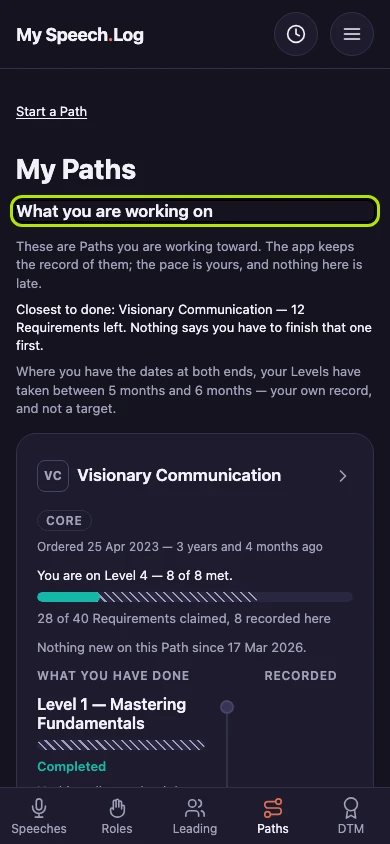
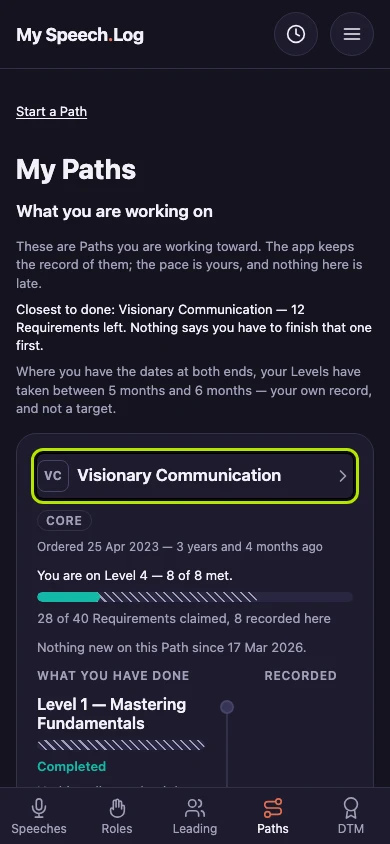
Each Path shows its name, when you ordered it and the Level you are on. Press the Path's name to open it.
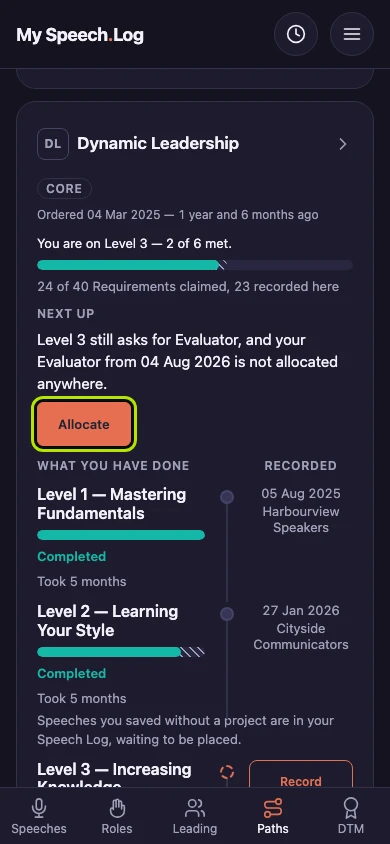
If you have logged something that a Level still asks for, the Path says so under Next up. Press Allocate to go to that Level. Allocating means saying which Level of a Path this counts toward.
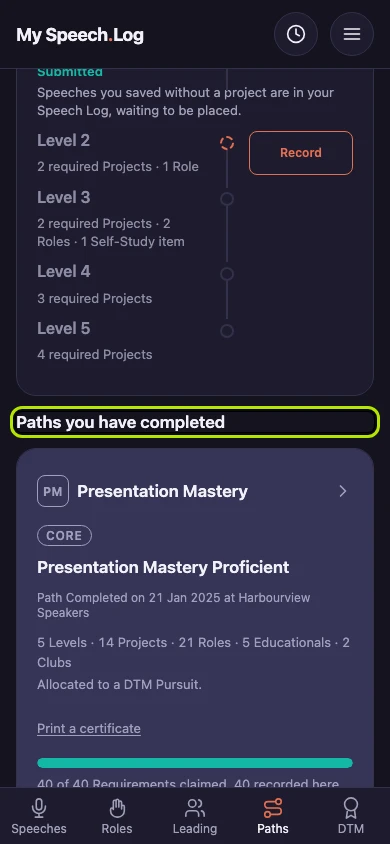
Paths you have recorded as Completed are listed under Paths you have completed. Press a Path's name to open it and read it again.


Next: Seeing a Path's Levels