Finding the timer
The timer puts the Toastmasters green, amber and red signal lights on a screen. It stands outside the rest of the app and needs no sign-in, so anybody can open it.
4 steps
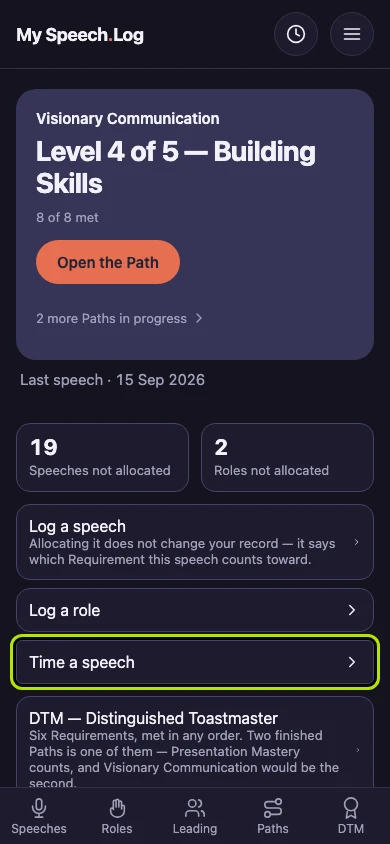
Press Time a speech on home to open the timer. You can use it to time any speech, at a meeting or on your own.
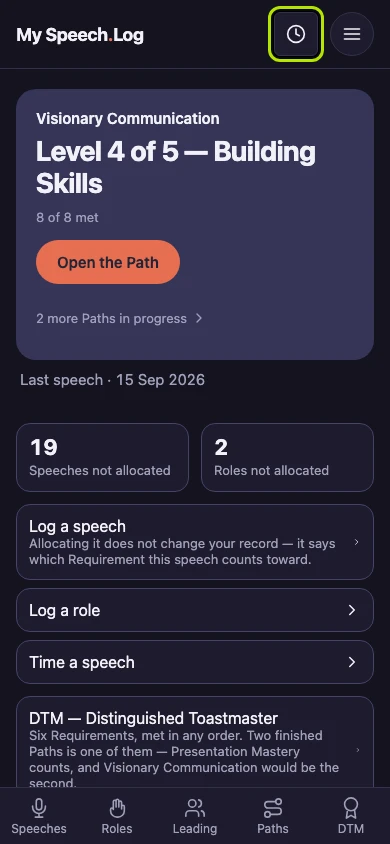
Press Speech Timer to open the timer from any screen, so you never have to go back to home first. On a phone it is a small clock; on a wider screen it is written out in full.
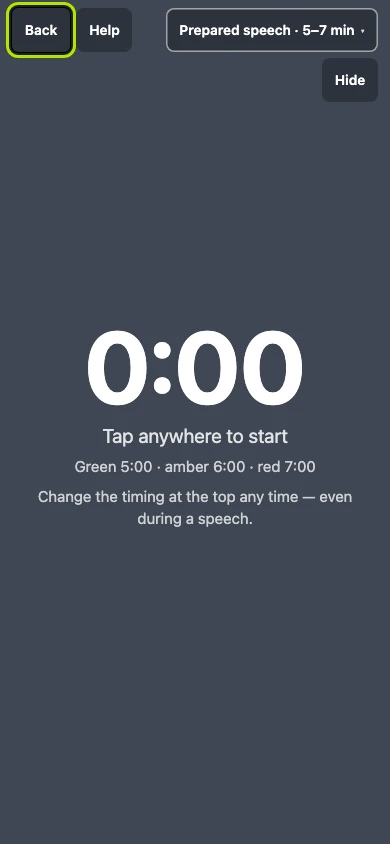
The timer stands outside the rest of the app and needs no sign-in, so anybody handed the Timer role can open the address themselves. Press Back to return to your own screens.
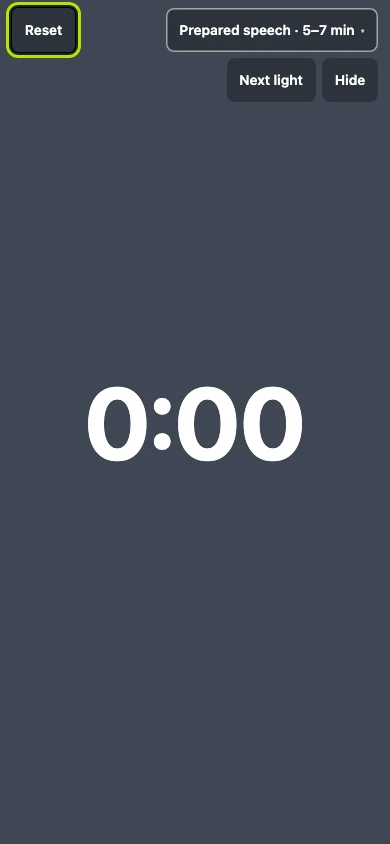
Once the clock is running, Reset stands where Back was, so nobody leaves the timer by accident during a speech. Press it to start the timing over.


Next: Choosing a timing