Choosing a timing
A timing is the two numbers the lights turn at — five to seven minutes for a prepared speech, one to two for a Table Topic. Set it before the speaker starts, and the timer remembers it on this device.
7 steps
Press the timing's name to change it: it is the button showing the timing and its minutes. The line under the clock says when each light turns, so you can check it before anybody speaks.
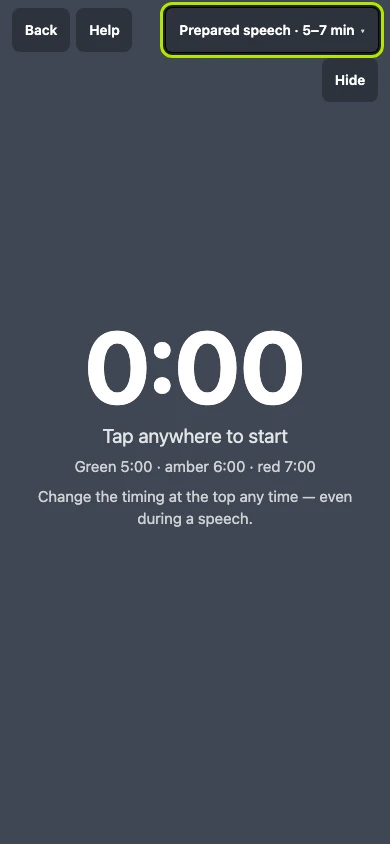
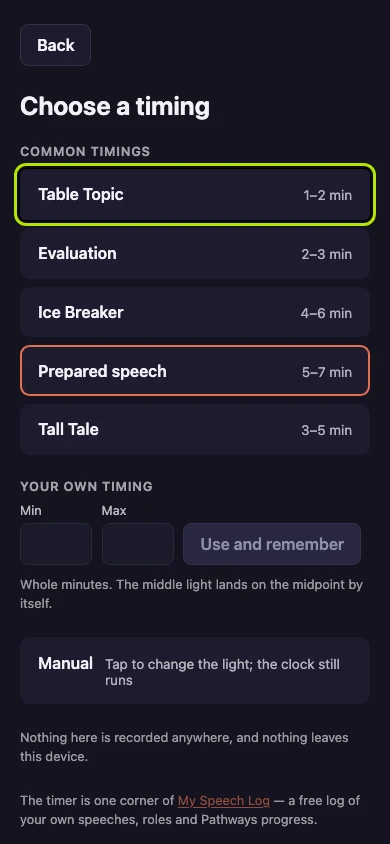
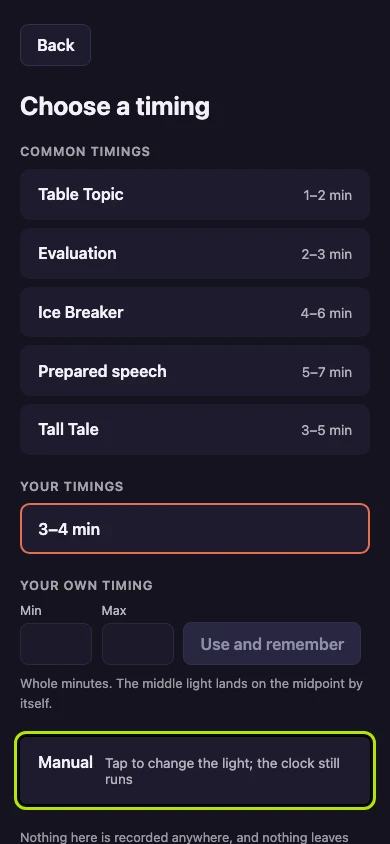
Press any of the common Toastmasters timings, such as Table Topic, to use it with its minutes. The timing you are using already has a border around it.
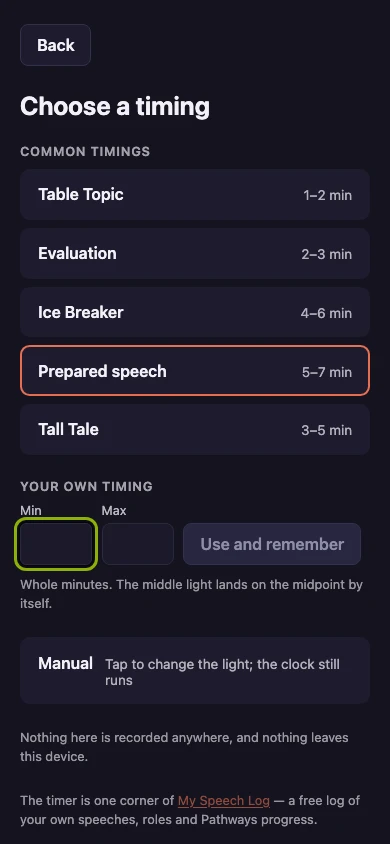
Type your own two numbers under Min and Max, in whole minutes, for a timing the common ones do not cover. The middle light lands halfway between them by itself.
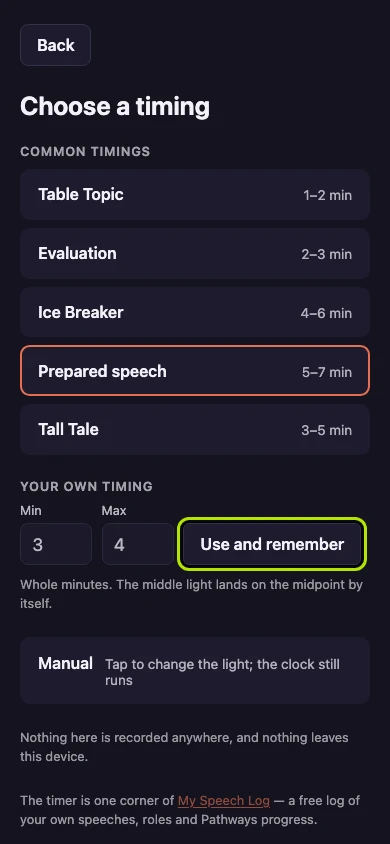
Press Use and remember to start using your timing and keep it on this device. It joins Your timings, so a club running the same agenda every week types it once.
Press the timing's name again, which now reads your own timing and its minutes. It is the timing the timer opens on next time, on this device.
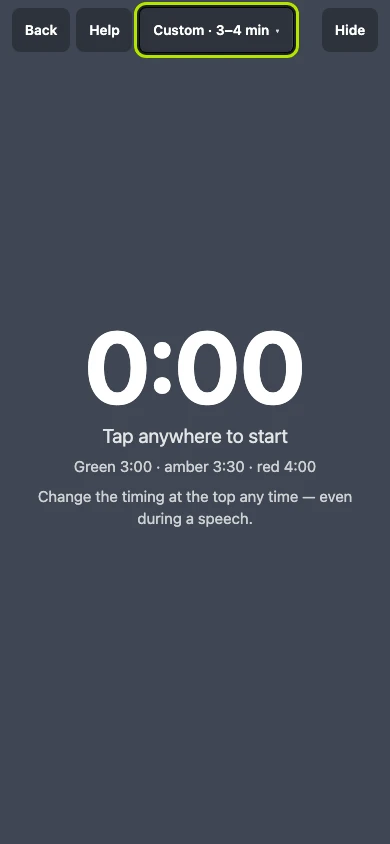
Press Manual to change the light yourself by pressing the screen. The clock still runs, so you can report how long the speech was.
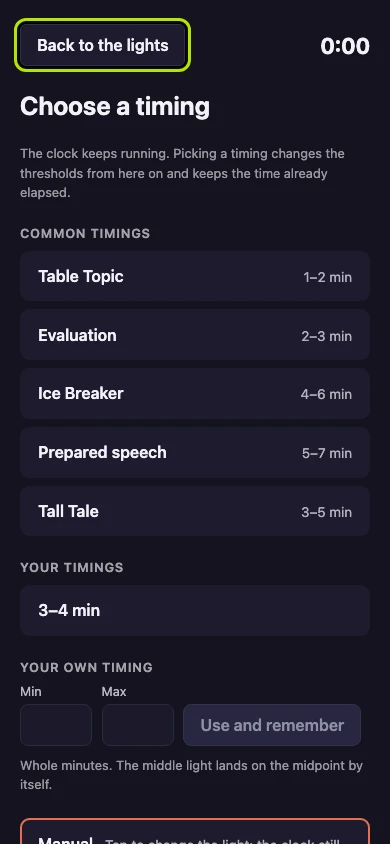
Press Back to the lights to return to the running clock. You can change the timing after the clock has started, and the time already run is kept.


Next: Starting the clock