Finding a Project in the Catalog
Every Project Toastmasters publishes sits in one list here, with the Paths and Levels that ask for it. Everything in the Catalog is Toastmasters', so a Project is here to look up rather than to record.
6 steps
Press Every Project to see all of them in one list, whichever Path they belong to.

Every Project sits in one alphabetical list, and each row says which Paths and Levels ask for it. There are fewer here than the Catalog counts, because Projects only a retired Path asks for start hidden.

Type into Search for a Project to narrow the list by any part of a name. The line under the box counts what matched.

Type more and the list narrows as you go, matching anywhere in a name. Empty the box to bring every Project back.

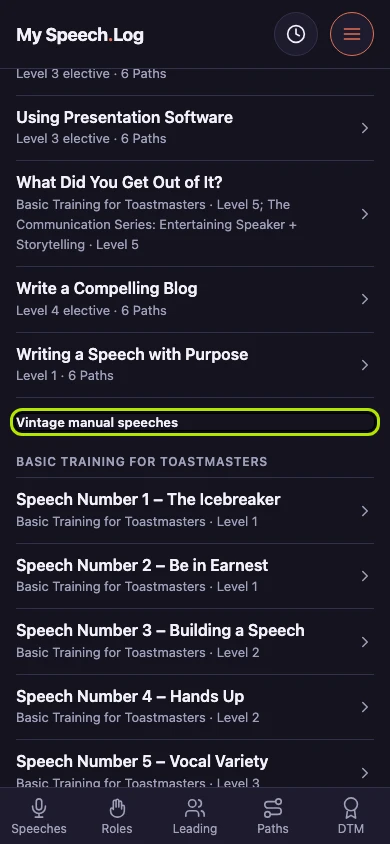
Vintage manual speeches sit under their own manual at the foot of the list, rather than scattered through the alphabet by number.
Press Back to the Catalog to go back to the page you opened this one from. Looking through the Projects never costs you your place.