Finding a Path in the Catalog
The Catalog is Toastmasters' own material — every Path and every Project — and it holds none of your record. Come here to read what a Path asks for before you decide to start one.
6 steps
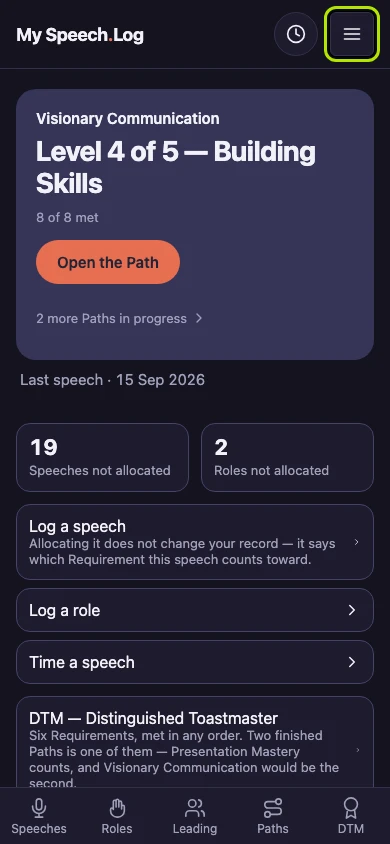
Press Menu — the button with three lines. You can open it from any screen.
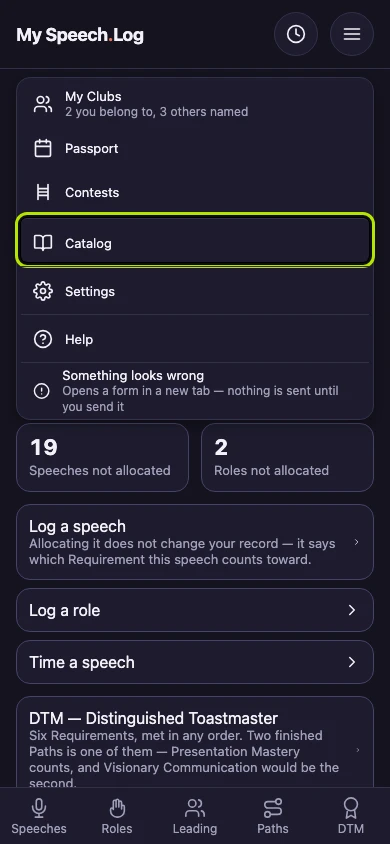
Press Catalog to open Toastmasters' own list of Paths and Projects. Nothing in it belongs to your record — it is there to read.
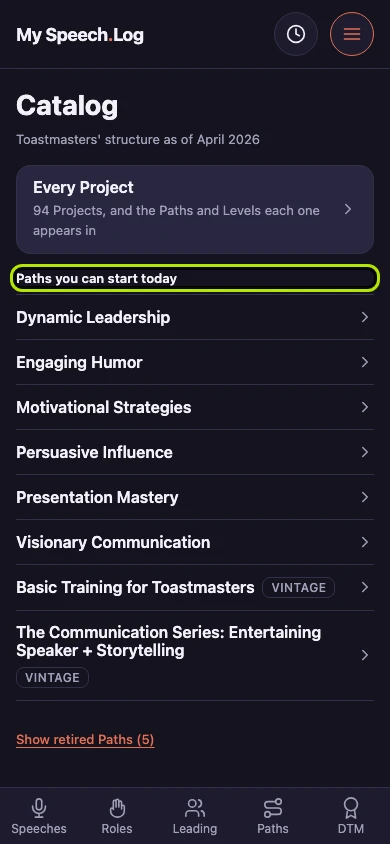
This is Toastmasters' structure, as this app has it. The line under the title says which revision of Pathways these Paths come from.
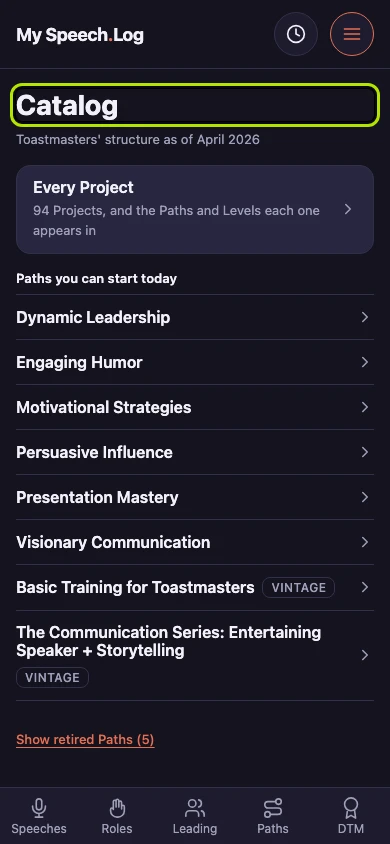
Paths you can start today lists every Path you could choose now. The core Paths come first, then two built from older manuals and marked Vintage.
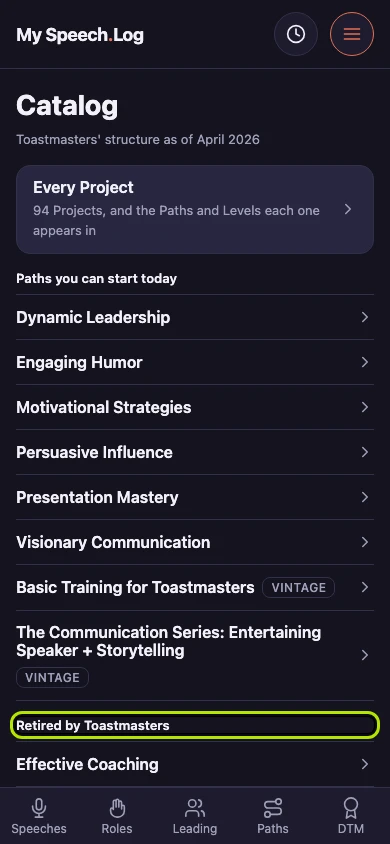
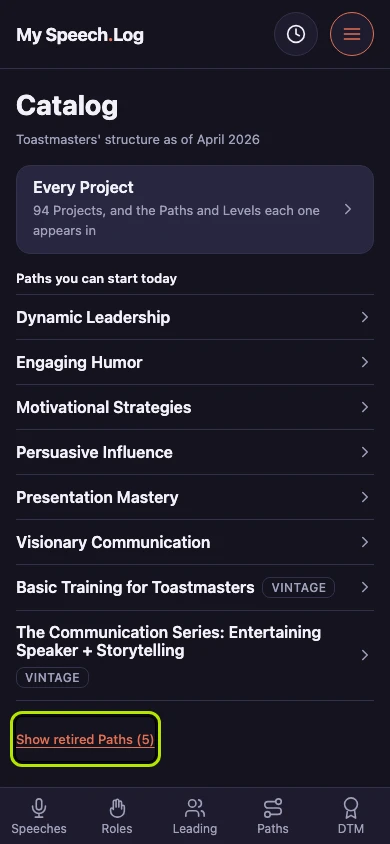
Press Show retired Paths to read the Paths Toastmasters has withdrawn. A Path you finished on one of them is still yours.
The retired Paths sit under their own heading, Retired by Toastmasters. Open one and it reads exactly like any other Path.