Deleting a term
Deleting removes a term from your record for good. It is for a term you recorded by mistake; to correct the office or the dates, change it instead.
4 steps
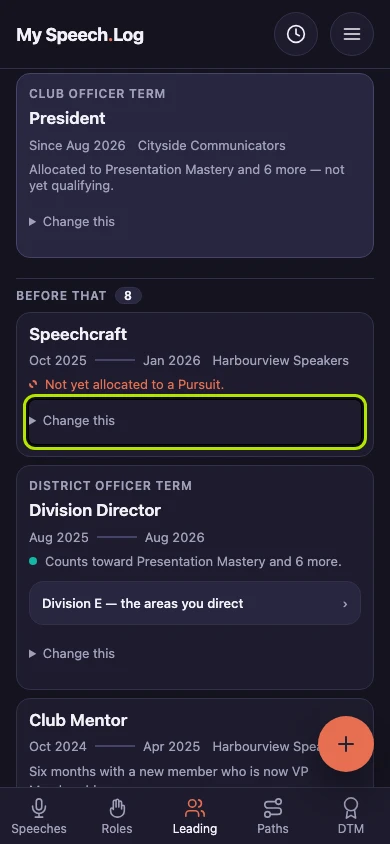
Press Leading, find the term you want to delete, and press Change this on it. It opens a small form. A term is a stretch of leadership or service — an office you held, a club you coached.
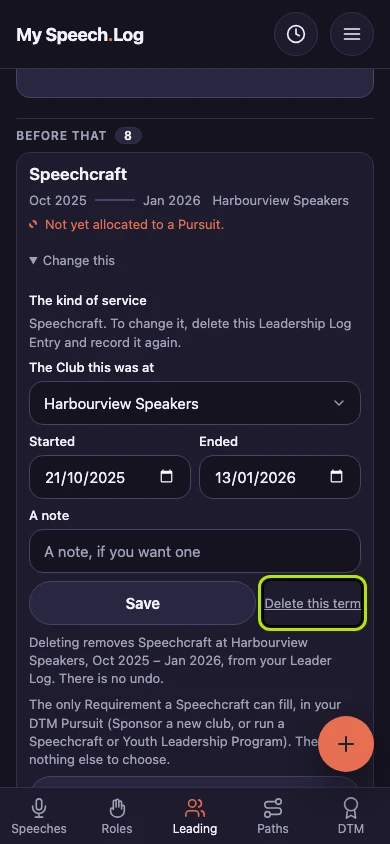
Read the line that starts Deleting removes — it names the term and its dates. Press Delete this term only if you are sure. The term is deleted at once, and this cannot be undone.
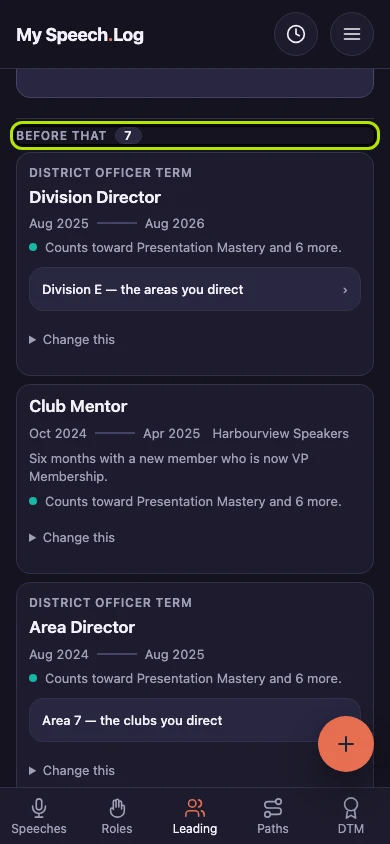
The term is gone from your Leader Log, and the number beside Before that is one lower. Everything else you have recorded is unchanged.
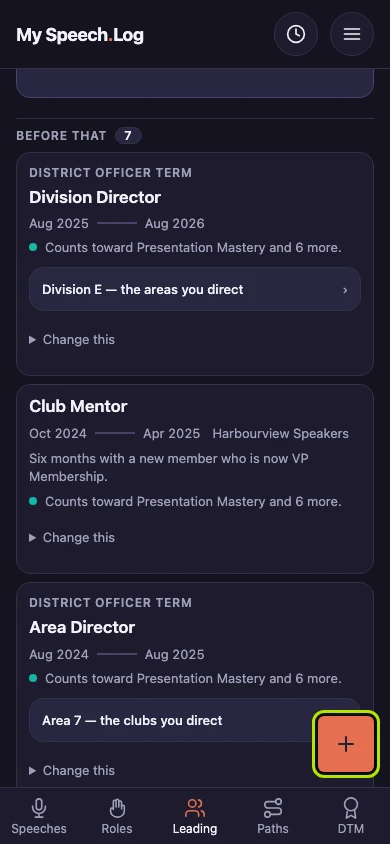
Press the round + button if you deleted a term by mistake. You will need to enter it again from the start, because the app does not keep a deleted term.


Next: Changing a term