Deleting a Path
Deleting removes a whole Path record — the Path, its five Levels and any notes you wrote on it. Your speeches and roles stay logged; only what they counted toward goes.
4 steps
Press Paths to open My Paths.
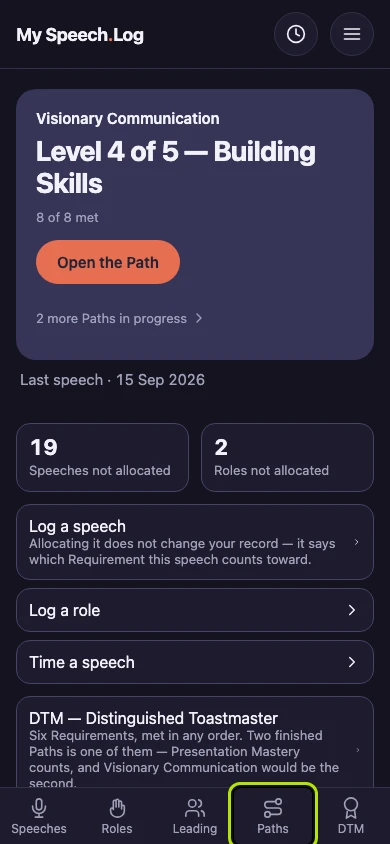
Scroll down to Paths you have completed and press the Path's name. Only a Path you have recorded as Completed can be removed this way.
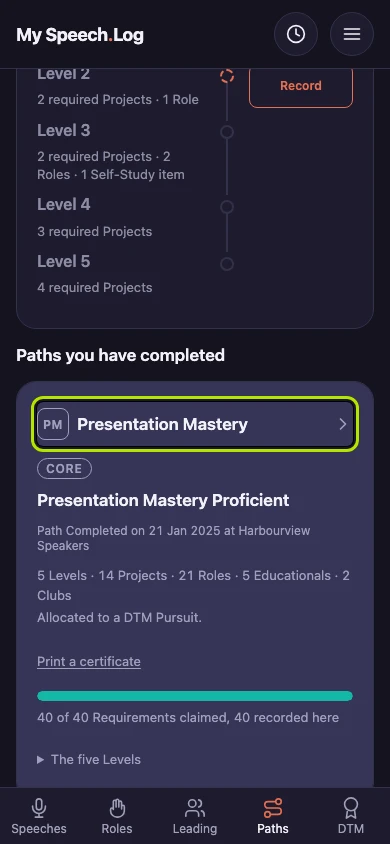
Press Recorded this Path by mistake? to open it. The text above Remove this whole Path record says what is removed. Your speeches and roles stay logged, but notes you wrote on this Path are removed with it.
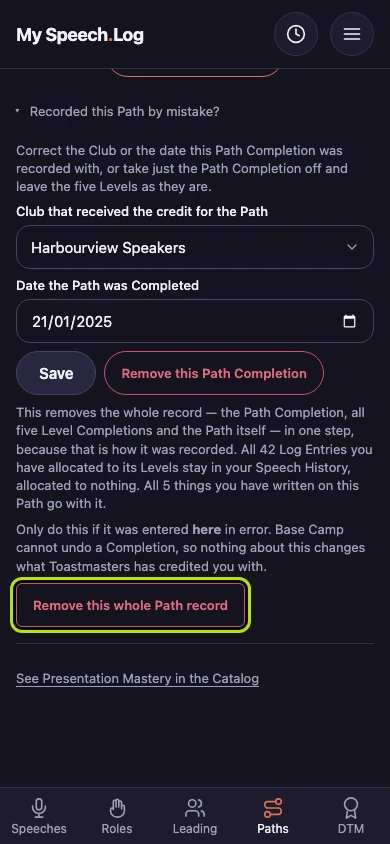
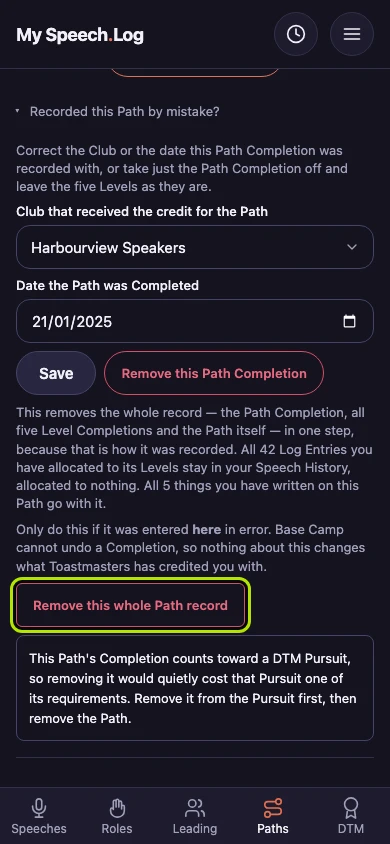
Press Remove this whole Path record. If the Path counts toward a DTM, the app stops and tells you. Take the Path off the DTM first, then come back and remove it.


Next: Starting a Path