Filling a Level's Requirement from what you have logged
Allocating means saying which Level of a Path something counts toward. Do it from inside the Level when you want to log a speech or a role and have it count in one go.
5 steps
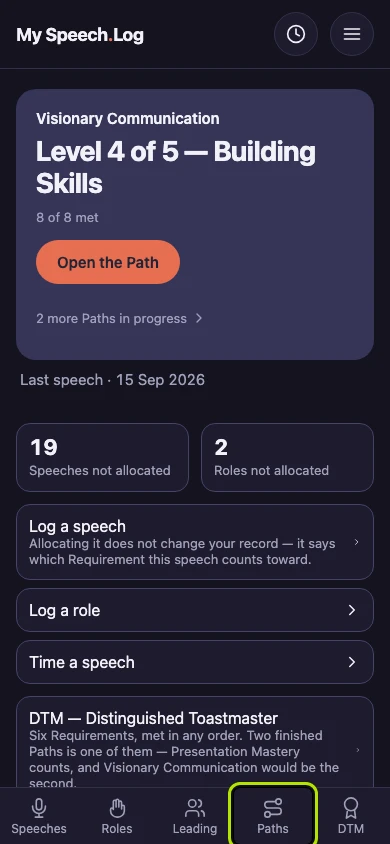
Press Paths to open My Paths.
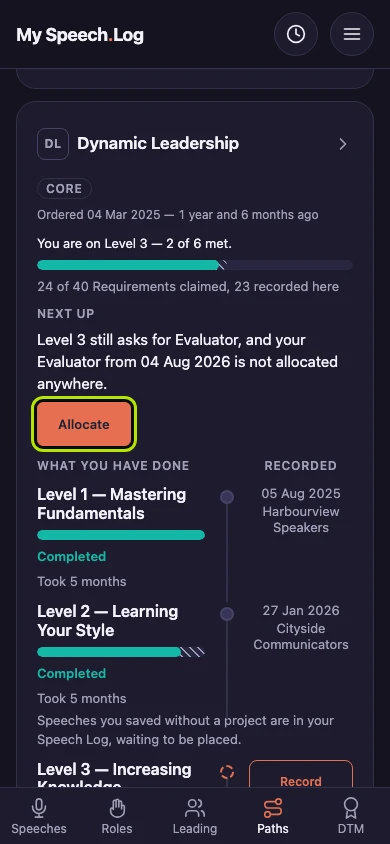
Press Allocate where a Path says you have logged something its Level still asks for. Allocating means saying which Level of a Path this counts toward. You can also open the Path and find the Level yourself.
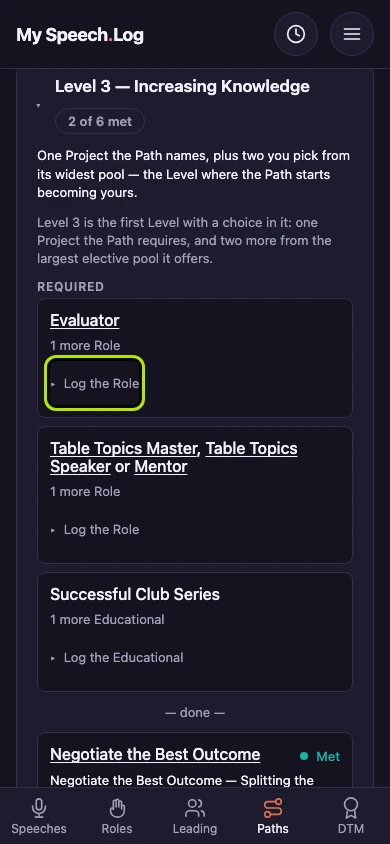
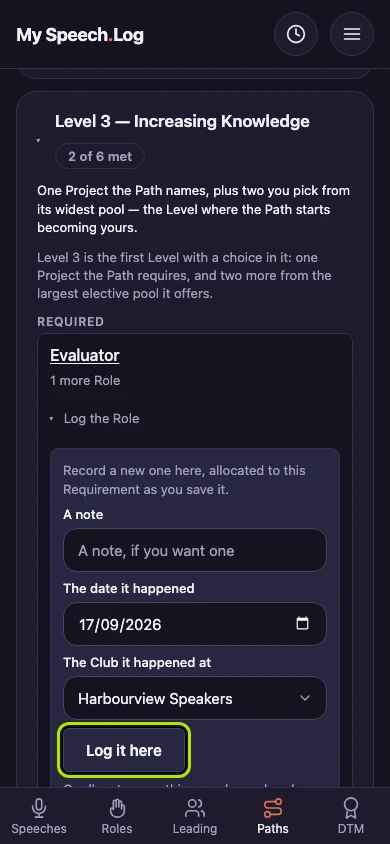
Find a Requirement that still needs something. A Requirement is one of the things the Level asks for. Press Log the Role under it to open a small form — for a speech it says Log the Speech.
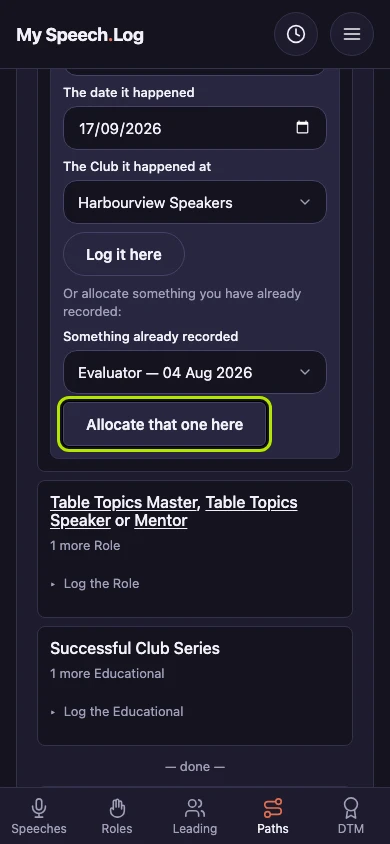
Fill in the date and the Club, and a note if you like. Press Log it here. The Role is logged and allocated to this Requirement at the same time.
Use Something already recorded instead if you logged it earlier. Choose it from the list, then press Allocate that one here. The list only shows things this Requirement can use.