Choosing an appearance
The app is drawn dark or light, and this is where you choose. There is no third choice: the app does not follow your phone's or your computer's own setting.
4 steps
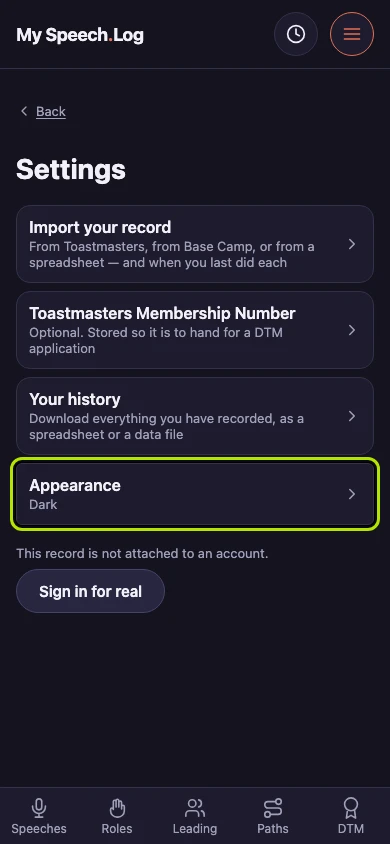
Press Appearance to change between the dark app and the light one. The row says which you are in now, so you can check without opening it.
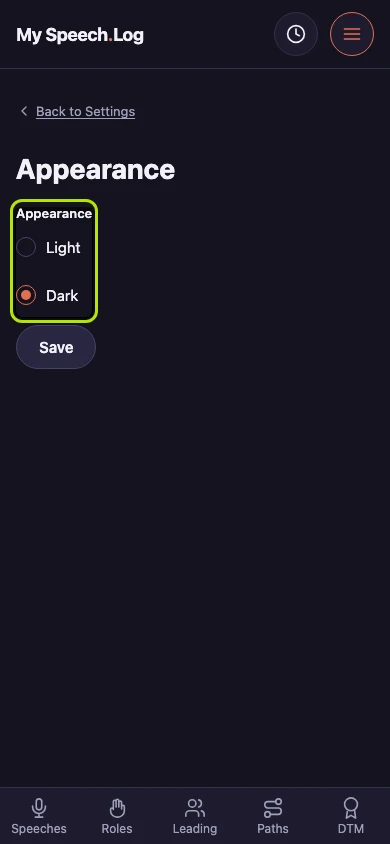
Choose Dark or Light. There is no third choice: the app does not follow your phone's or your computer's own setting.
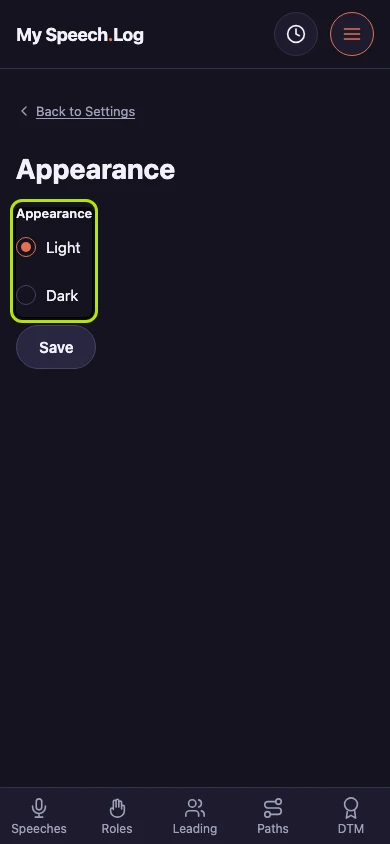
Choosing moves the dot and does nothing else yet. The app is still drawn in the appearance you arrived in.
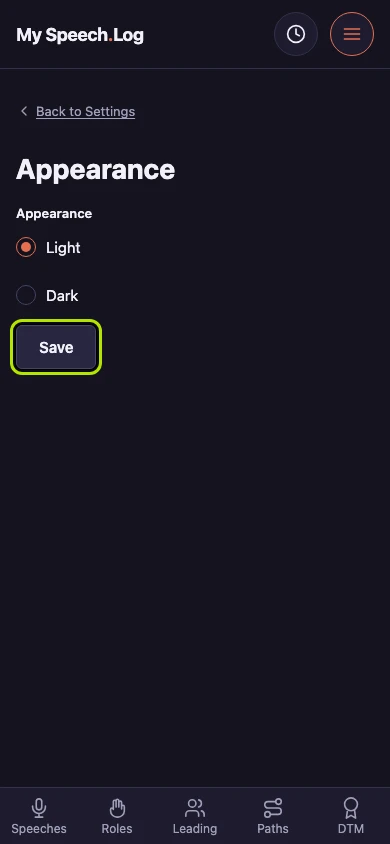
Press Save to keep your choice. The app is redrawn straight away, and your choice is remembered on this device and on the next one you sign in on.


Next: Exporting your history