Exporting your history
Exporting gives you a copy of everything you have recorded, to keep somewhere that does not need this app. It comes as the spreadsheet or the data file; both hold the same record, only the shape differs.
4 steps
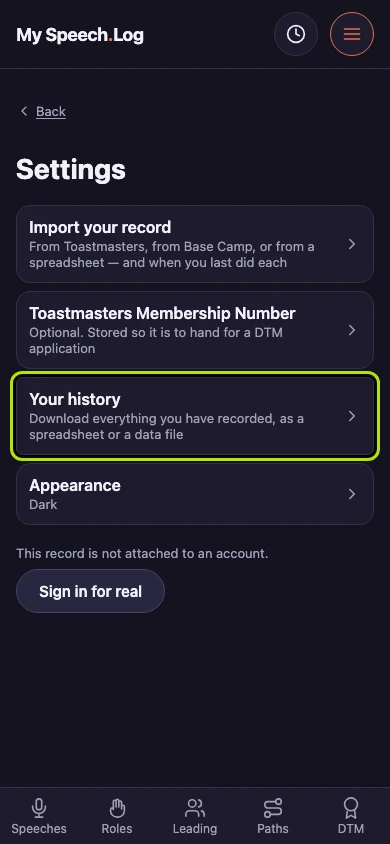
Press Your history to download everything you have recorded. The row says what is behind it before you open it.
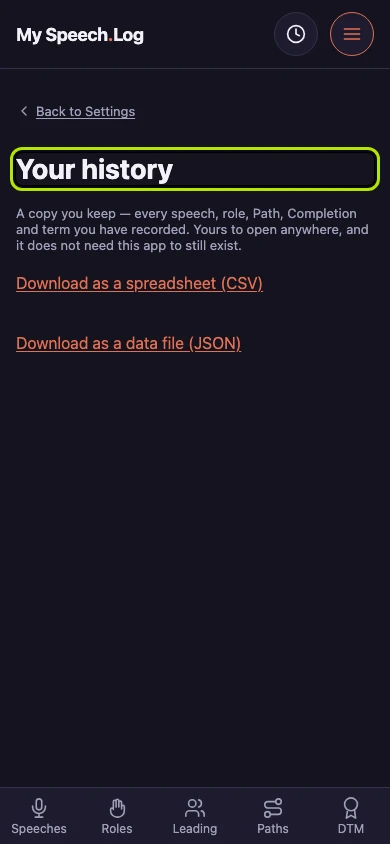
This screen gives you a copy of your record to keep, one that does not need this app to still exist.
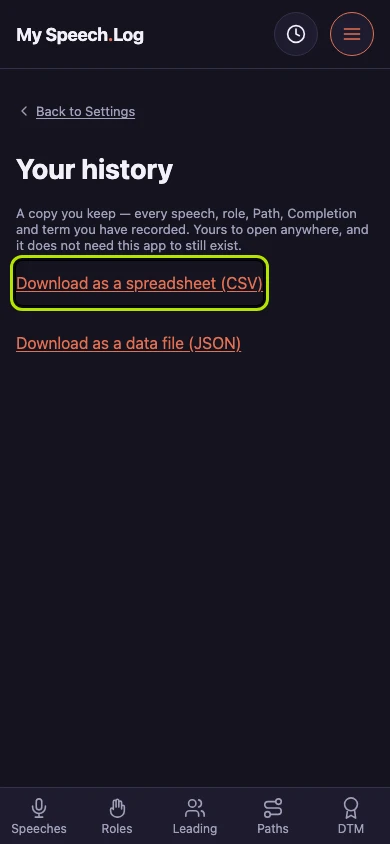
Press Download as a spreadsheet (CSV) if you want to read or sort your record yourself. The download starts and you stay on this screen.
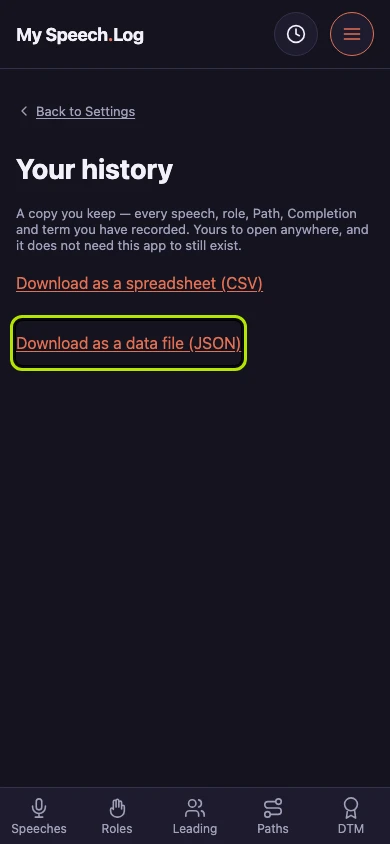
Press Download as a data file (JSON) instead if you are moving your history into another program. Both files hold the same record; only the shape differs.