Starting the clock
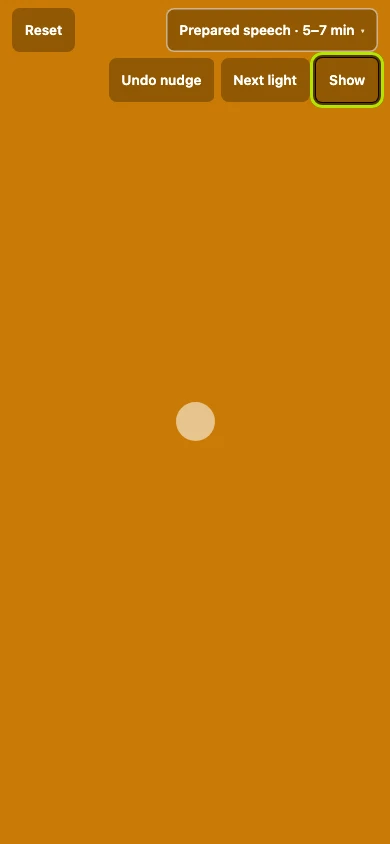
Once the clock runs, the screen is the light: green at the minimum, amber in the middle, red at the maximum, big enough to read from the back of the room. It is what you watch while somebody speaks.
7 steps
Press anywhere on the screen to start the clock. Before the speech the screen is grey, and the two lines under the time say what the lights will do.
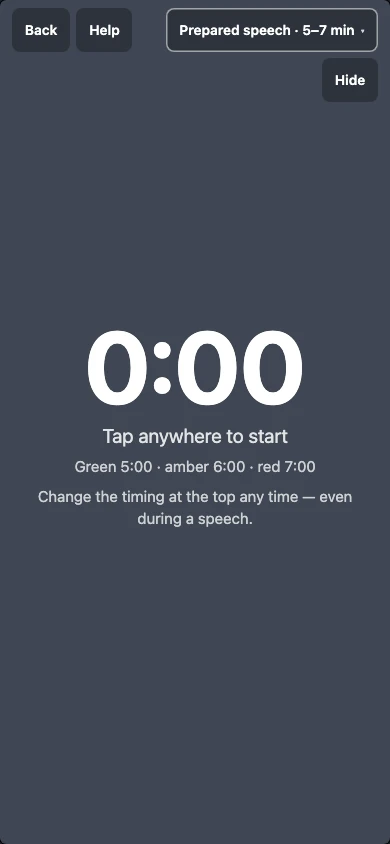
Press Next light to raise the light before its time. Once the clock runs the screen is the light itself, grey until the minimum, and Reset goes back to the start after a false start.
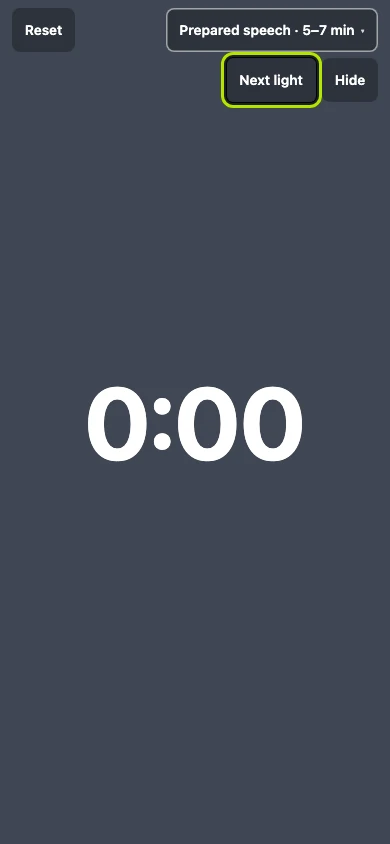
Press it again for amber. Green means the speaker has reached the minimum; here you raised it early, and the lights also turn by themselves at the timing's own times.
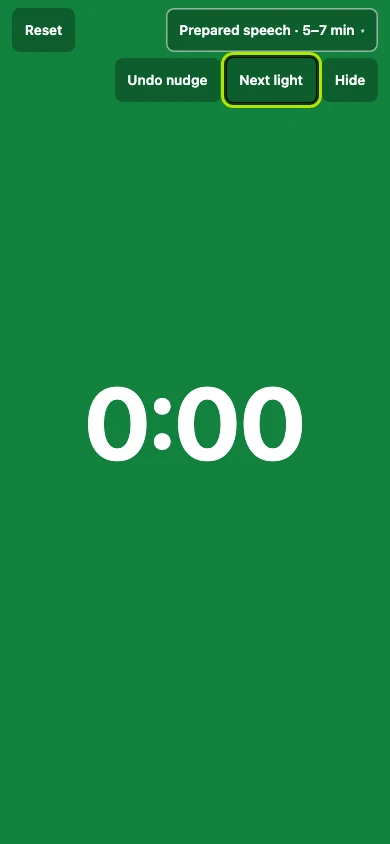
Press it once more for red. Amber is the middle of the timing, raised early here, and it fills the whole screen so the speaker reads it from the back of the room.
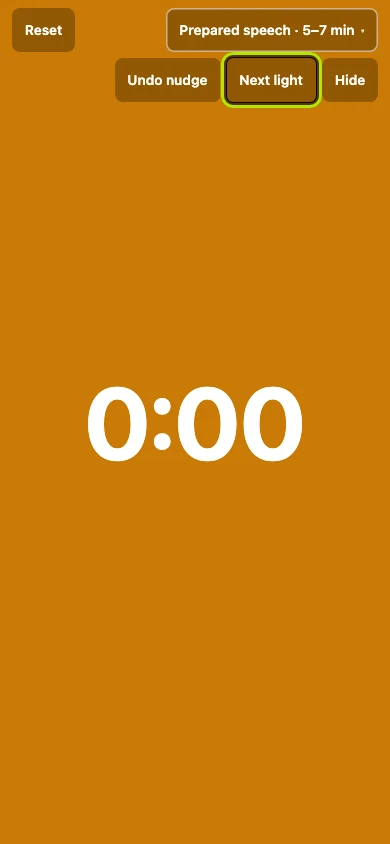
Press Undo nudge to take back one early light, so a press in the wrong place costs one light and not the run. Red is the maximum, and it stays solid while the clock counts on.
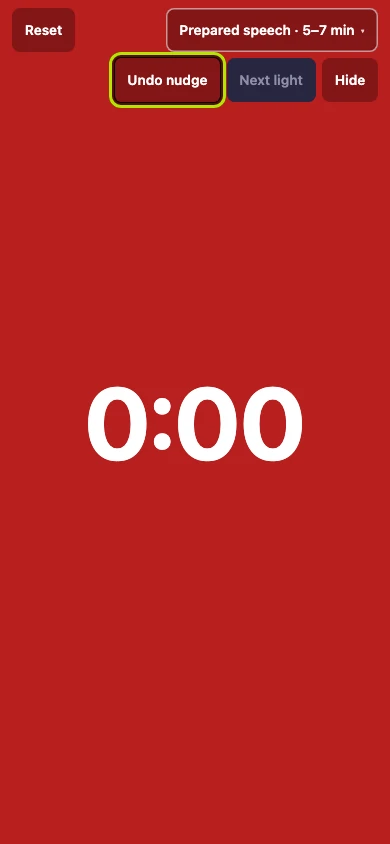
Press Hide to take the digits away, for a speaker who should be reading the room rather than a number. The lights go on doing their whole job.
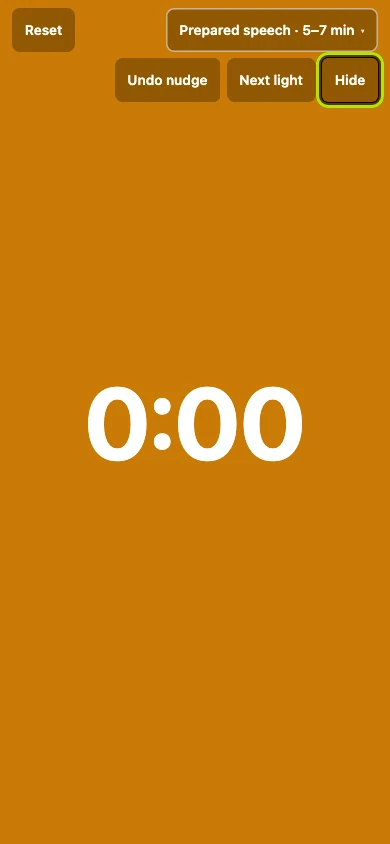
Press Show to bring the time back at any point, so hiding it costs you no part of your report. While it is hidden, a pulse where the digits were says the clock is still running.