Changing which Clubs are yours
Which Clubs are yours decides only which ones the app offers you first. Come here when you join a club, leave one, or want an old Club out of the way — everything recorded at it stays.
5 steps
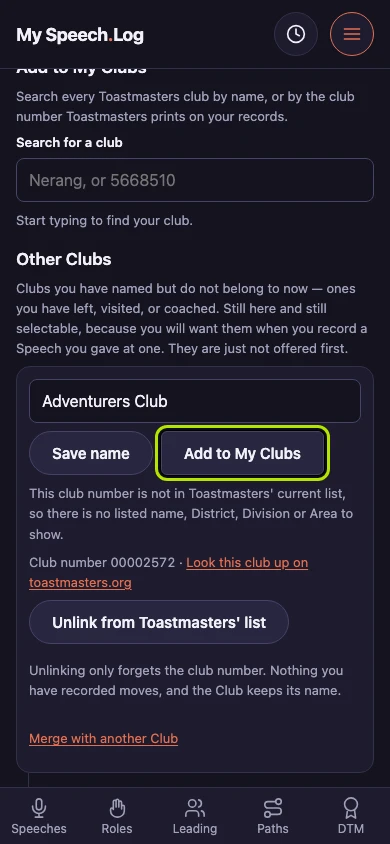
Press Add to My Clubs on a Club you have gone back to. My Clubs is about which Clubs the app offers you first, and nothing else.
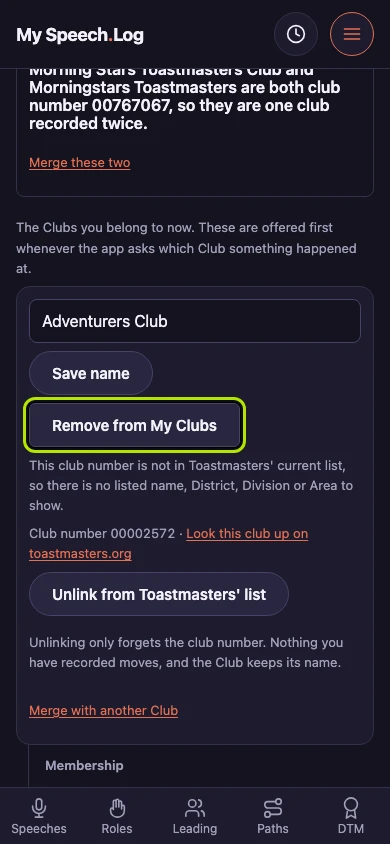
Press Remove from My Clubs to move one out again. The Club keeps everything it holds: it drops to Other Clubs and stays there to choose for every speech you gave at it.
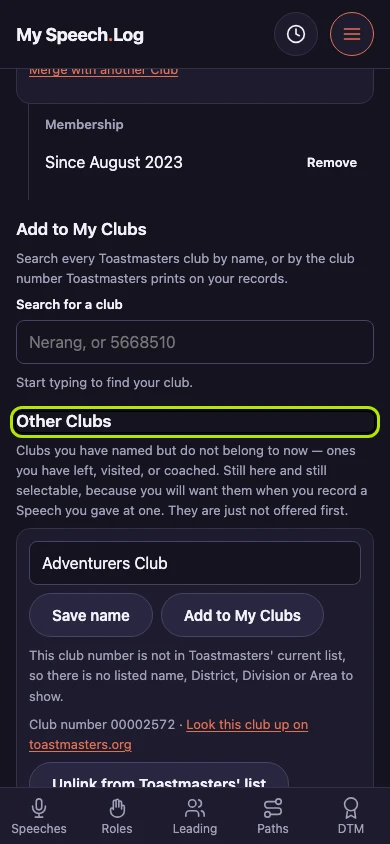
The Club is back under Other Clubs with everything it held. Everything recorded at it stayed where it was, and you can press either button as often as you like.
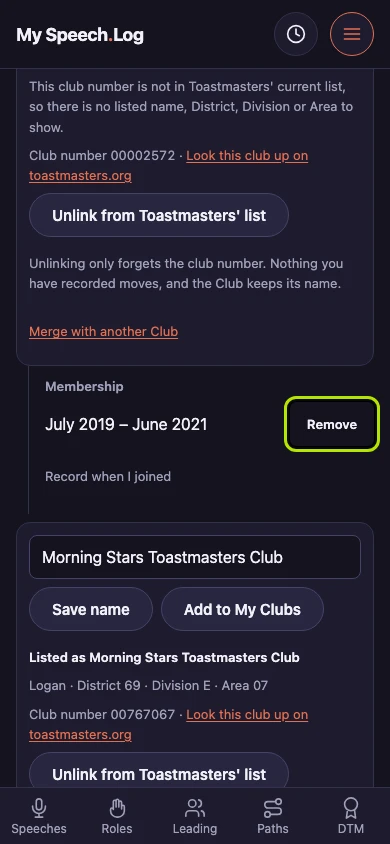
Press Remove to take off the dates you belonged to this Club. They are the last record of yours naming it, and the app offers to delete a Club only once nothing names it.
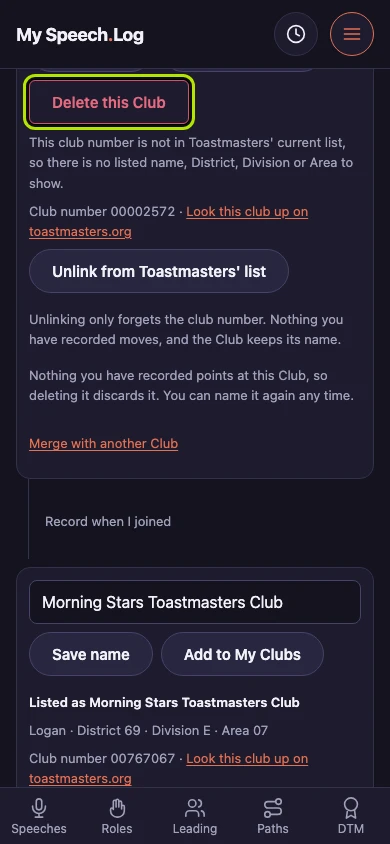
Press Delete this Club to discard it. A Club nothing of yours names is offered outright deletion rather than kept under Other Clubs, and you can name it again at any time.