Changing a Visit
A Visit can be corrected after you record it: its club, its date, its reasons and its note. Come here when the evening you recorded was not the evening you were at.
5 steps
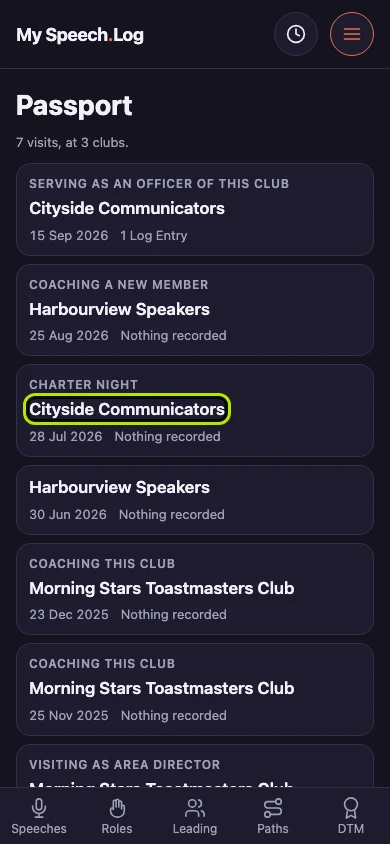
Open the Visit you want to correct. The form that recorded it is the form that changes it.
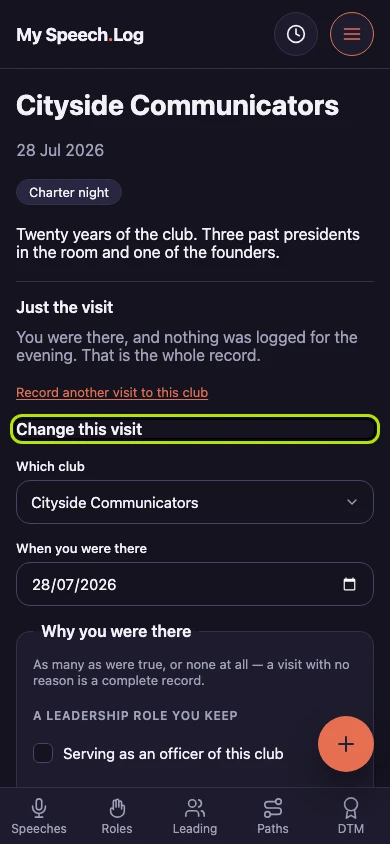
Change this visit takes everything a Visit holds — the club, the date, the reasons and the note. Scroll down past the evening to reach it.
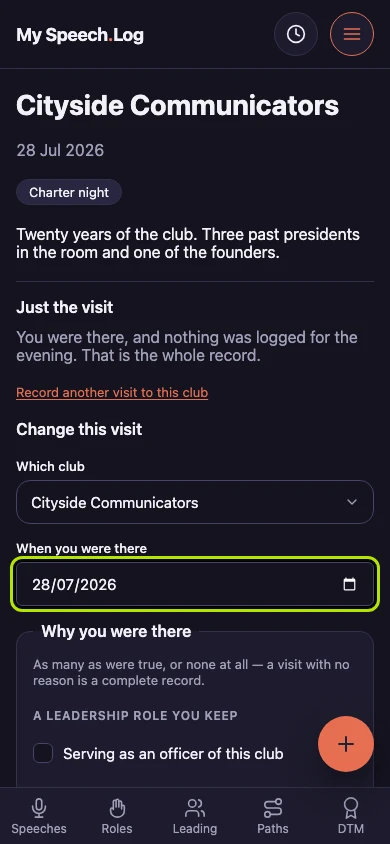
Type a different date under When you were there and the evening follows it. A Visit shows whatever now shares its club and date, so your speeches and roles stay where they are.
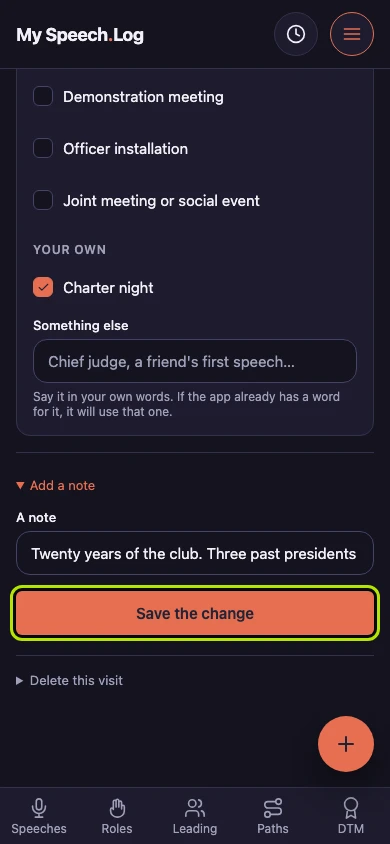
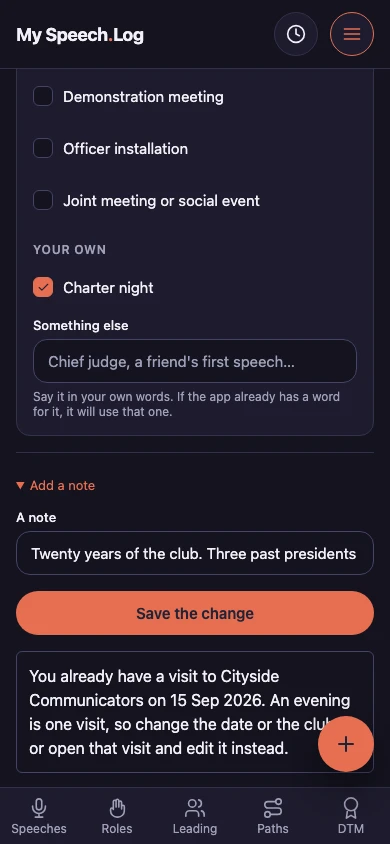
Press Save the change. An evening is one Visit at one club, and the app holds your record to that however you edit it.
You already have a Visit at that club that evening, so the app keeps them both as they are. Pick a different date or club here, or go and edit the Visit you have.


Next: Deleting a Visit