Deleting a Visit
Deleting removes a Visit from your Passport for good. The speeches and roles you logged that evening stay where they are; to fix a detail, change the Visit instead.
4 steps
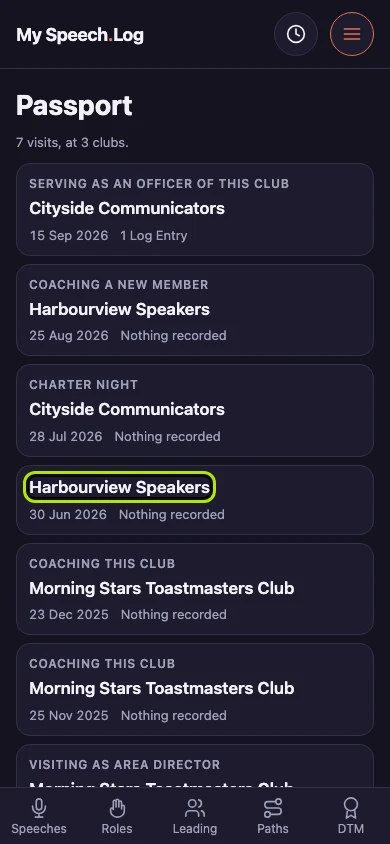
Open the Visit you want to remove. Deleting is on the Visit itself rather than on the list, so pressing a row only opens it.
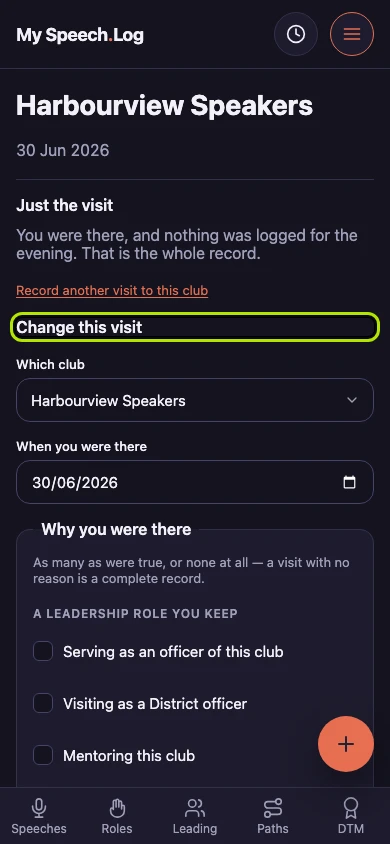
Change this visit holds everything that changes a Visit. Delete this visit is below it, and it opens to say what deleting does before you can do it.
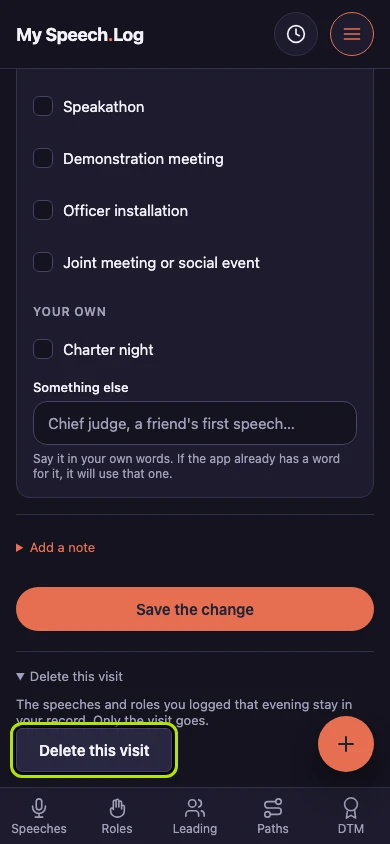
Press Delete this visit to remove it. Opening it says first what it does: the Visit goes, and the speeches and roles you logged that evening stay exactly where they are.
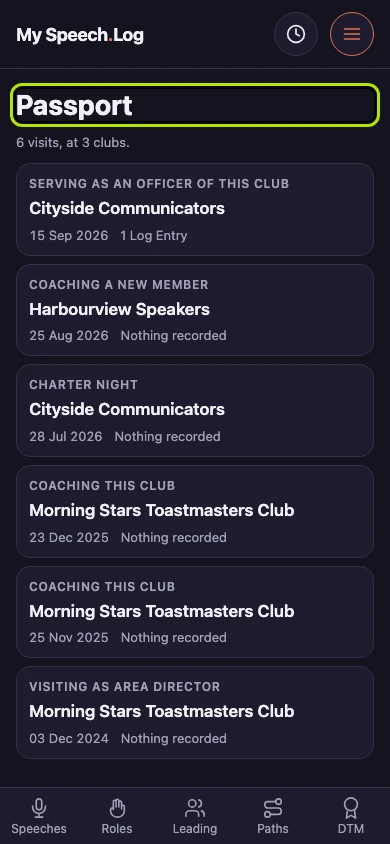
You land back on your Passport with the Visit gone, and the line under the heading counts one fewer. The speeches and roles you logged that evening are where they were.