Changing a speech
Everything you recorded about a speech can be changed afterwards — its title, its date, its Club, its note. Come here when something you put in was wrong, or when you know more than you did.
6 steps
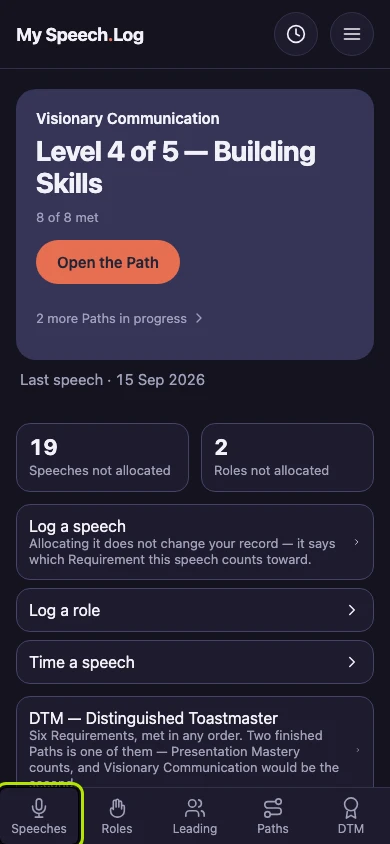
Press Speeches to open your Speech Log.
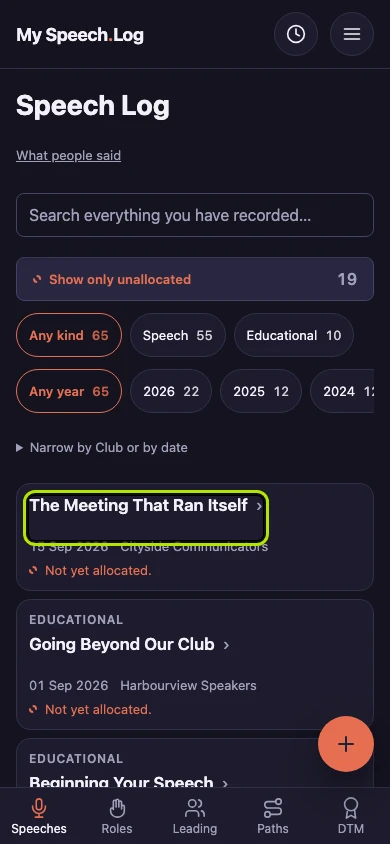
Press the title of the speech you want to change.
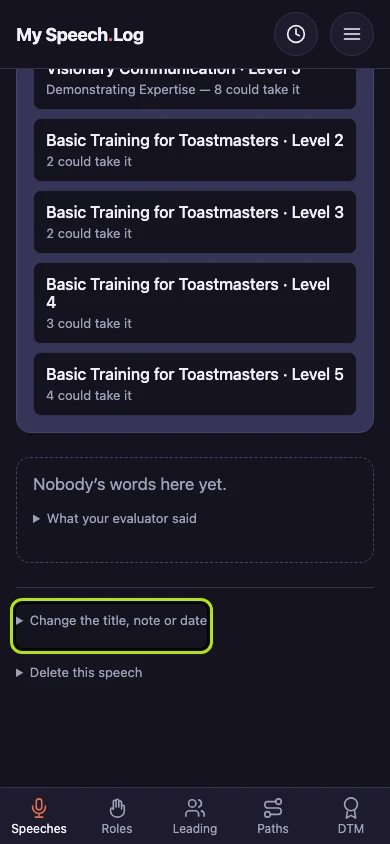
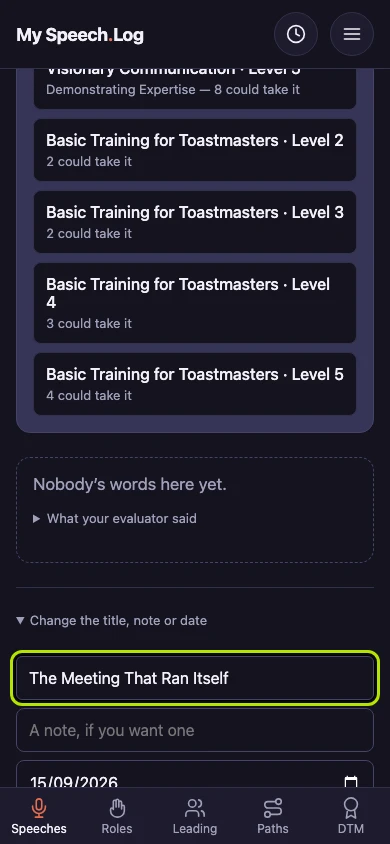
Scroll down past everything else and press Change the title, note or date. It opens a small form.
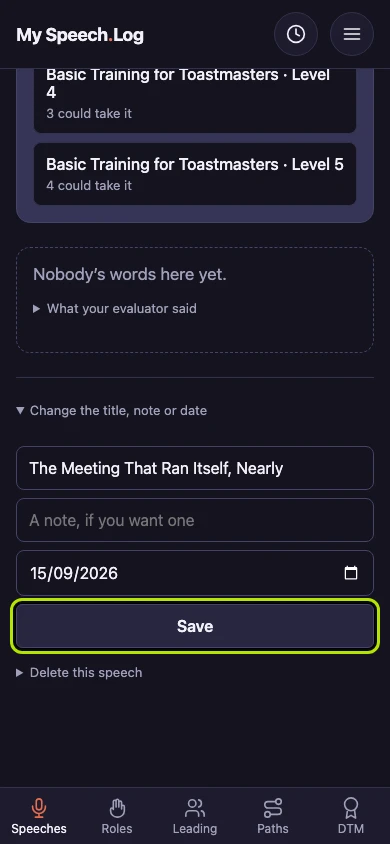
Type the new title. The speech shows its new title everywhere, including on the Level it counts toward.
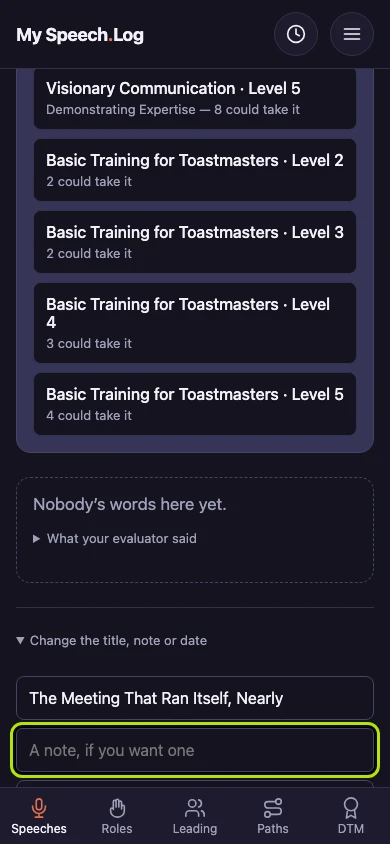
Type a note if you want one, and fix the date under it if it is wrong. Notes are searchable, so a few words about the day make this speech easier to find later.
Press Save. You can always change a speech's title, note and date, even after its Level is Completed.